Best No-Code App Builders 2026: How to Create Mobile & Web Apps that work
Who could imagine that the core of programming — coding skills — will no longer be needed to create functional apps? Pro developers have leveled the playing field, giving everyone access to seamless no-code app builders. In this guide, we provide a detailed insight into the best no-code apps, compare key-features and limitations to help you choose the right builder.
What is a No-Code App Builder?
A no-code app builder is a software platform enabling users to create applications (web or mobile) by using a simple drag-and-drop interface instead of traditional programming languages like JavaScript, Python, etc. Non-technical users can launch apps in days, prototyping and development is rapid, and graphical user interfaces (GUIs) provide a fast learning curve in comparison to command-line interfaces (CLIs).
At their core, no-code builders consist of three interconnected layers:
- a visual interface designer;
- a database or data management layer;
- a workflow engine for automating business logic.
Who Can Use No-Code Platforms
No-code platforms are a saving grace for a broad audience of non-technical users who can understand visual editors in no time. Additionally, these tools help lower business expenses: you can skip hiring specialized software development teams.
Citizen developers, entrepreneurs, and creative individuals can utilize the power of no-code builders to create custom CRM systems, mobile apps, inventory trackers, employee portals, or Minimum Viable Product (MVP) to test ideas before full launch. These apps are helpful in automating workflow: data collection, email automation, and other routine tasks can be "outsourced," and you can utilize free time to focus on essential tasks that need creative approach. This is why experienced developers also use no-code platforms strategically to accelerate project timelines.
Top No-Code App Builders Compared
Being a lucrative niche, the no-code market has expanded rapidly, and boasts numerous feature-rich platforms to choose from. Each of them targets slightly different use cases. When choosing a no-code builder, you must prioritize your project's needs: is it the available AI features, a built-in CMS, number of free features, or custom code? To make it easier for you, we have compared the most prominent platforms, including Bubble, Webflow, Glide, and Adalo.
Platform Features Overview
Before we get into the details of each software, check out the feature comparison table of the leading no-code platforms:
| Feature | Bubble | Webflow | Glide | Adalo |
|---|---|---|---|---|
| Visual Editor | Advanced | Advanced | Basic | Advanced |
| CMS Built-in | Native | Limited | Limited | |
| CRM Integrations | Zapier/API | Zapier | Zapier | Zapier/API |
| Free Tier | (limited) | (limited) | (limited) | |
| Mobile App | Native (beta) | Web only | PWA only | Native |
| AI Features | AI workflows | AI tools | AI columns | Limited |
| Custom Code | JS plugins | Custom code |
Visual Development Interface
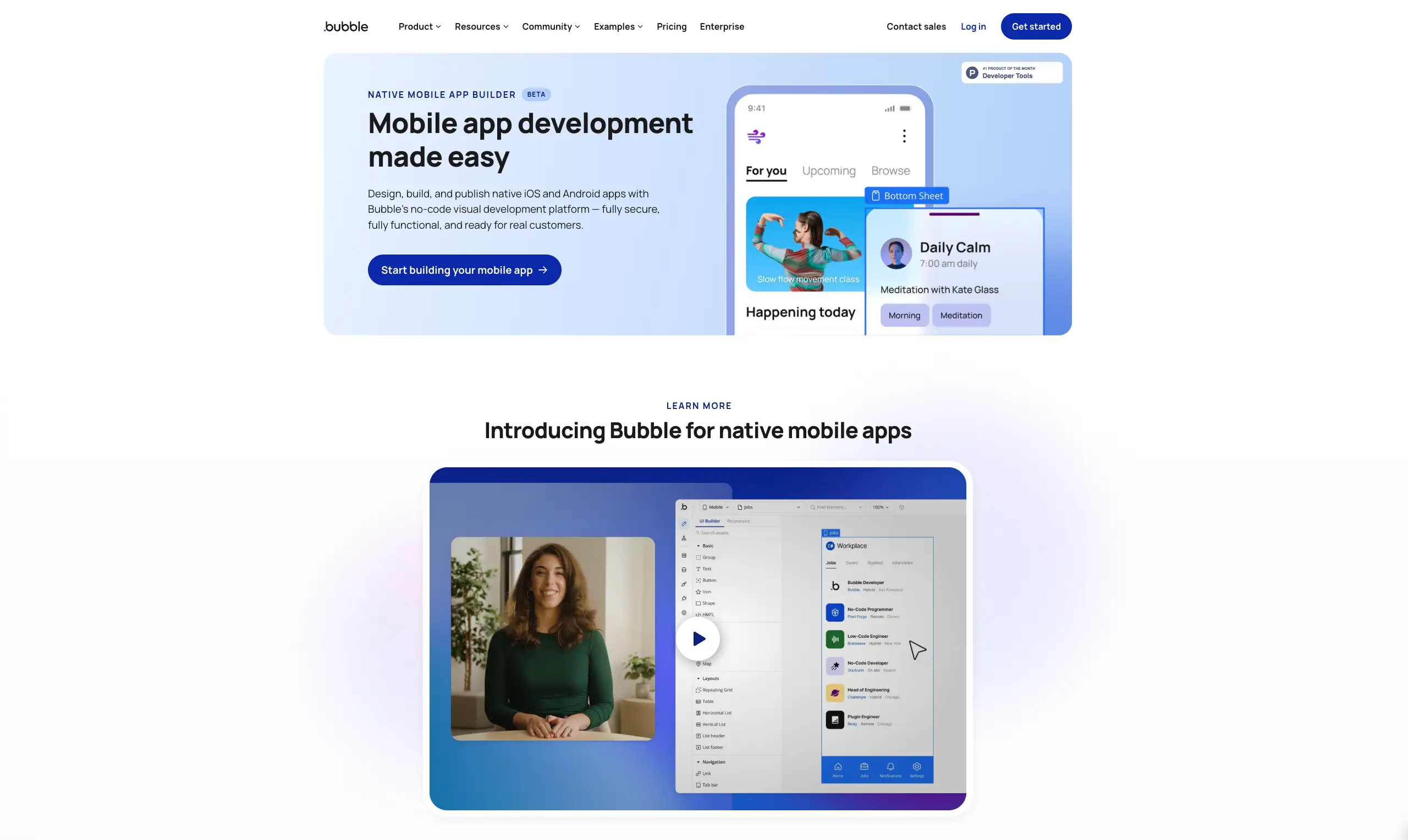
This feature is arguably the most important factor in any no-code platform's usability. Bubble (opens new window) offers a drag-and-drop editor and AI Agent allowing users to position every element on a page with pixel-level precision. Its learning curve is steeper than most competitors, but the resulting applications can be extraordinarily complex.
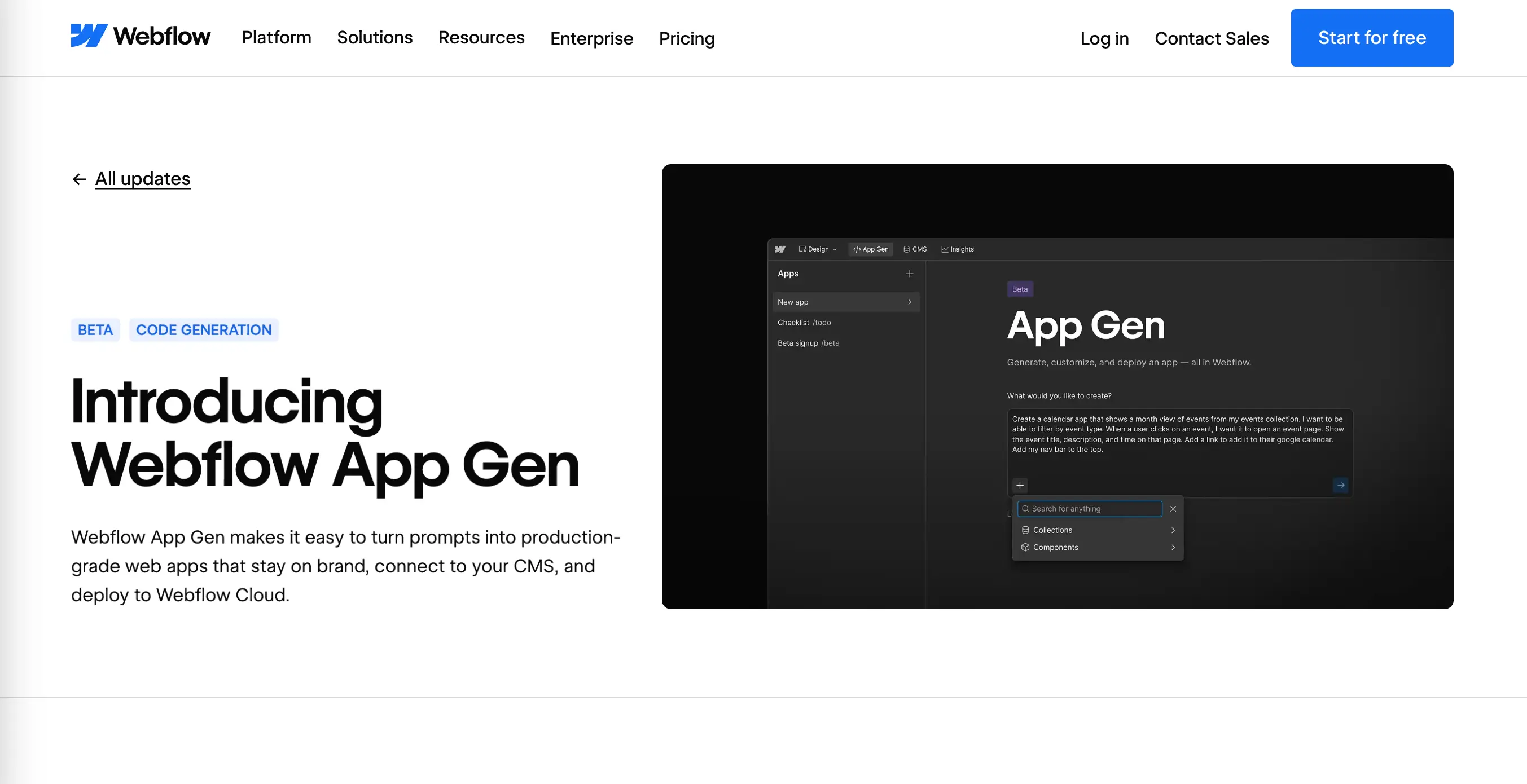
Webflow (opens new window) takes a different approach, orienting its visual editor around Flexible Box Layout, a CSS-based (Cascading Style Sheets) model that makes it easy to align and distribute elements within a container. This makes Webflow particularly appealing to designers and other creative users who already understand how apps and websites are structured, even if they don't write the code directly.
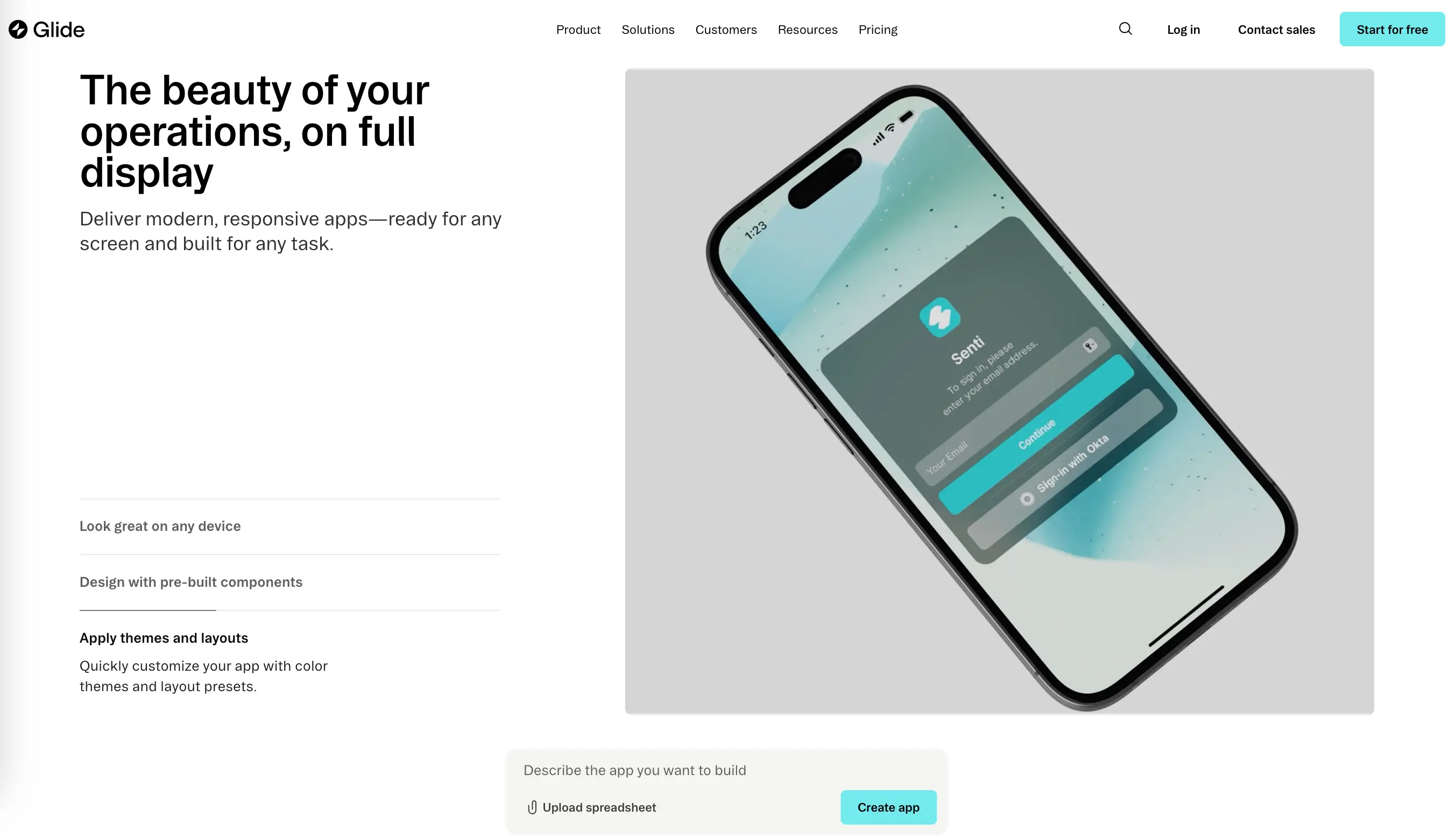
Glide (opens new window) generates powerful, mobile-first applications from spreadsheet data. Its visual editor is the simplest of the major platforms. Glide prioritizes speed of deployment over design flexibility. For teams that require functional internal applications based on existing data within hours, Glide's approach is a great choice.
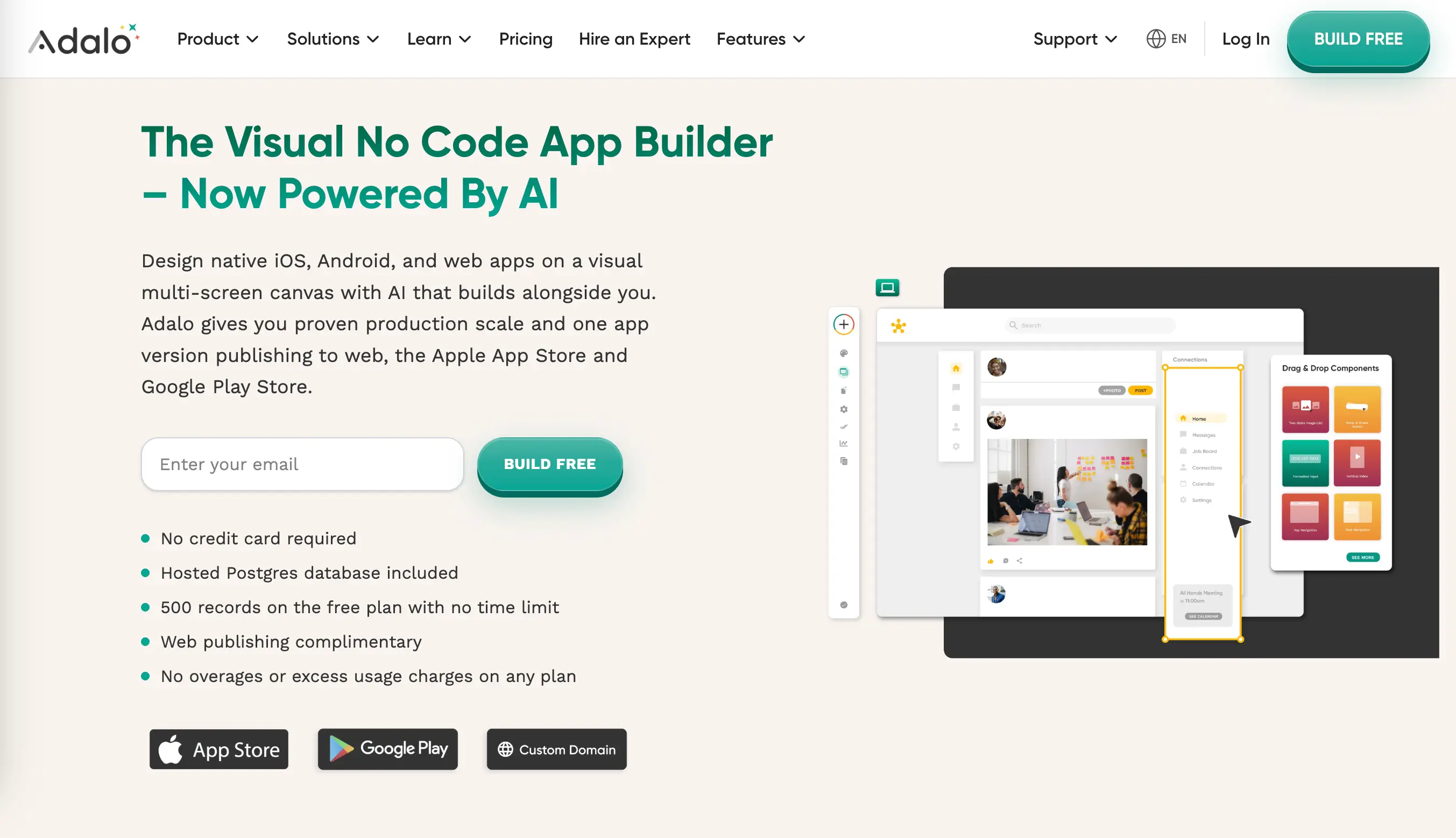
Adalo (opens new window) features a set of tools as well as AI assistance to create native iOS, Android, and web apps on an intuitive multi-screen canvas. The platform provides custom fonts, color palettes, icons, logos, and more to build production-ready, app-store approved projects.
Deployment Options
There are various methods used to install and configure apps. These methods are called deployment options and they range from public, private, and hybrid clouds to on-premise solutions, depending on the project's security and scalability requirements.
Webflow deploys web applications to its own hosting infrastructure with a custom domain. Bubble also hosts applications on its own infrastructure with efficient, automated scaling and custom domain included in paid plans. Glide provides a free yoursite.glideapp.io URL. You can also map apps to custom domains (a paid feature). Adalo has a single-codebase architecture allowing you to build the app once and deploy it to the web, iOS, and Android at the same time.
Another option is self-hosting or white-label deployment for enterprise customers, allowing organizations to run no-code applications on their own infrastructure, which is particularly relevant for businesses with strict data policy requirements or security measures prohibiting third-party hosting of sensitive information.
Key Features to Evaluate
Database and Data Management
A meaningful web application cannot function without a base to store, retrieve, and manipulate data. No-code platforms handle this need in completely different ways. Bubble includes a fully integrated relational-style database where users define data types and their fields directly within the builder interface. There is no need to configure an external database service. It simplifies initial development, but also creates a dependency on Bubble's proprietary data.
Webflow has a native cloud-based CMS (content management system) that works well for structured content like blog posts, product listings, and team member profiles. However, it is not a general-purpose application database and cannot easily handle complex relational data or user-generated content with the same flexibility as Bubble's data layer.
Many platforms choose to integrate with external data sources like Airtable, Google Sheets, Supabase, or PostgreSQL databases through API connections. This approach provides more flexibility for teams that already have existing data infrastructure, but requires additional configuration.
CMS Integration Capabilities
Content management system integration is critical for any application that needs to display or manage structured content. Webflow's native CMS is widely considered one of the strongest in the no-code space. It offers a host of integrations with third-party tools, which helps enhance functionality. Some of the most popular integrations include Google Analytics, Mailchimp, and Zapier. Platforms like Bubble can connect to headless CMS services such as Contentful, Sanity, or Strapi via their free API Connector plugin. Adalo and Glide headless CMS and AI power claim to give you instant enterprise capability, security, and agility.
CRM and Third-Party Connections
Modern business applications need to sync with customer relationship management systems, trigger email sequences, update accounting software, and notify team members through messaging platforms. The depth of CRM (Customer Relationship Management) integration available in a no-code app builder can determine whether it is suitable for a given business task.
Bubble supports connections to Salesforce, HubSpot, and other CRM platforms primarily through its API connector plugin. This approach is highly flexible but requires some work. Pre-built plugins from Bubble's marketplace reduce this friction for popular services. Zapier extends Bubble's integration to thousands of additional services like Google Docs, Shopify, Facebook Pages, Trello, etc without coding. Glide offers native integrations with Airtable, HubSpot, and Salesforce that feel considerably more seamless than generic API connections. Data flows automatically between the application and the CRM without requiring manual synchronization or custom workflow configuration. Webflow features built-in integrations with popular CRMs like HubSpot, and Adalo supports numerous third-party connections via APIs, Zapier, Make, as well as direct database integrations (Airtable, Xano, Google Sheets).
Web vs Mobile App Development
When most of the online traffic is mobile, building a responsive web application that fits different screen sizes is a must. A responsive web application built with Webflow or Bubble looks and functions flawlessly whether accessed from a desktop browser, a tablet, or a smartphone. Most of the no-code app builders allow users to tweak layouts, font sizes, and component spacing independently for desktop, tablet, and mobile viewports, producing fine-grained control over the final visual presentation across all devices.
Native Mobile App Export
When a genuinely native mobile application is required — one that can access device hardware like the camera and GPS, operate offline, or be distributed through app stores — the process becomes more complicated. Most web-first no-code platforms do not produce native mobile applications directly. Webflow and Bubble generate web applications that run in a browser, not compiled native apps.
Adalo offers application export to both app stores alongside its web deployment option. This native output capability makes it relevant for consumer-facing products where the full native experience — smooth animations, push notifications, offline functionality — is a meaningful product requirement.
Several no-code platforms support PWA (Progressive web apps) configuration, giving applications some of the feel of native apps without requiring native compilation or app store approval. Glide applications, for example, are distributed as PWAs by default.
Cross-Platform Compatibility
Cross-platform compatibility refers to an application's ability to deliver a consistent experience across different operating systems, browsers, and device form factors. For web-based no-code applications, this is primarily a question of browser compatibility — whether the generated code works correctly in Chrome, Safari, Firefox, and Edge across desktop and mobile operating systems.
Reputable no-code platforms invest heavily in ensuring their generated web output is compatible with modern browsers. Webflow, in particular, has a strong track record here because its visual editor maps directly to standard HTML and CSS that browsers interpret natively. Platforms that rely heavily on JavaScript for rendering — including some component libraries used by various builders — may encounter more compatibility edge cases, particularly on older mobile devices or browsers.
Custom Functionality and AI Features
Custom Workflows and Automation
Workflow automation is the mechanism by which no-code applications perform multi-step actions in response to user requests or scheduled triggers.
For example:
- A user submits a form;
- It triggers a workflow that saves the data to a database;
- A confirmation email is sent;
- A Slack channel is notified;
- A record in a connected CRM is created.
Bubble's workflow system is among the most powerful in the no-code space, supporting complex conditional branching, loops over lists of records, scheduled recurring workflows, and API calls to external services. This power functionality comes with corresponding complexity: building sophisticated automations requires a clear workflow structure.
Platforms like Glide offer simple automation tools revolving around common business scenarios — notifications, record updates, and simple integrations. For teams whose automation needs are relatively straightforward, this simplicity is a benefit rather than a limitation. More complex solutions can always be delegated to dedicated workflow tools like Make or Zapier, which many no-code and low-code builders integrate with natively.
AI-Powered Components
AI has become a significant feature among no-code platforms. The practical question for builders is whether AI capabilities are deeply integrated into the development environment or simply bolted on as optional components. Platforms with genuine AI integration allow builders to incorporate text generation, document summarization, image analysis, and sentiment classification directly into application workflows without requiring users to understand prompt engineering.
Beyond content generation, AI features help non-technical users describe what they want to build in plain language and automatically generate database schemas, page layouts, or workflow configurations as a starting point. Webflow, Bubble, Adalo, and Glide utilize the power of AI tools to create feature-rich applications and websites, which further reduces the technical barriers to building functional projects on no-code platforms.
API Integrations
Connecting no-code applications to external services via APIs is fundamental to building useful production software. Most business apps need to communicate with at least one external service: a payment processor, an email delivery service, a mapping platform, a data enrichment tool, or a proprietary internal system.
Most no-code platforms let you pull data from external services. Bubble, for example, does this through a visual API connector — a special plugin letting you integrate REST APIs without writing code. It handles things like login flows and reading specific data out of responses. Bubble also supports OAuth authentication (authorization, allowing applications to securely access user data (e.g., "Log in with Google") without sharing passwords) and dynamic expressions for flexible data handling.
Free Plans and Pricing
A free plan designed to let users explore the platform before selecting a paid subscription is provided almost by every no-code builder. However, the generosity and practical utility of these free plans vary.
What Free Tier Includes
A comparison of pricing tiers across major platforms:
| Platform | Free Plan | Starter (Basic) | Team (Business) | Enterprise |
|---|---|---|---|---|
| Bubble | Yes (1 app) | $59/mo | $549/mo | Custom |
| Webflow | Yes (2 pages) | $14/mo | $39/mo | Custom |
| Glide | Yes (1 App Editor, unlimited drafts) | $19/mo | $199/mo | Custom |
| Adalo | Yes (1 App Editor, Unlimited Test Apps) | $36/mo | $160/mo | Custom |
Bubble's free plan is perfect for building your native mobile app. You'll need to upgrade for deploying a live version of your app and for publishing to the Apple App Store or Google Play Store.
Webflow's free plan is similarly constrained, limiting published projects to a Webflow subdomain. Selecting a custom domain or using advanced functionality requires paid plans.
Glide allows you to build apps for personal use for free. With Adalo, you can publish the app to their domain and implement Ada AI Assistant for building and editing prompts.
Scaling Costs
Common scaling triggers include the number of active users or records in the database, bandwidth consumption, the number of workflow executions per month, and the ability to use custom domains.
Bubble's pricing, for example, scales primarily with server capacity and the number of monthly workflow runs, making complex, high-traffic applications significantly more expensive to execute.
Before opting for a Business/Teams no-code app builder, consider the following key aspects:
- Estimate usage volumes at each pricing tier;
- Build realistic load estimates based on expected user counts and workflow frequencies.
Enterprise Options
Enterprise pricing for no-code platforms typically unlocks dedicated infrastructure, SAML-based single sign-on, advanced user permission controls, SLA-backed uptime guarantees, and dedicated customer success support. These enterprise features are prerequisites for many organizations deploying no-code applications to large internal user bases or external customers.
Use Cases for No-Code Apps
No-code builders are a perfect solution for people with no coding knowledge to bring ideas to life — the way of structuring creative ideas without getting into the technical details.
Internal Business Tools
Internal business tools represent one of the most compelling use cases for no-code development. Apps such as an equipment booking system, a project status dashboard, a sales commission calculator, etc help optimize overall workflow by making it more efficient.
Customer Portals
Customer portals are interfaces through which external customers can view their account information, submit requests, track order status, or access support resources. These applications need to feel professional and trustworthy while connecting to backend systems like CRM platforms, support ticketing software, and order management systems.
MVP and Prototypes
In the modern competitive business environment, launching a minimum viable product (MVP) to test whether a business concept resonates with real users is one of the canonical use cases for no-code development.
Instead of spending months and significant capital on custom software development, you can build a functional application in days or weeks, gather real user feedback, and iterate rapidly — all before committing to the expense of building custom technology.
The ability to test whether users will actually use a product, pay for it, and return to it repeatedly is far more valuable than a flawless implementation of an unvalidated idea. No-code platforms make this validation loop accessible to small businesses and individual entrepreneurs.
Limitations to Consider
No-code platforms have revolutionized the world of coding. But when you choose to go with a pre-made software, you agree to certain limitations. These will not affect the majority of projects. Yet, before dividing, it is always better to know what constraints to expect.
Scalability Constraints
No-code platforms impose architectural constraints that might become performance bottlenecks at scale. Applications built on shared infrastructure have limited ability to handle sudden traffic spikes without performance degradation.
For most business applications, these constraints are irrelevant — the projected user base and data volume will never approach the limits of even mid-tier platform plans. But if you are targeting large audiences or data-intensive workflows processing millions of records, the scaling limitations of no-code builders must be evaluated seriously before committing to a platform.
Custom Code Restrictions
Despite their power, no-code app builders inevitably encounter requirements they cannot fulfill through their visual interfaces alone. Highly specific business logic, unusual data transformations, or integrations with obscure APIs may fall outside what a platform's native tools can handle.
Vendor Lock-in Risks
Building an application on a no-code platform leads to dependency on that platform's continued existence, pricing stability, and feature roadmap. The risk manifests in several ways:
- A platform may increase prices and eliminate features from lower-tier plans;
- It may product direction;
- It may shut down.
To avoid the possible negative consequences, vendor risks should always be considered when choosing a platform.
Conclusion: Choosing the Right Builder
Selecting the right no-code app builder requires matching platform capabilities to the specific requirements of the future application, the team's technical skills, expected user scale, and budget for both development and ongoing operations.
There is no one-builder-fits-all choice. But we hope that our detailed insight into Bubble, Adalo, Glide, and Webflow made it easier for you to understand what to consider when choosing the right builder. Understanding their capabilities and limitations clearly is the foundation for using them successfully.