In the 21st century, exchanging business cards is out of sync with the times and no longer effective. The globalization of major businesses dictates new rules. For maximum visibility and the most efficient way of showcasing work achievements and skills, professionals choose portfolio websites nowadays. In this guide, we explain how to create a functional portfolio site for free.
Why Create a Free Portfolio Website
Portfolio site is a curated digital platform, featuring your unique skills and best work to potential clients in an illustrative, easy-to-view way. You are in absolute control of the professional narrative: decide what to display and how. From font size to aesthetic images — a good portfolio site is your digital PR agent working 24/7.
Benefits for Creatives and Professionals
There are two compelling reasons why you need an online portfolio. The first one is achieving colossal visibility among potential clients and future employers. The second one is that a portfolio website is one of the most budget-friendly marketing solutions.
Benefits breakdown:
- Creative achievements are presented in an accessible form — a portfolio, which is a basic entry-level requirement for any exhibition or creative competition;
- Professional look, essential feature defining a creative personality striving to grow on a commercial scale;
- Visibility: the whole world is your audience;
- Saving everyone’s time and energy — once published, the portfolio starts working on autopilot as an online agent. It lets clients discover you on their terms — no chasing required.
Cost-Effective Online Presence
A solid online presence is crucial for professionals looking to grow clientele. Instagram, TikTok, and Pinterest aren’t just apps — they’re viral engines for creative work. To get free promotion, you are required to post regularly to trigger algorithms. Success isn't always defined by the quality of your work, but is heavily affected by what’s trending right now. Running a social media platform takes up the most precious commodity — time. Plus, not everyone is cut out for creating endless reels, posts, and stories.
Logically, the next option is a portfolio website. The best thing about this way of conquering the Internet is that nowadays you don’t need to hire a professional team of developers or study code. No-code website builders and AI-powered site generators are at your service: user-friendly, fully customizable, feature-rich, and affordable.
Top Free Portfolio Builders Compared
Picking a free portfolio website builder that fits your workflow is the ultimate dealbreaker in job and client search. Choose poorly, and you get regrets over wasted time, sloppy look, and absent Google visibility. We have selected the best free portfolio builders in 2026 to equip you with user-friendly tools for creating professional online portfolios.
Wix
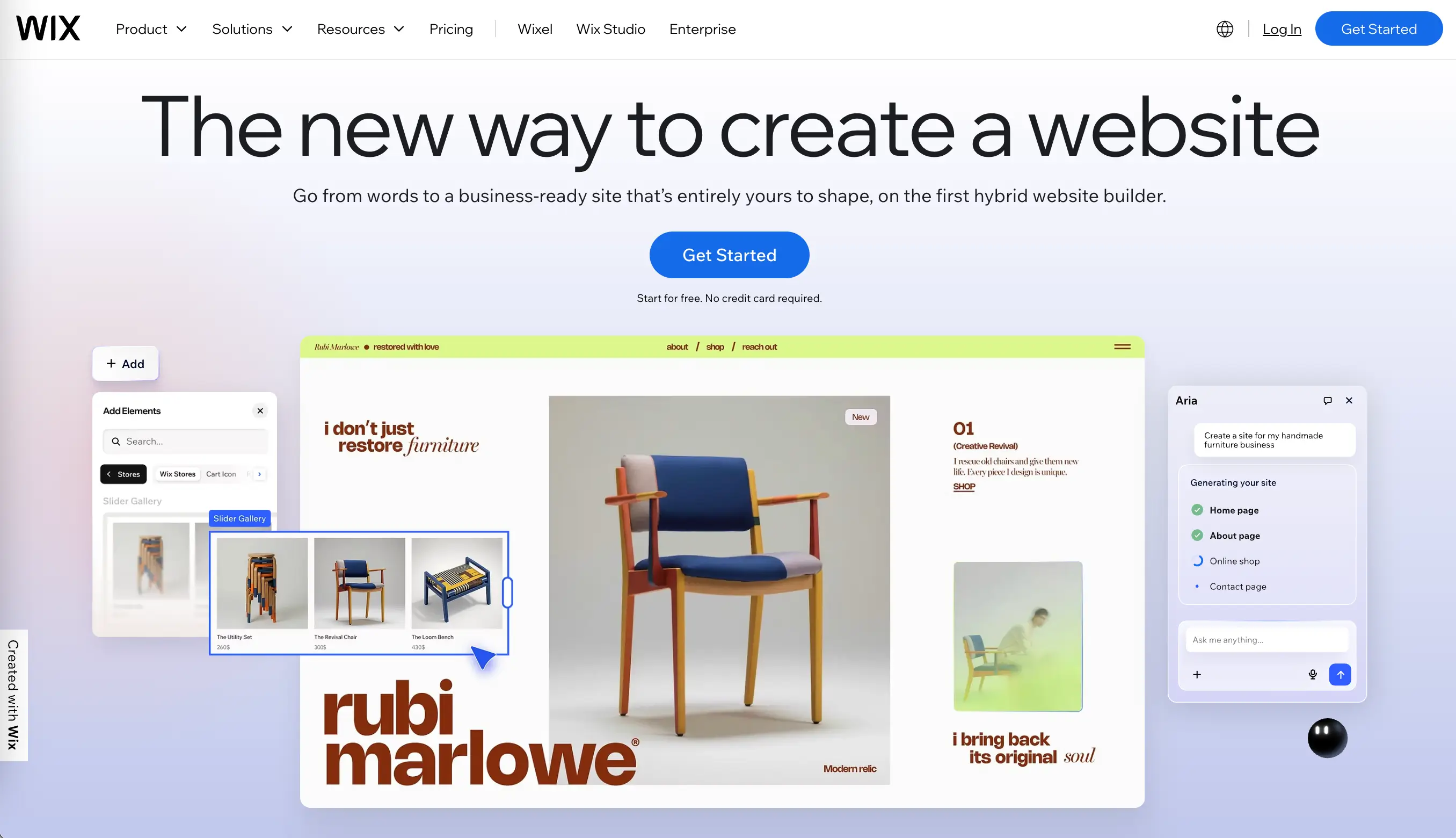
Wix (opens new window) consistently hits the Top 20 lists for a reason — it earned the hype. Thanks to its drag-and-drop editor, creating and customizing numerous modern-looking portfolio templates is fast and easy. On top of that, the Wix AI Website Builder can help turn ideas into custom sites, pick fonts and colors, change layouts, and more.
Wix free plan includes:
- Website creation;
- Free templates;
- Publishing your website (with Wix branding);
- Secure hosting by Wix;
- Basic apps integration (like contact forms, galleries, etc.);
The free plan doesn’t include:
- Custom domain setting;
- Wix ads removal;
- Advanced features, including marketing apps, SEO tools, etc.
Webflow
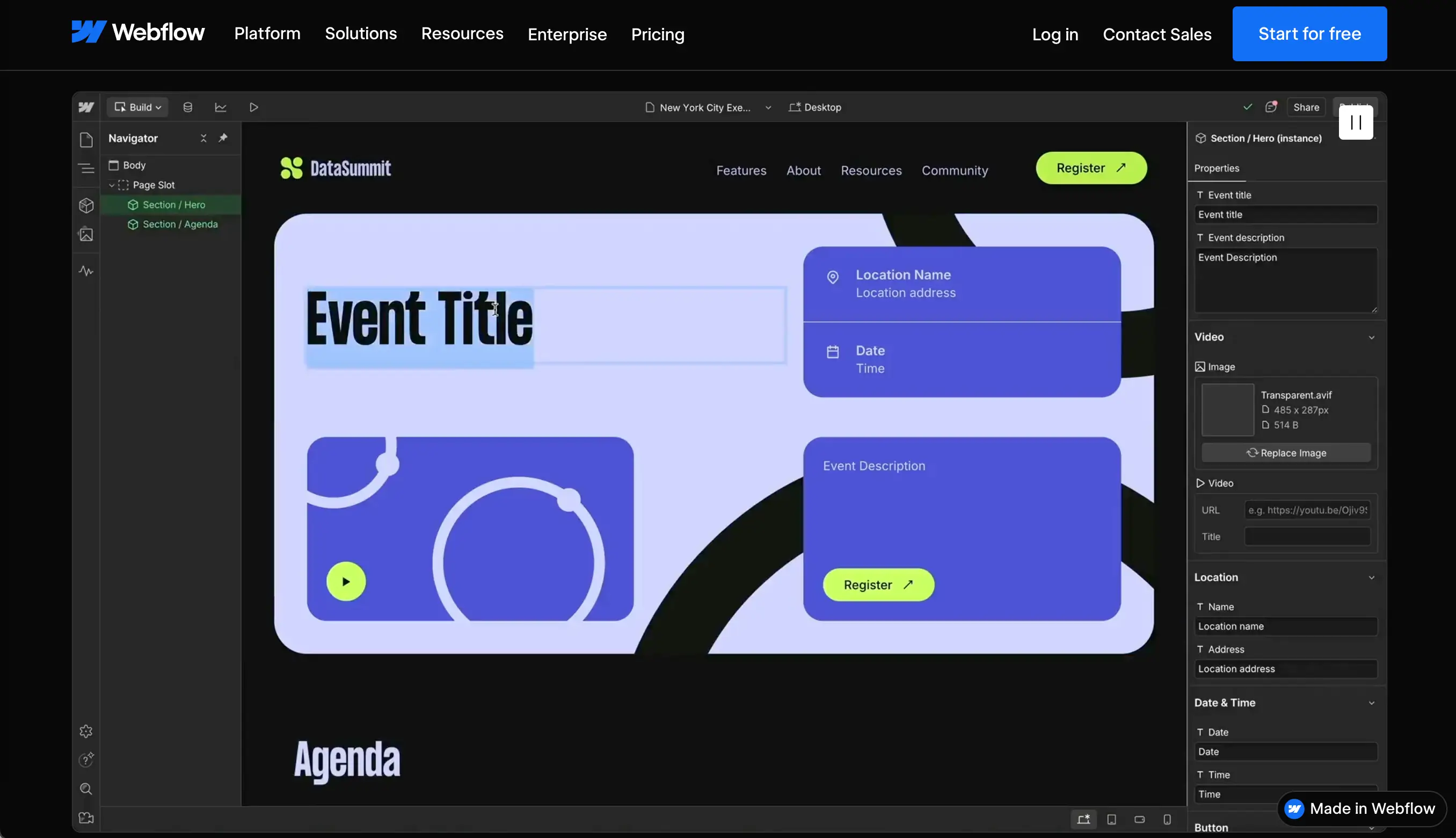
Webflow (opens new window) attracts clients with its visual-first development philosophy. Select preferred templates, drag-and-drop page components, and edit the content without any hassle. Building landing pages, events websites, product launches, and more with Webflow or with its AI tool is a smooth and time-saving experience.
Webflow free plan includes:
- Website creation and AI-prototyping;
- Free templates;
- Webflow.io domain;
- Hosting + Web app hosting;
- 2 static pages, 20 CMS collections, 50 CMS items;
- 50 form submits;
- 1GB bandwidth
The free plan doesn’t include:
- Custom domain setting;
- Surge protection:
- Advanced features, including marketing apps, SEO tools, etc.
- Increased bandwidth;
- Unlimited form submits:
- Site search:
- Form file upload
SpreadSimple
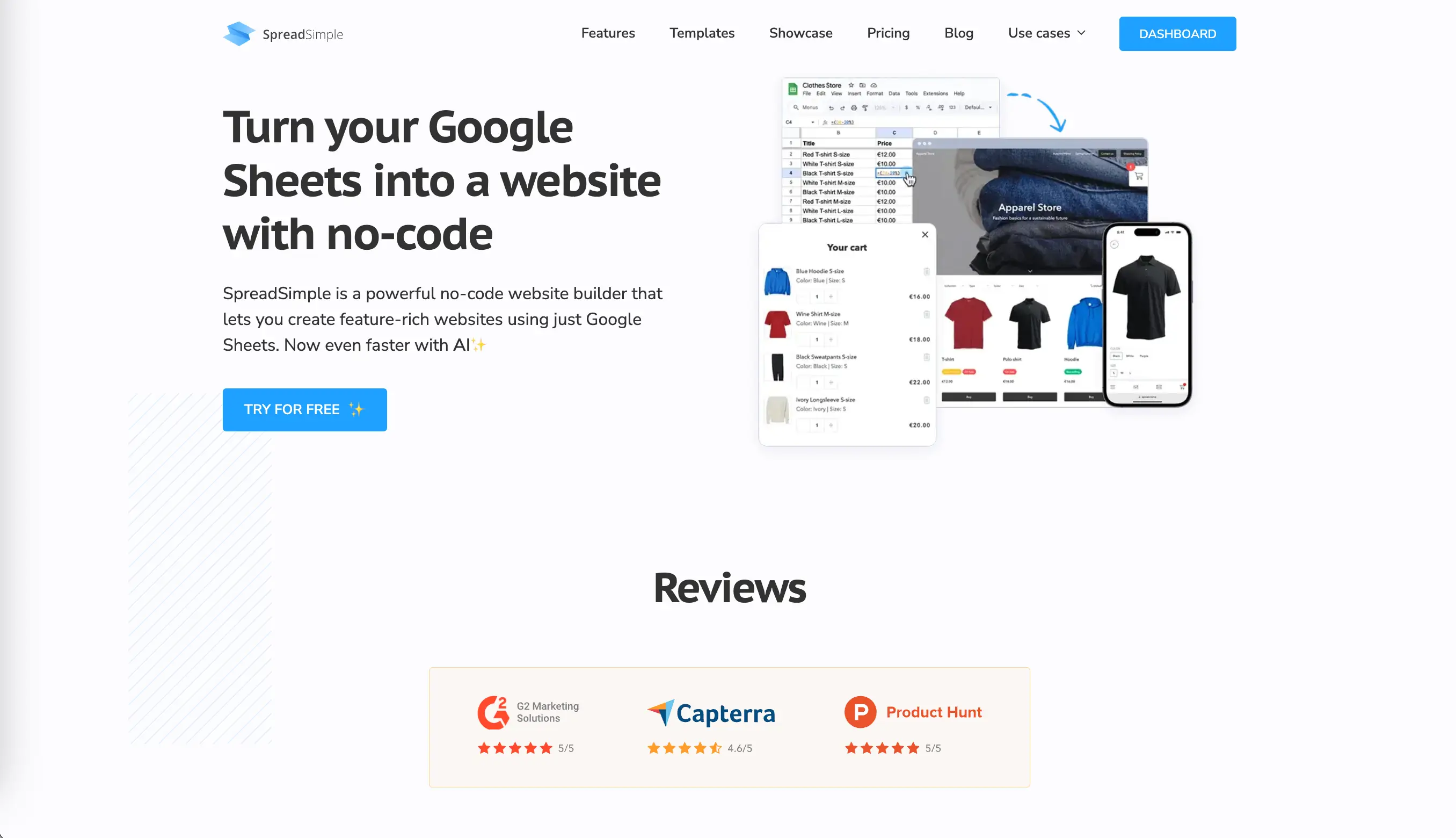
Unlike the others, SpreadSimple (opens new window) syncs with Google spreadsheets. It’s the fastest way to keep data organized and update the site instantly. It doesn’t have portfolio templates, but you can customize any template or create a website with SpreadSimple AI Creator by typing a detailed prompt. Your platform can feature a dynamic media catalog, housing everything from project archives to immersive video content.
Note that all the content blocks are uniformly structured. Each of your items can also have a dedicated details page with more insights. You can also add separate pages with professional summary, customer testimonials, etc., and embed forms, CTA buttons, social media buttons, and many other essential features. The SpreadSimple dashboard is intuitive, and building a modern website optimized for mobile takes around 10 minutes.
SpreadSimple free plan includes:
- Website creation using Google Sheets and SpreadSimple/SpreadSimple Ai Creator;
- Free templates;
- SpreadSimple branding and domain;
- 50 rows spreadsheet limit;
- Localization;
- Light/Dark theme selection;
- Social media buttons;
- Customizable cards, Header & Footer;
- Social share buttons;
- 10 Content pages & Aliases;
- Multiple Add-ons
The free plan doesn’t include:
- Custom domain setting;
- SEO features;
- Increased spreadsheet limit;
- Advanced integrations;
- Online Payments;
- Non-branded notifications and receipts.
GoDaddy
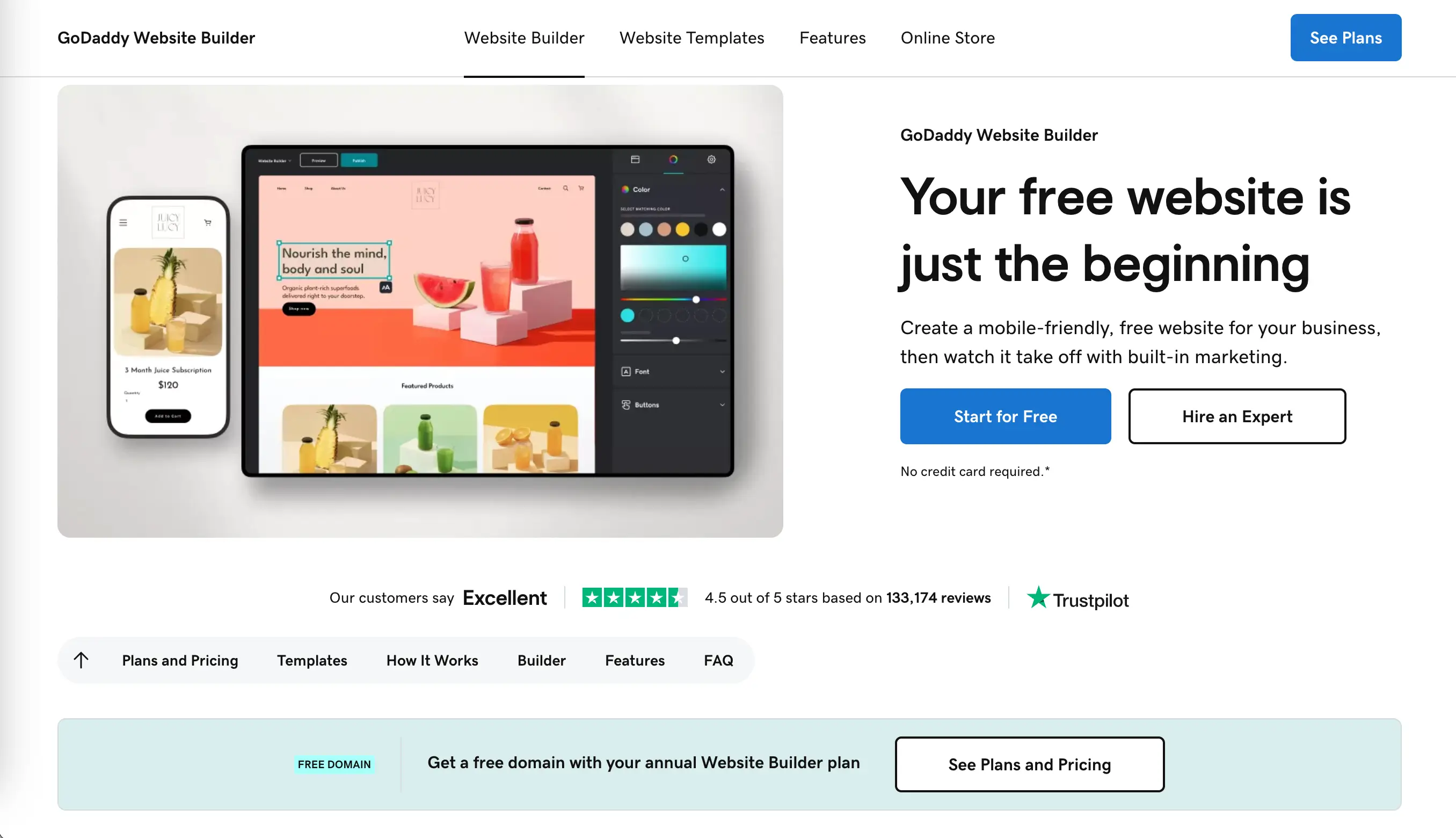
Everyone knows this platform primarily as the world’s largest domain registrar, but GoDaddy (opens new window) is also a popular website builder. GoDaddy Airo, its AI software, can instantly create and publish a one-page site. GoDaddy’s Website Builder gives you free access to a collection of industry-specific templates and their customization with click-and-drag reorder, plus you can get a free trial of the available premium features.
GoDaddy free plan includes:
- Website creation (AI website generation);
- Free templates;
- Basic SEO tools.
The free plan doesn’t include:
- Custom domain;
- E-commerce;
- Advanced marketing features;
- Ads removal;
- Advanced website analytics;
- Unlimited ads on Meta and Google.
SITE123
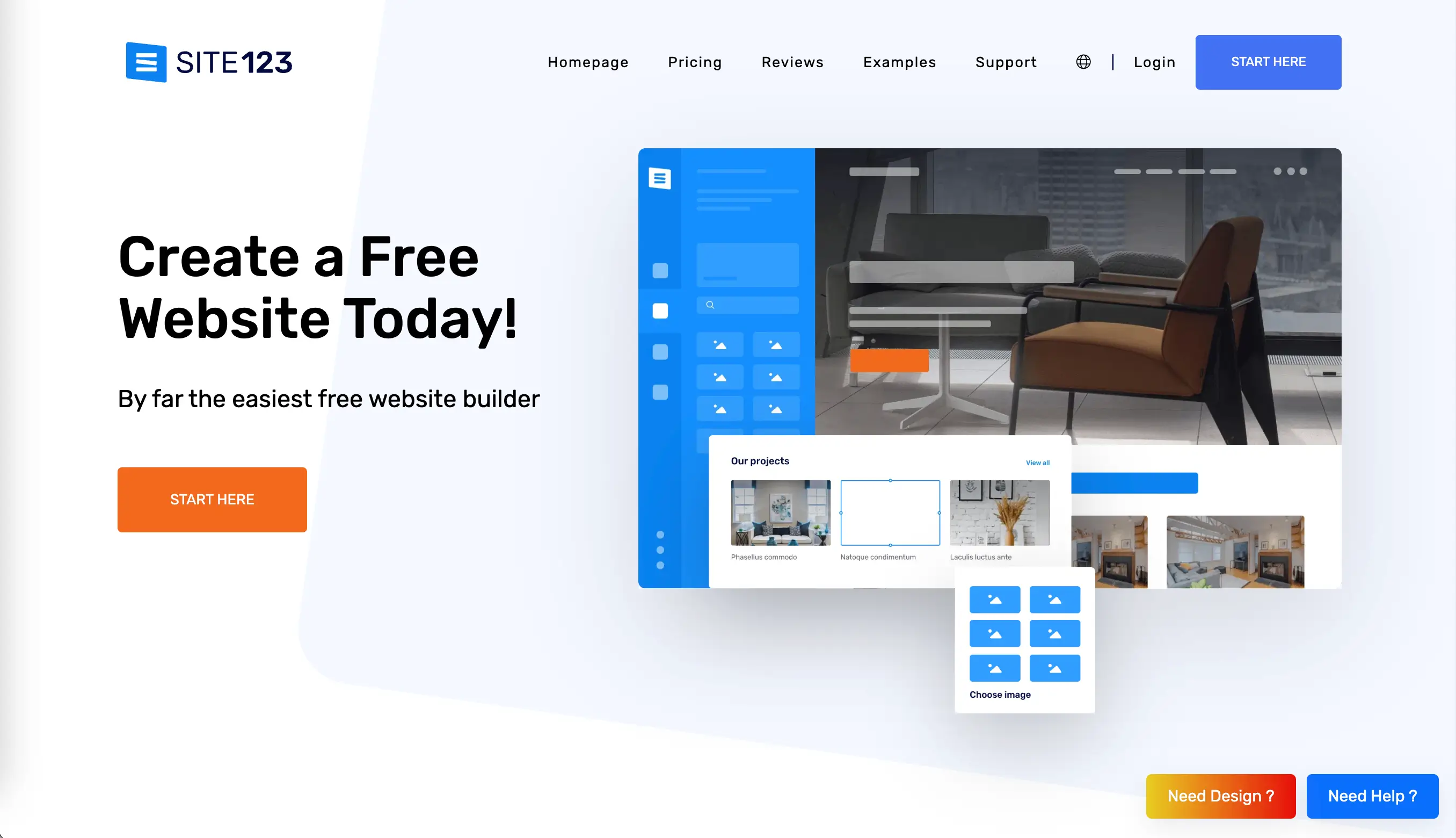
SITE123 (opens new window) claims to be more efficient than most of the popular drag-and-drop website builders. Its editor is really easy to manage, and you can create a free site by selecting a suitable category. Next, the platform generates a template, which can be customized by applying available setting changes. If you are a complete beginner who isn't bothered by some features' limitations, SITE123’s simplicity is a great advantage.
The free plan includes:
- Website creation (AI website generation);
- Free templates;
- Basic customization;
- SITE123 subdomain;
- SITE123 ads on the site.
SITE123 free plan doesn’t include:
- More than 250MB storage;
- More than 250MB bandwidth;
- Advanced features;
- Custom domain.
Specialized Portfolio Platforms
Wix, SpreadSimple, GoDaddy, and other no-code builders and AI-website generators provide a wide range of templates, allowing you to build not only a portfolio website, but any type of online platform: from a restaurant menu to an affiliate store. Apart from these, you can utilize specialized portfolio platforms, such as Magic Self (opens new window), About.me (opens new window), and Canva (opens new window).
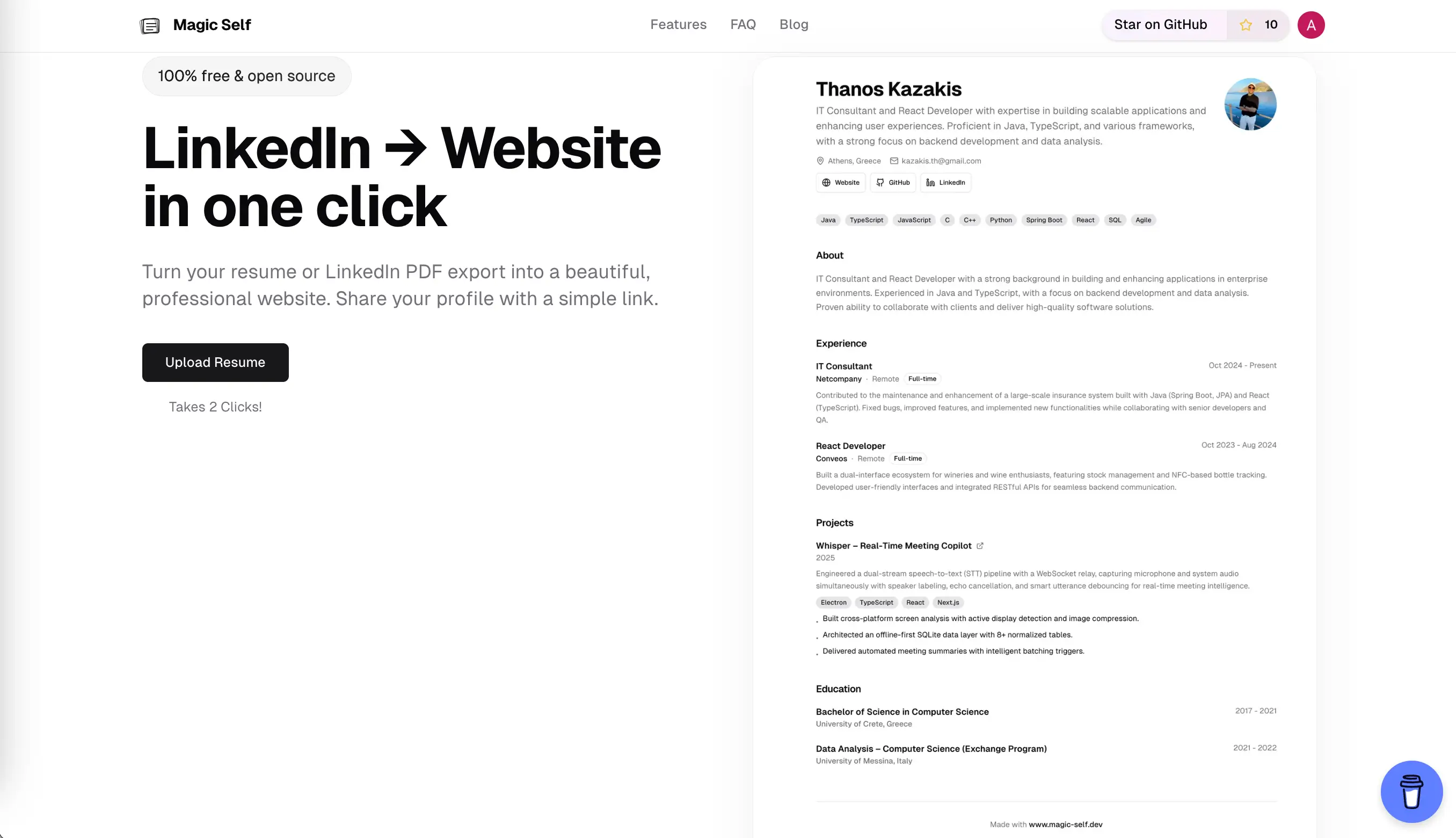
Magic Self converts your resume or LinkedIn profile into a portfolio website for free. It takes two clicks to achieve the results. Edit the data, add necessary adjustments, and publish. The tool doesn’t provide advanced features, has no various subscription plans, and won’t be sufficient for a good online outreach.
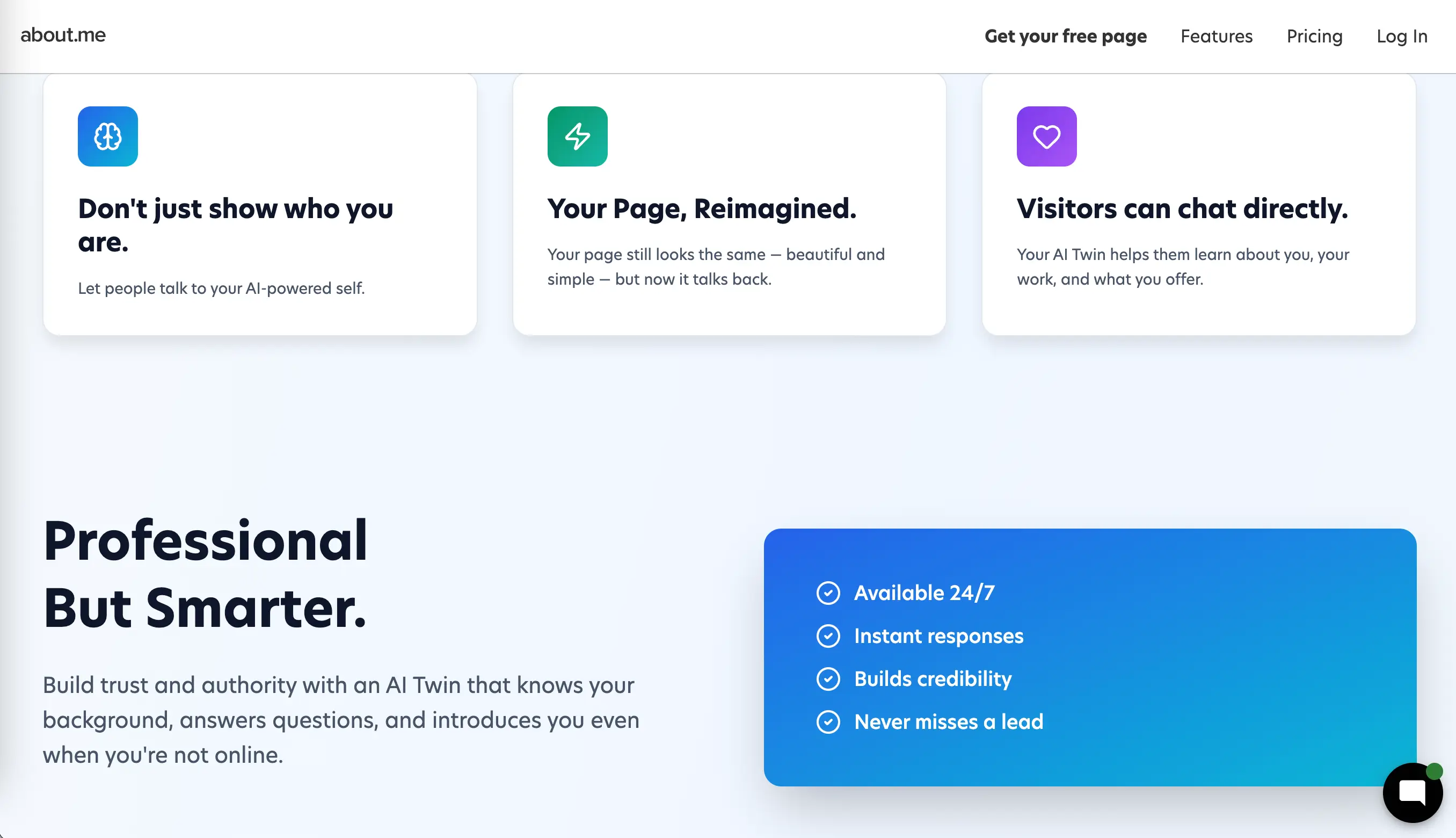
About.me generates a minimalist personal page featuring a brief bio with limited customization and About.me branding included in the free plan. Same as Magic Self, it’s good to start, but free plans provided by website builders offer significantly more features.
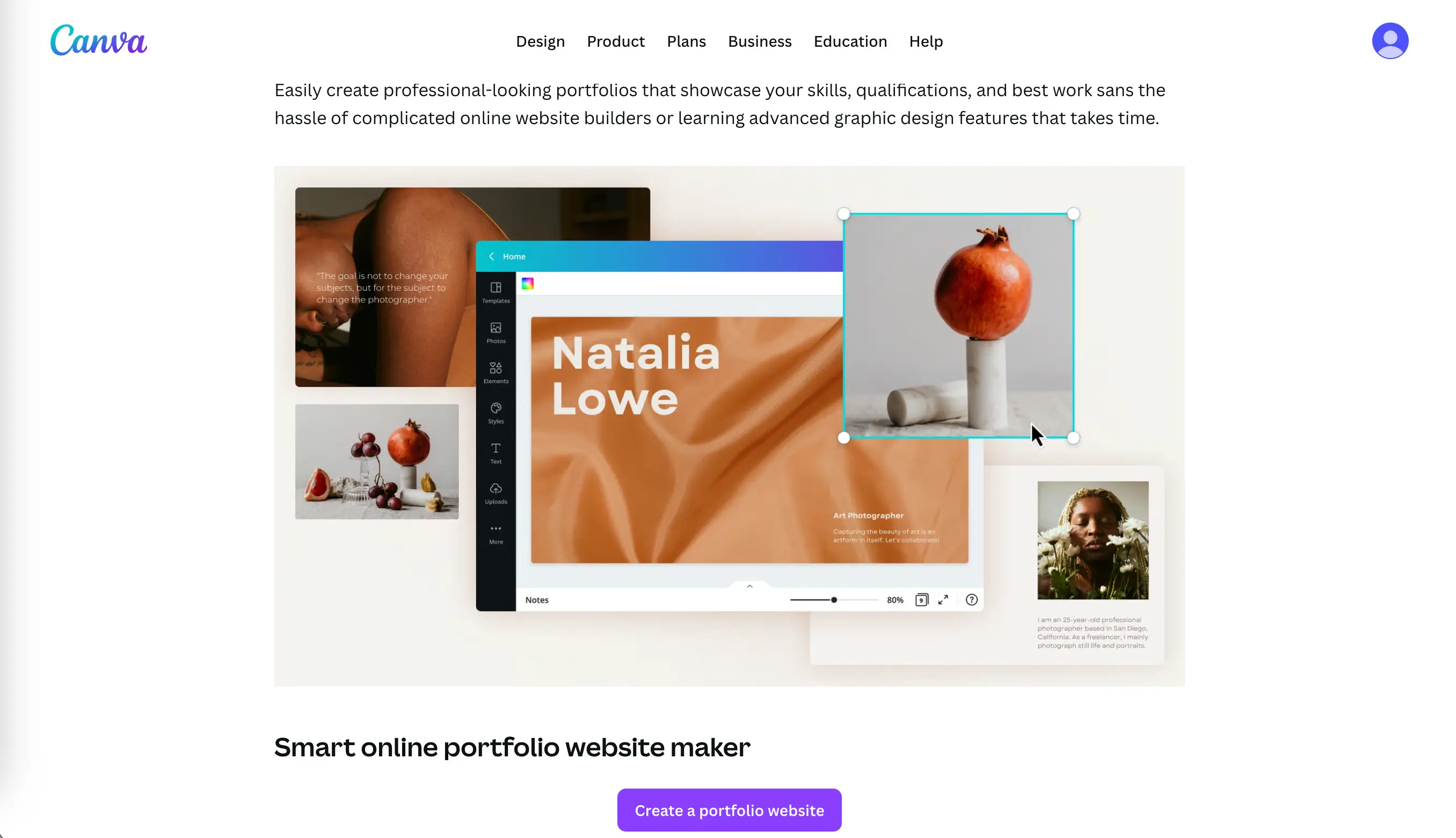
Canva Free Portfolio maker is tailored to cater to all your requirements, providing thousands of templates with appealing aesthetics, easy-to-use editing tools, and numerous features. Test 1,000+ design types, 1.6M+ templates, and 4.7M+ photos, videos, graphics, and audio. Among these three specialized portfolio platforms, Canva is the absolute best, allowing non-technical users to create responsive, professional-looking portfolios.
Key Features to Evaluate
When it comes to choosing a free portfolio builder, there are several main aspects to always keep in mind. Depending on your field of expertise, they might vary. Yet, it usually boils down to one simple question: Does this builder represent your work in the best way possible?
Customization Options
Powerful no-code builders and AI-website generators always let you customize the page layout, colors, fonts, etc. It is also a sign of reliable technology and professionalism: if the developers do not limit nuanced features to a paid plan only, that means that the product is top-quality and can handle a big workload.
Mobile Responsiveness
Mobile devices account for approximately 60 – 66% of global website traffic. If a website builder doesn't provide a mobile-responsive design, it’s a red flag — and developing a portfolio there might lead to zero visibility.
Domain and Branding Restrictions
Domain and branding restrictions are present in nearly every free plan. If needed, upgrading to a paid plan always allows you to connect a custom domain.
Storage and Bandwidth Limits
These two features define how much data can be stored on the server and transferred between the website and its visitors. So if your portfolio has lots of high-resolution visuals, choose a platform with the most generous storage and bandwidth offer.
SEO and Analytics Tools
Without SEO and analytics tools, portfolio websites are dead. You need search visibility provided by the right metadata and structure. Apart from that, you can do independent research, check out the competitors in your field for inspiration, and analyze whether text blocks have enough keywords.
Tips for a Professional Look
A professional look in a portfolio website means that every tiny detail serves one task: to present you most favorably. It means: no maze of chaotic images, unreadable fonts, and overly creative design elements. You have to strike a balance between catchy, unique, and understandable to your potential clients/employer.
Do not overload the main page with information; display your strongest piece of work or most exceptional project at the storefront. Never upload low-quality images: take extra time to prepare decent photos; otherwise, the platform will look amateur. Format images to reduce loading time and enhance SEO and user experience.
Choosing the Right Template
When selecting a template, many individuals rely on trends. Consider another aspect: how does this template correlate with your professional skills? Do you need to focus on visuals, or is text information more important to highlight your strength?
Avoiding Common Mistakes
Before launching the first portfolio website, apply this checklist to make sure you did everything right:
- The site is not overcrowded with too many projects. Select the ones highlighting your unique skill set.
- The website structure is clear and provides effortless navigation.
- The visual design isn’t a messy patchwork. The portfolio maintains visual harmony.
- It provides enough social proof and testimonials.
- CTA integration.
Conclusion: Best Free Options
For visual design and template variety, Canva dominates. It’s the gold standard for a generous, beginner-friendly free plan. But when it comes to other features, SpreadSimple takes the lead with its free plan, and here’s why: most of the limitations target users who want to build an online shop and need to display lots of products. The 50-row spreadsheet is enough for a portfolio; you don’t need the payment methods included in the paid plan, or other features revolving around online stores. Its template variability is simpler than that offered by Wix, yet modern, elegant, and appealing. Pro tip: For maximum visibility, skip the minimalist page generators and go with a full website builder.