
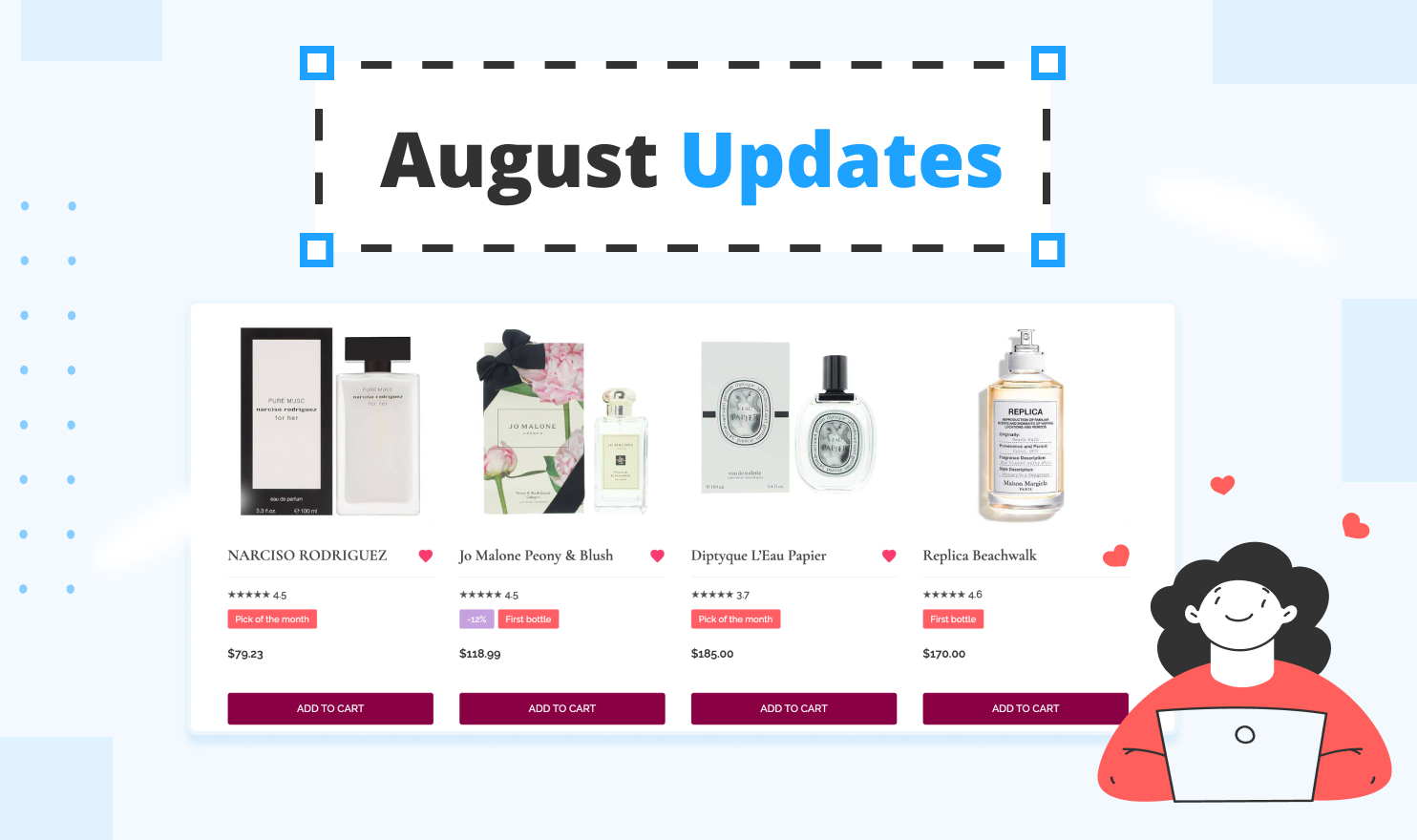
We are excited to introduce the latest product updates — favorite items or Favorites, intro section search bar, quantity picker on buttons, image lightbox, two new languages for website localization, six new templates, and a bunch of other improvements.
Let's dive in!
New Features
Favorites
Now your visitors can save an item as a ‘favorite’ by clicking a heart-shaped icon next to the title, and then view them in a filtered view with a URL query.
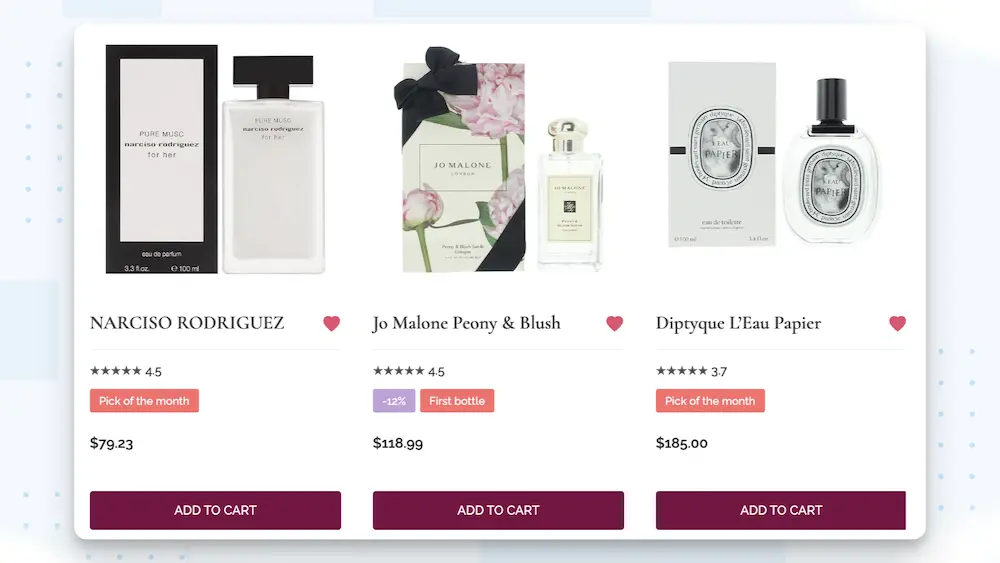
This feature does not require user access and is available on all the website plans. The ‘favorite’ items are saved in the user’s browser and persist after reload.
Intro Section Search Bar
A new search bar design option is now available for your website.
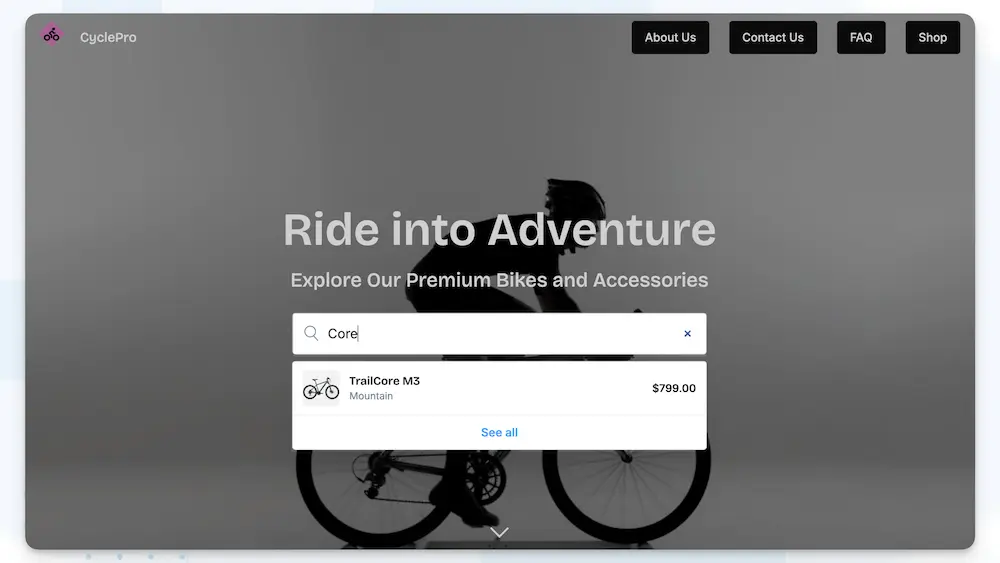
You can place it in the center of the intro section and display the search results in a dropdown menu, making it more noticeable for your visitors.
Image Lightbox
Let your visitors view larger images in a lightbox when they click an image on a card.
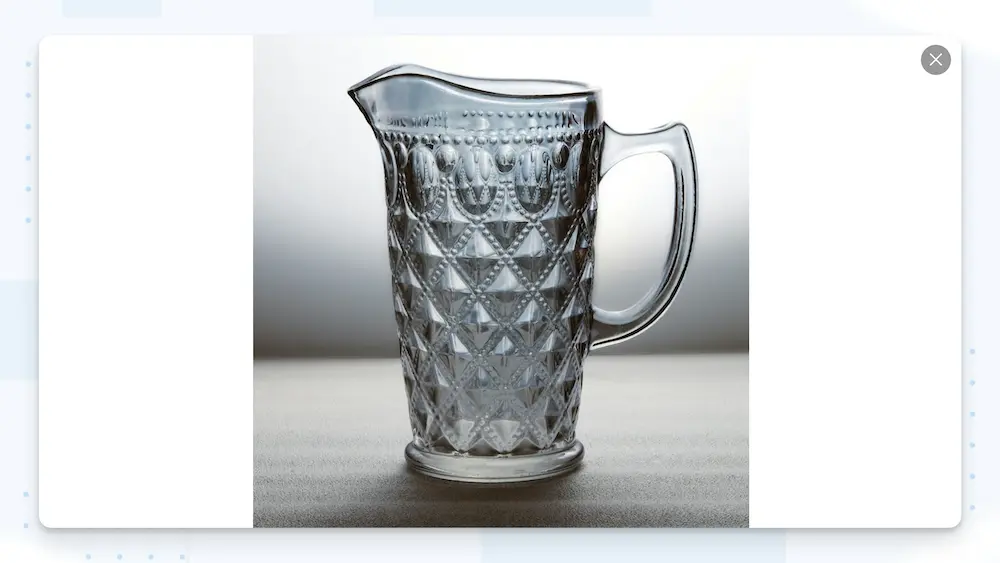
The lightbox supports both single images and entire image galleries.
Quantity picker on buttons
Now you can add a quantity picker to your add-to-cart buttons.
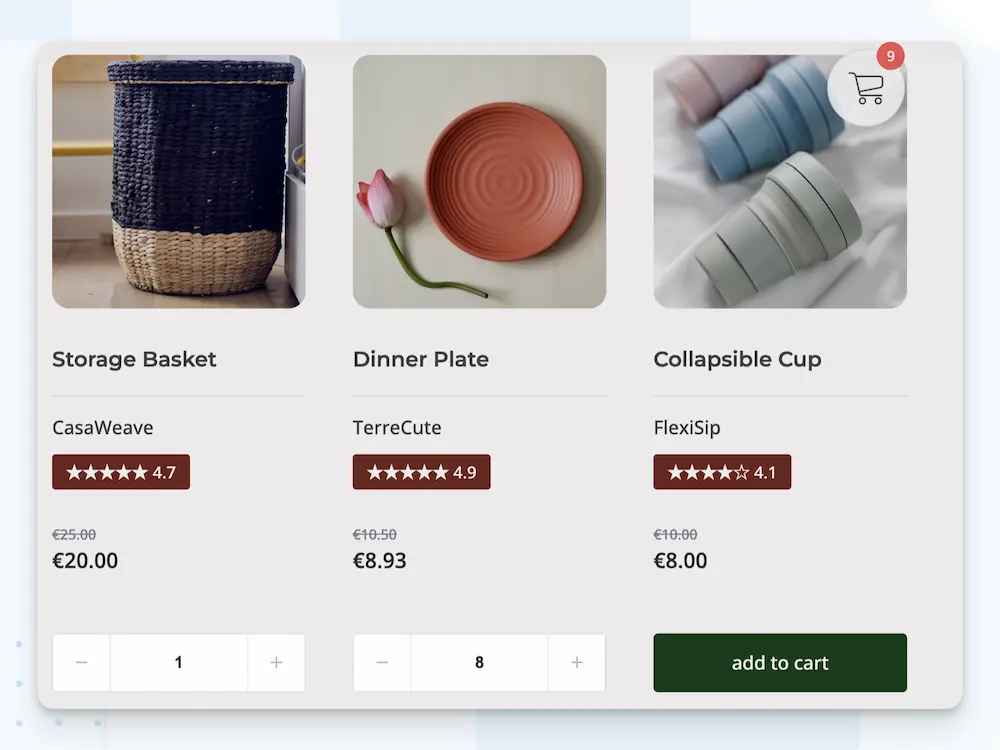
This lets customers increase or decrease the quantity directly on item cards before proceeding to checkout.
New website languages
Catalan and Azerbaijani are now available for website localization in the Settings Tab. Big thanks to our users who helped with the translations.
New Templates
Six brand new templates are now available in your workspace.
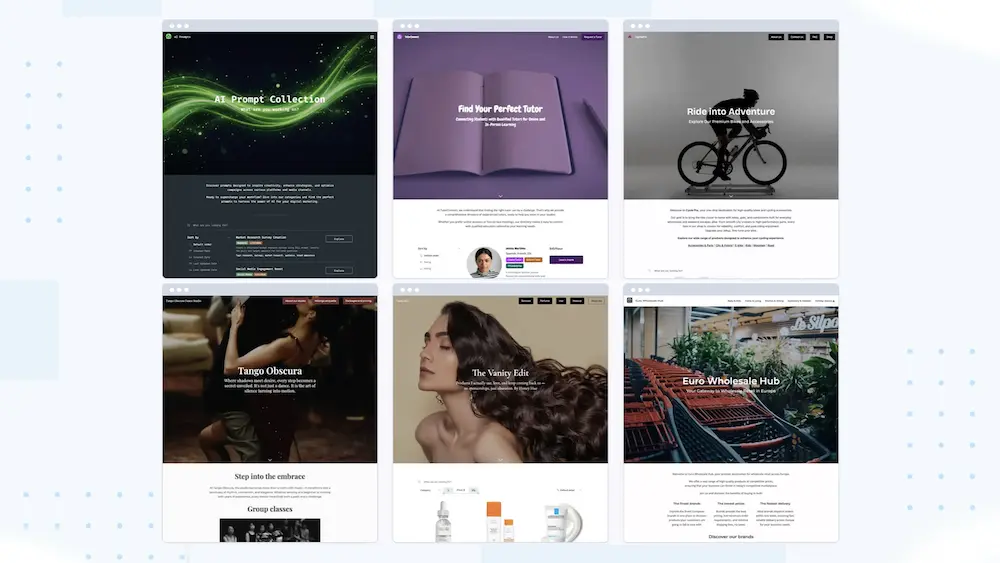
Dance Studio
Build a website for your dance studio, art school, or any other lesson-based business with this template. Display your class schedule in an interactive calendar and highlight lesson details. Your students will be able to quickly find the right class by filtering by level, style, or instructor.
Affiliate Influencer Storefront
Designed for influencers and content creators, this template allows you to build a website to list your favorite products and share referral links. You can set up a storefront to show off and categorize your preferred items, build curated lists, and include brief recommendations, allowing your audience to explore and purchase recommended products via affiliate links.
Wholesale Store
Using this template, you can build an e-commerce website that can be used for both wholesale and retail. The template demonstrates how to use the item variation feature to create product bundles with tiered pricing to encourage larger orders. It also includes an order form and shopping cart that you can easily customize to fit your needs.
Prompt Collection website
This template offers a quick starting point for creating a website for your collection of prompts, recipes, downloadable PDFs, images, or any other type of digital content. Simple and minimalistic, its design will help you keep the focus on your collection, while the sidebar filters will help your visitors browse and study it with ease.
Tutor Directory
With this template, you can start building a directory website to help connect professionals with people looking to hire them. Display extended biographies and all the key information on the detail pages, and add links to contact forms on each profile page so your visitors can easily get in touch with them.
Bike Store
Create an online store for your business with this template, which offers all the must-have e-commerce features in one place. Add detail pages, set stock limits, create category pages with URL aliases, and set up a price range filter so your customers can easily find the items they need and place an order online or save a link to their shopping cart for later.
Other improvements
We’ve also made a few smaller improvements based on your feedback.
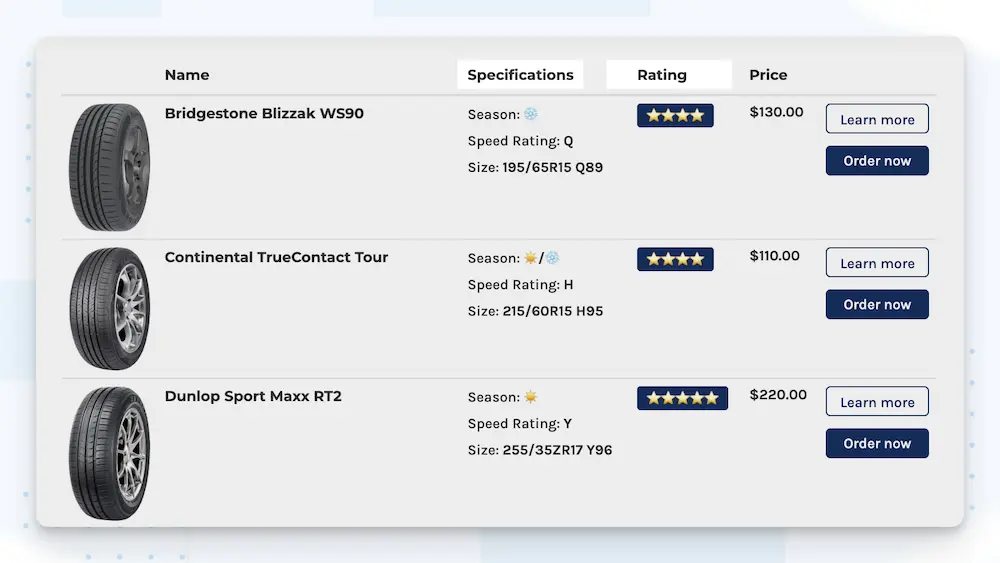
Custom table headers for Specifications and Badges
You can now set up custom titles for these two elements in the Table view. For example, you can rename Properties to Details or Features, and Badges to Tags, Status, or Labels to better fit your use case.
Start of the week in Calendar view
You can now choose which day starts the week in your Calendar view: Monday or Sunday, and adjust the setting to match the way your customers expect to see your calendar.
Domain restriction for widgets
Specify the exact domains where your widget is allowed to be embedded. Any domain that isn't included in your list will be blocked from embedding the widget.
We hope that you enjoy these updates.
More updates are coming soon!
Previous update: July 2025 Updates.