
Have you ever wished you could duplicate yourself to tackle those pending tasks or had the programming skills to finish a simple project swiftly? Today's businesses, from startups to large enterprises, are constantly searching for ways to boost team efficiency and productivity.
Startups need to juggle multiple tasks with limited resources, avoiding new hires and extra costs. On the other hand, large companies must automate processes, synchronize data across teams, and reduce reliance on the development department to speed up decision-making and task execution.
Understanding iPaaS and No-Code Tools
Integration Platform as a Service (iPaaS) refers to cloud platforms that connect the various applications and tools your company uses. These platforms are often no-code or low-code, meaning you don't need extensive coding knowledge to use them. They typically feature block constructors or visual editors with diagrams and blocks. In 2024, most iPaaS platforms are enhanced with AI assistant capabilities.
iPaaS empowers your team to discover rapid and cost-efficient solutions, ensuring they retain autonomy when it is most critical.
Key features of iPaaS platforms typically include:
- Monitoring capabilities: Track the integrations you create.
- Pre-built connectors: Access ready-made, pre-configured connectors for popular business applications and tasks.
- Integration creation interface: Use drag-and-drop capabilities, block diagrams, or ready-made connectors to build integrations.
- Real-time data synchronization: Process data immediately and use various tools for data formatting during integrations.
Strategic advantages of iPaaS include:
- Speed of deployment: iPaaS platforms allow for quicker integration development than traditional software methods, cutting timelines from weeks to just one day.
- Cost efficiency: By removing the need for extensive coding, iPaaS drastically reduces costs.
- Autonomy and focus on core business: iPaaS allows teams to independently streamline processes, reducing time spent on negotiations and approvals with the development department. This enables companies to reinvest savings into more critical projects.
Top iPaaS Solutions in 2024
Zapier
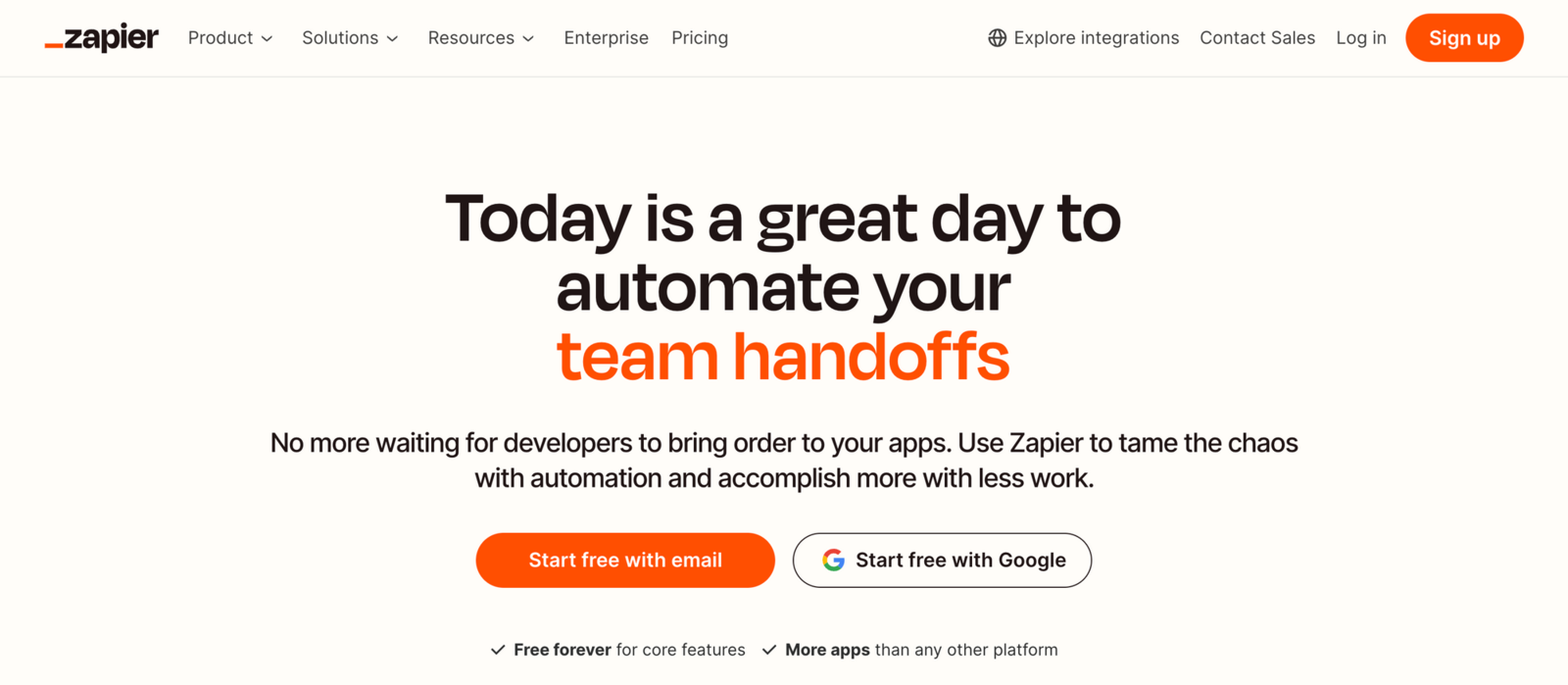
Zapier is a well-known iPaaS (Integration Platform as a Service) in 2024, famous for its automated process creation tool. It allows users to link various applications and services into automated workflows, aka "Zaps." These tasks perform specific actions under defined conditions. Zapier supports integration with over 6,000 applications, including Google Sheets, Slack, and Gmail.
Features: Zapier's drag-and-drop interface makes it easy to design workflows. Each Zap consists of a trigger and one or more actions, allowing for complex automations. Add-ons such as a "database" and bots are available for an extra fee. This platform supports both real-time data transfer and scheduled data synchronization.
Pricing: The Professional Plan is $29.99 per month, including 750 tasks. The Team Plan starts at $103.50 per month, including 2,000 tasks, with enhanced collaboration features.
Pros:
- Intuitive interface, even for inexperienced users.
- Extensive documentation and community support.
- Wide range of integrations with over 6,000 applications.
Cons:
- The interface can feel cluttered due to its extensive features.
- Slow support responses, varying by subscription plan.
- Customization limitations for more advanced integrations.
- High cost, possibly prohibitive for small to medium businesses.
Workato
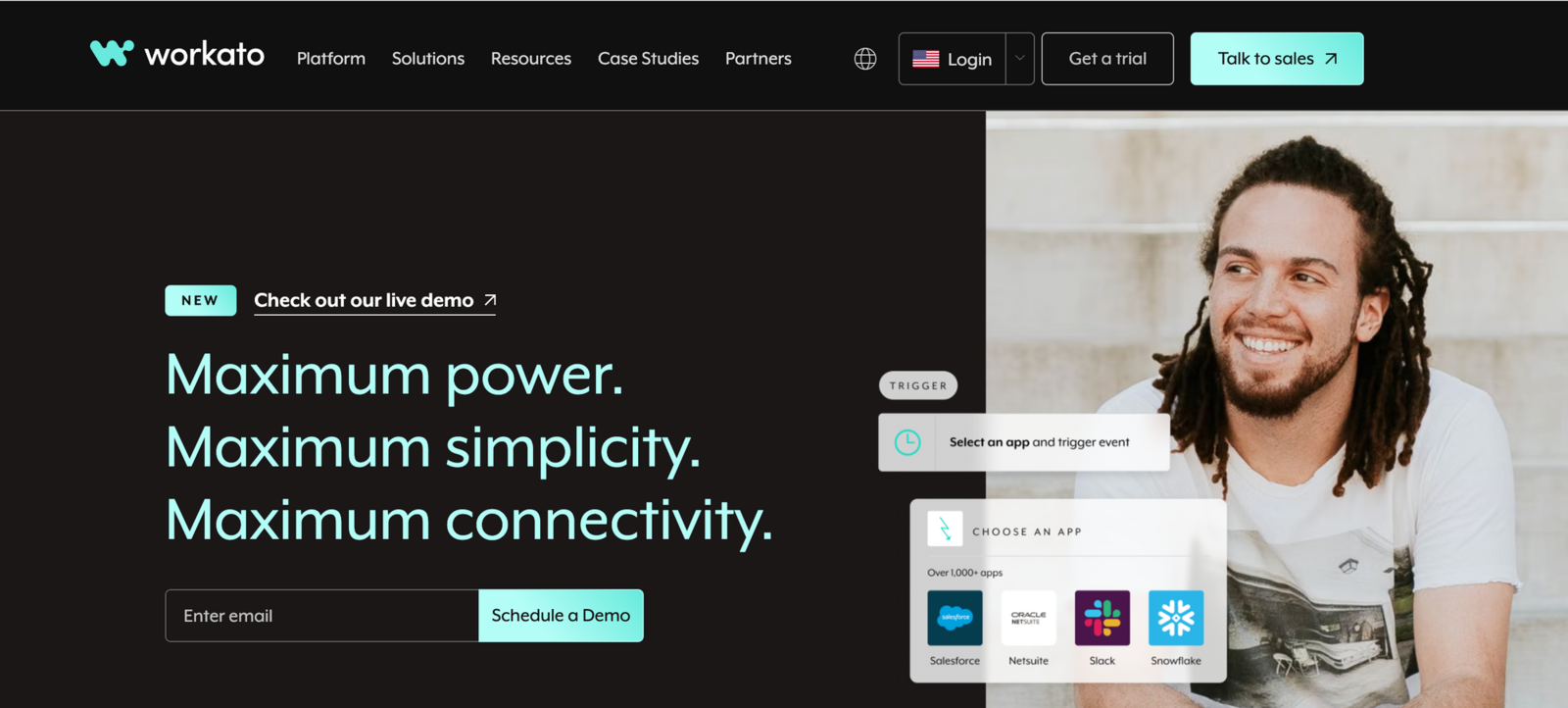
Workato is a trusted iPaaS platform renowned for its robust integration and automation capabilities, effectively linking applications and streamlining complex workflows within organizations. It is praised for its enterprise-level functionality and extensive support for integrating various business applications and IT systems.
Features: Workato offers a visual editor designed for intricate integration tasks, including branching, data transformation, and comprehensive automation management. The platform excels in connecting complex systems such as ERP systems and leverages machine learning to optimize workflows based on historical data.
Pricing: Workato's pricing is generally custom and necessitates direct consultations, highlighting its focus on large-scale integration requirements.
Pros:
- Handles complex and sophisticated workflows involving multiple systems.
- Extensive customization options for tailored workflows.
- Machine learning features for workflow optimization.
Cons:
- Steeper learning curve requiring technical knowledge or training.
- Opaque pricing model with custom pricing.
- Resource-intensive, potentially impacting system performance.
Albato
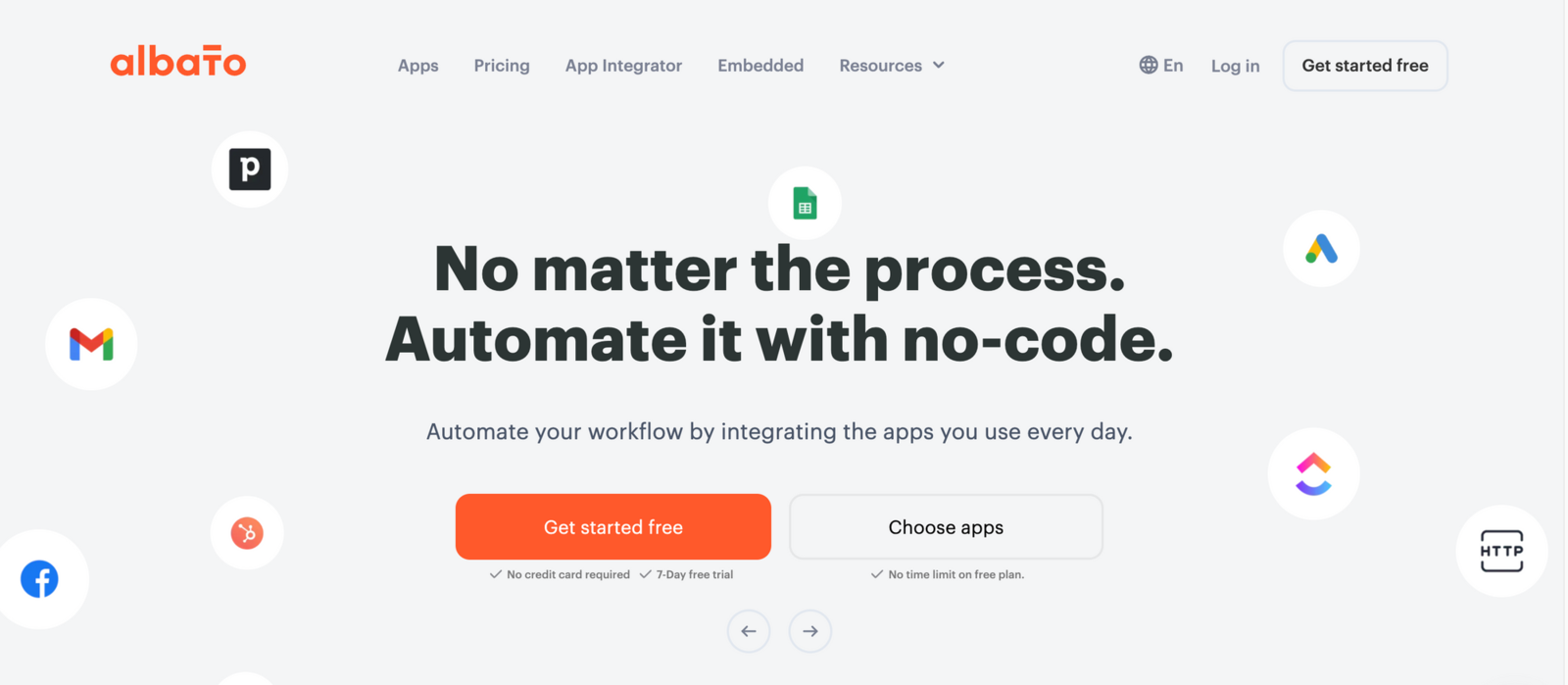
Albato has quickly gained popularity among small businesses and startups due to its optimal functionality and low starting price. It focuses on creating integrations and automated workflows through an intuitive automation builder.
Features: Albato's interface is simple and easy to use, even for beginners. Users can create integrations using a block-based approach, similar to Zapier. The platform integrates with over 600 applications and offers real-time data synchronization and data migration tools. The App Integrator feature enhances private integration capabilities by adding any application with an API to the Albato ecosystem.
Pricing: The basic plan starts at $19 per month with monthly payments or $13 per month with an annual payment. Nearly all features are available from the basic plan, making it cost-effective for businesses starting with integration services.
Pros:
- Cost-effective with optimal functionality for small to medium businesses.
- Free real-time support via online chat.
- Easy to learn and use, with an intuitive design.
Cons:
- Limited to over 600 applications, fewer than Zapier.
- Block-based interface may complicate deeper, more complex integrations.
- Limited template library despite regular updates.
Tray.io
Tray.io is a highly adaptable iPaaS platform recognized for its extensive workflow customization capabilities. It provides more comprehensive functionality than simple task automation tools like Zapier while remaining more user-friendly than Workato's complex integrations.
Features: Includes advanced options like branching and looping connections for sophisticated workflows. The automation interface uses a visual editor similar to Workato.
Pricing: Tray.io offers three main pricing tiers: Professional, Team, and Enterprise. Specific pricing details are provided upon request.
Pros:
- Extensive integration capabilities.
- Flexible workflow customization for technical and non-technical users.
Cons:
- Can be expensive, especially for small businesses.
- Steep learning curve for beginners.
- Resource-intensive, requiring significant system resources.
Make
Make.com is a powerful iPaaS platform that enables users to connect apps and automate workflows through a visual interface. It's known for its flexibility and ease of use, making it suitable for both technical and non-technical users.
Features: Make offers a visual drag-and-drop interface for building complex integrations with conditional logic, error handling, and data transformation. It supports thousands of apps and services, enabling users to create intricate workflows. Additionally, Make allows real-time data synchronization and provides robust monitoring tools to ensure seamless operation. For instance, we've explained how to automate adding map markers to a SpreadSimple website using Make.com.
Pricing: Make provides a variety of pricing plans, starting with a free tier that offers basic functionality and limited operations. Paid plans, which offer more operations and advanced features, start at $9 per month.
Pros:
- User-friendly visual interface.
- Supports a wide range of apps and services.
- Offers a free tier for basic needs.
Cons:
- Limited features in the free plan.
- More complex workflows might require a learning curve.
Celigo
Celigo offers a suite of solutions for connecting and automating workflows between various applications and systems. It is particularly well-suited for NetSuite users due to its robust integration capabilities.
Features: Celigo features a drag-and-drop interface and allows further customization using JavaScript or other programming languages. It includes a broad range of connectors for systems like Salesforce, NetSuite, Zendesk, and Microsoft Dynamics 365.
Pricing: Celigo offers a scalable pricing model based on usage, with details available upon request.
Pros:
- Centralized dashboard for easy monitoring of integrations.
- Excellent customer support.
- Native NetSuite integration.
Cons:
- Requires technical expertise for complex integrations.
- May not cover all integration needs.
- High initial cost for small to medium businesses and startups.
Key takeaways on iPaaS
Not long ago, tasks like website creation or chatbot development required programmers and weeks of work. Modern no-code platforms now allow these tasks to be completed in hours. In 2024, iPaaS solutions make integration technology accessible to businesses of all sizes and sectors. Whether a company needs an enterprise-level solution with extensive capabilities or a cost-effective system for basic integrations, today's iPaaS offerings provide a range of options to meet diverse requirements.
Companies should carefully assess their specific needs and budget constraints to choose an iPaaS or CCaaS platform that aligns with their strategic goals and operational requirements. This ensures businesses can leverage integration technologies effectively to enhance operations and adapt to the rapidly changing digital landscape.