
Framer vs Webflow: Which No-Code Website Builder Is Right for You?
Introduction to Framer and Webflow
If you decided to build a website without writing code, you must have scrolled through all the: "Top no-code website builders" guides listing the best platforms. Most of them include Framer and Webflow — two very popular options. These are powerful tools that can produce stunning, responsive sites. But they're built for very different types of projects — and picking the wrong one can cost you time, money, and a lot of frustration. Our guide will walk you through all the key aspects: design experience, CMS, e-commerce, pricing, SEO, collaboration, and more. By the end, you'll know exactly which builder to choose. We also compare Framer vs Figma and Framer vs WordPress, and explain how to turn Figma designs into a real website.
What Is Framer?
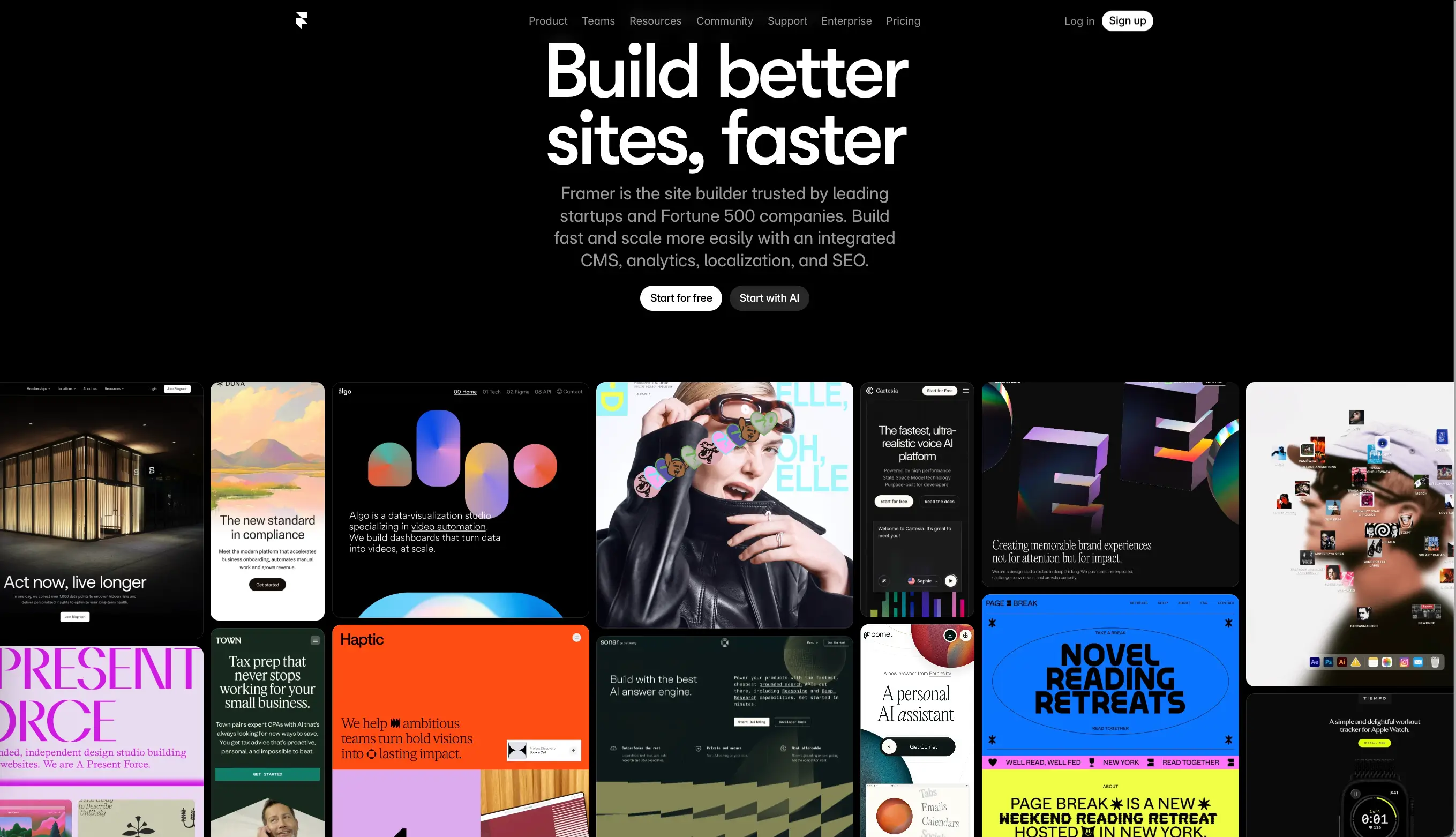
Framer (opens new window) started life as a code-based prototyping tool back in 2014. Designers used it to create interactive mockups before handing them off to developers. But around 2022, the platform reinvented itself as a full website builder that lets you publish live sites directly from a design canvas. Today, the platform is loved by product designers, startup founders, and solo creators who want to go from idea to published site as fast as possible.
What Is Webflow?
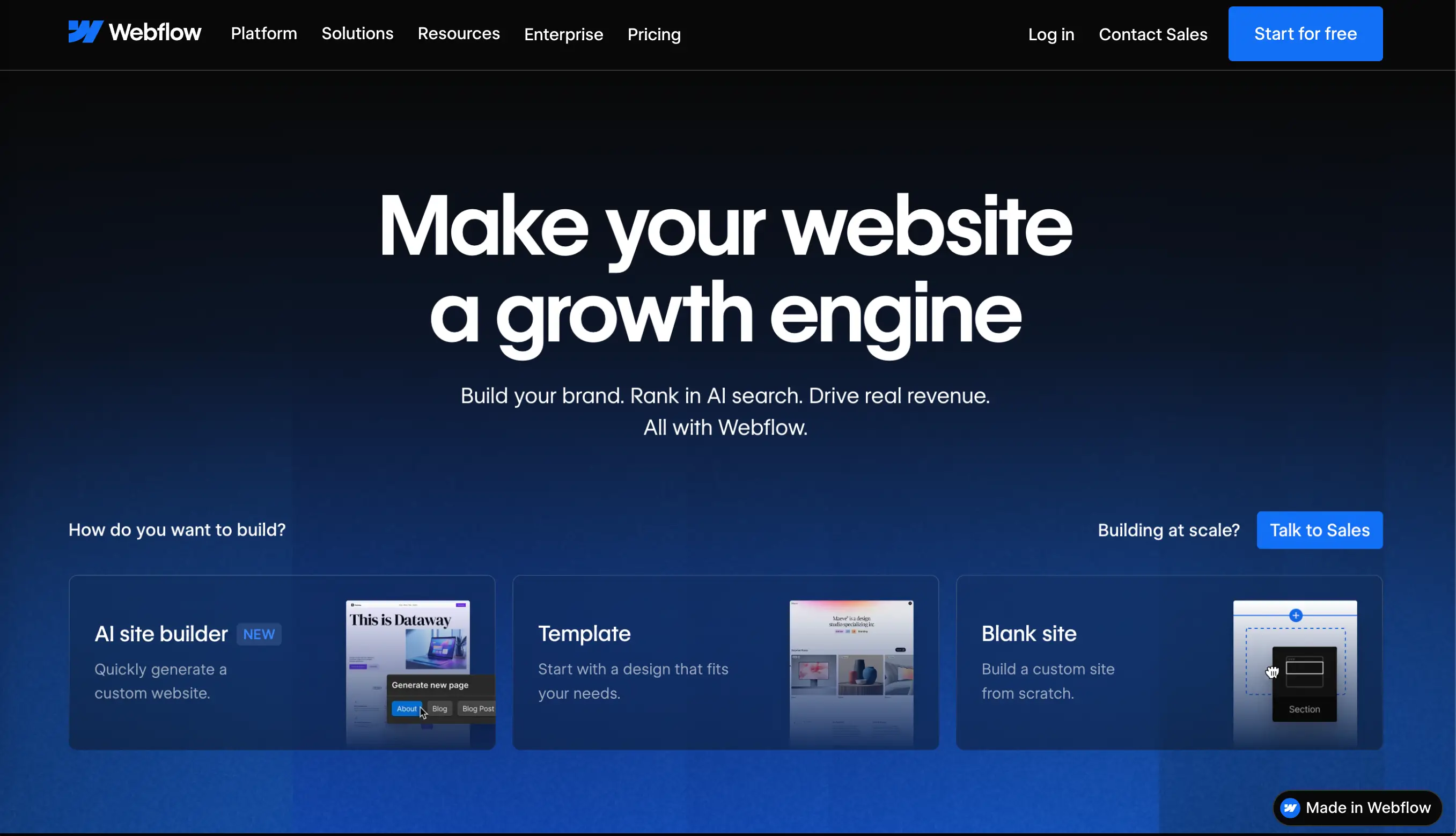
Webflow (opens new window) launched in 2013 by Vlad Magdalin, Sergie Magdalin, and Bryant Chou and has been building a reputation as the professional no-code platform ever since. Today, it powers roughly 822,550 active websites, including those of major brands like Dropbox Sign, Discord, Upwork, and Jasper AI. Webflow boasts powerful tools for marketing teams to personalize and test sites.
Target Audience for Each Platform
Framer is built for designers and creatives who want speed and visual impact. Freelancers building portfolio sites, startups launching landing pages, product teams shipping marketing microsites in a day choose the platform for its effortless, user-friendly functionality.
Webflow targets professionals who need power, scale, and flexibility. Think: agencies building client websites, marketing teams managing large content libraries, businesses running online stores.
Core Differences: Design and Development Approach
Visual Editor and Interface
When opening Framer, the first thing you see is an infinite canvas — a seamless and visual workspace. Desktop, tablet, and mobile views are conveniently placed side by side. There are minimal panels and toolbars. Everything is where you'd expect it to be if you've ever used a design tool.
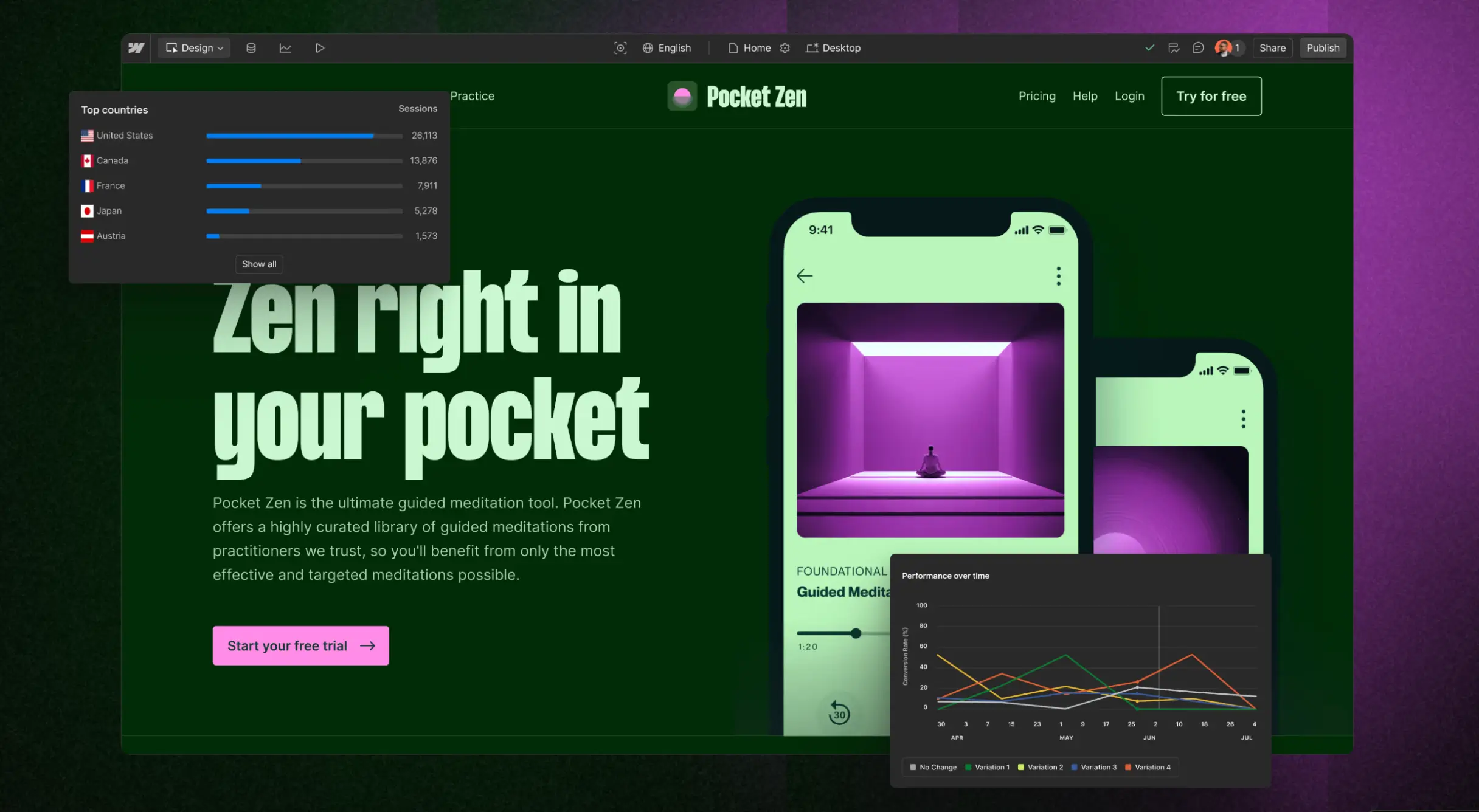
The Webflow UI looks more like a professional development environment. There's a layers panel, a styles panel, a page structure hierarchy, and element settings. It's dense, and intentionally so. The platform has a container element that comes with predefined styles to keep your content centered and responsive across breakpoints. Framer lets you place things more freely, which can feel liberating but also less structured.
Learning Curve Comparison
This is one of the most talked-about differences between the two no-code platforms. Framer is easier to learn, especially if you have any experience with design tools. Most users can create and publish a basic project in it within a few hours.
Webflow requires you to understand core web concepts like what a div block is, how CSS classes work, and what absolute positioning is. None of this is hard to learn, but it takes time. Depending on your entry level, you might need to spend a week or two with tutorials before feeling comfortable. After climbing the learning curve, the level of control is remarkable.
Figma-like Experience vs. Traditional Web Builder
Users with a design background claim that Framer is essentially Figma that publishes production-ready websites. The mental model is the same: layers, components, auto layout, frames, etc. Webflow's mental model is closer to traditional web development. It's not a design tool that generates code — it's a visual development milieu.
Design Capabilities and Animation
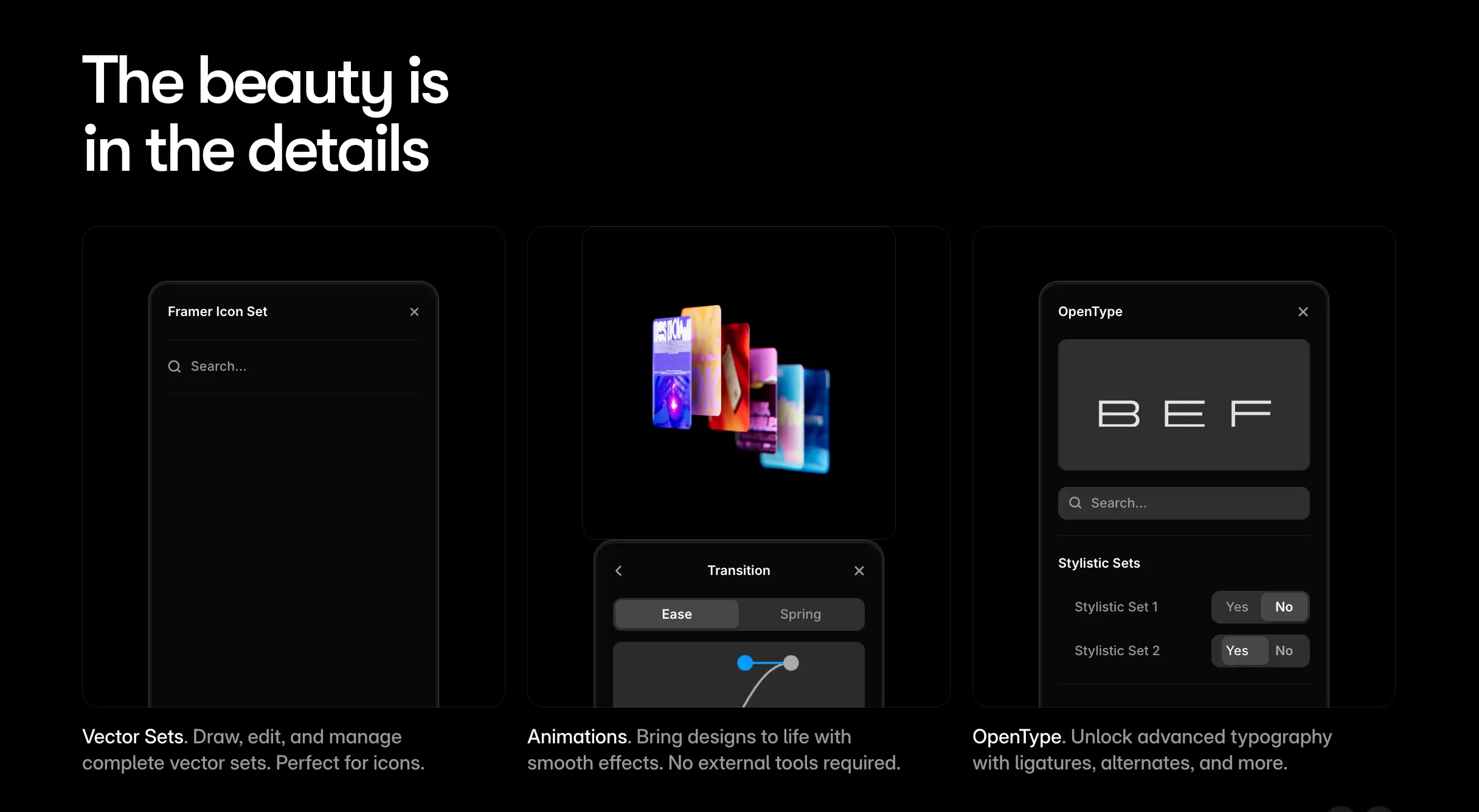
The visual impact of a website is critical to captivating a visitor. It is not merely an aesthetic aspect. Colors, images, videos, fonts, animation should be appealing to the eye. At the same time, they should represent your brand, instead of misleading the potential customer with flashy trends.
Micro-interactions and Motion Design
Framer was born as a high-fidelity prototyping tool, and that philosophy is still at its core. Adding micro-interactions is fast and intuitive. You can create hover effects, entrance animations, scroll-triggered transitions, and interactive components without touching a single line of code. The platform even supports 3D elements and custom cursors through its component system.
Webflow's animation system features more tools, but it's also more complex to configure. The platform uses GSAP which helps democratize sophisticated, visual-first motion development. The key aspect to consider is that building a complex scroll animation in Webflow takes more steps than in Framer.
Scroll Animations and Effects
Both platforms support scroll-triggered animations — elements fading in, parallax effects, sticky sections. Framer makes these easier to add quickly. Webflow gives you more granular control over exactly when and how each effect works. For most landing pages and portfolio sites, Framer's scroll animations are more than enough. For complex editorial sites or interactive storytelling experiences, Webflow's finer controls may be worth the extra effort.
Component Libraries and Reusability
Framer offers a solid component system with a public marketplace of free and paid components. You can drop in pre-built sections, navigation menus, carousels, and more. The component editing experience feels natural.
Webflow provides reusable classes, symbols, and a growing library of shared design systems. For agencies managing multiple client sites, the Shared Libraries feature allows design systems to be conveniently shared across projects, which helps optimize the workflow.
CMS and Content Management
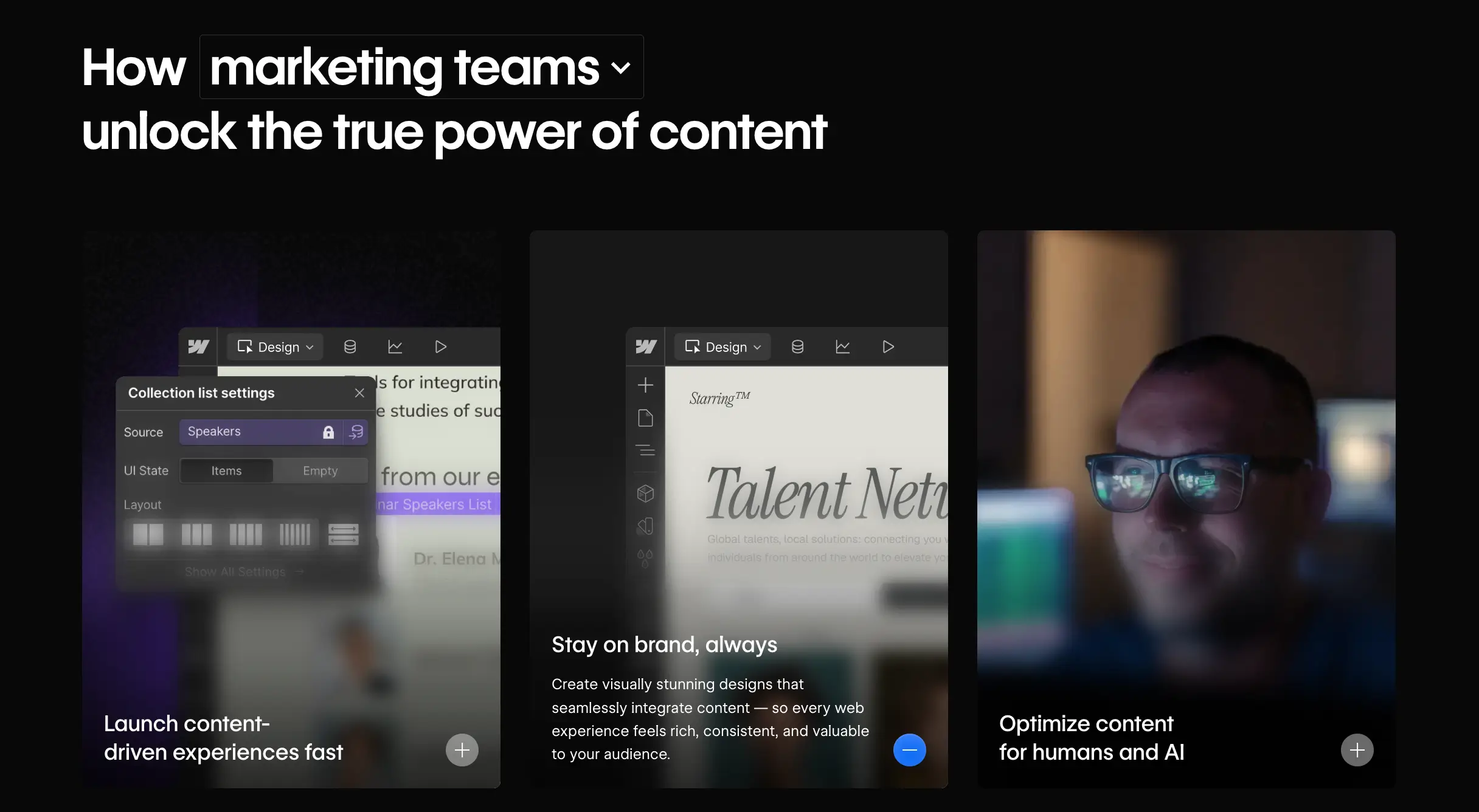
Framer CMS Features
Framer's CMS allows users to create content collections (for blog posts, case studies, team members, and so on), add custom fields, and build dynamic pages. It has also added reference fields and pagination, allowing for more complex content structures and better performance on content-loaded websites. It caps collections at 60 on its highest non-enterprise plan, and the cross-referencing between collections is less intuitive than in Webflow. For small content libraries — a blog, a portfolio, a product showcase — Framer's CMS works well. For large-scale content operations, it starts to show its constraints.
Webflow CMS Capabilities
Webflow's CMS is genuinely powerful. You can manage up to 10,000 items per collection, create complex relationships between collections (a blog post linked to its author, category, and related posts simultaneously), and give content editors a clean interface to update content without the designer's help.
The Webflow CMS is a favorite among marketing teams for exactly this reason: designers build the templates once, and non-technical editors can update content forever without breaking anything.
Content Structure and Flexibility
For simple content structures, both platforms are roughly comparable. For complex, multi-layered content architectures like a news site with articles, authors, categories, tags, and related content — Webflow is the more capable tool by a meaningful margin.
E-commerce Functionality
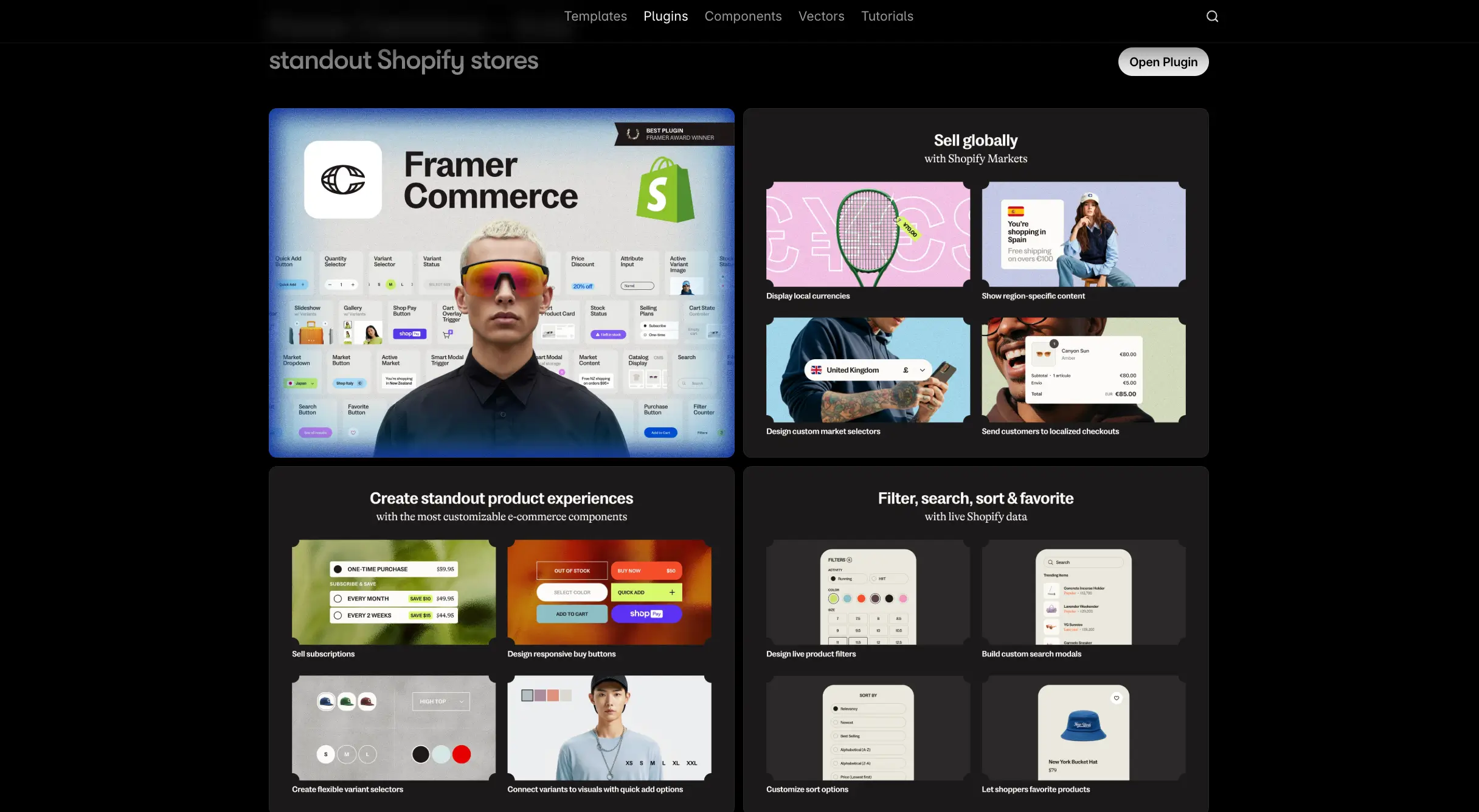
Framer E-commerce Options
Framer does not have native e-commerce built in. If you want to sell through a Framer site, you'll need to integrate with third-party tools like Framer Commerce, LemonSqueezy, or embed a Shopify buy button. These solutions work for selling digital products or a small number of physical items, but they add cost and complexity.
Webflow E-commerce Features
Webflow features fully native e-commerce built into the platform. You can create product pages with full design control, customize checkout flows, manage inventory, set up discount codes, and handle tax calculations automatically for the US, Canada, EU, and Australia.
Payment processing works through Stripe, PayPal, Apple Pay, and Google Pay. You can sell physical products, digital downloads, and even memberships. The entire shopping experience — from product page to thank-you screen — can be designed and customized.
Payment Processing and Checkout
Webflow's checkout experience is fully customizable. The design can reflect the brand. Framer relies on third-party tools, which means your checkout will look like whatever that tool's checkout looks like — which may not match the site design.
SEO and Performance
Building a website and ignoring SEO makes any online platform redundant. Most reliable no-code website builders add certain features to boost website's performance to their paid plans. Let's take a closer look at what Webflow and Framer offer.
Built-in SEO Tools
Both platforms provide essential SEO tools: custom page titles, meta descriptions, Open Graph tags, canonical URLs, 301 redirects, robots.txt control, and automatic sitemap generation.
Framer has a built-in analytics system that's GDPR-compliant and does not require a cookie banner. Adding schema markup and custom code is possible through its custom code section.
Webflow's SEO toolkit is more advanced, particularly when building content-heavy sites. It offers per-CMS-template SEO field controls, reducing the risk of accidentally forgetting to set metadata for individual pages. For large blogs or content-driven relying on SEO, Webflow's more structured approach tends to show better performance over time.
Page Speed and Optimization
Both platforms deliver good Core Web Vitals for typical projects. Framer uses Vercel's Edge Network and handles most technical optimization automatically. Webflow hosts on AWS CloudFront and Fastly, automatically compresses assets, and minifies CSS and JavaScript. For the majority of projects — landing pages, marketing sites, small SaaS sites — both platforms are fast enough to achieve solid Core Web Vitals results.
Meta Tags and Sitemap Management
Framer automatically generates a sitemap for every published site and gives users clean control over indexing and canonical settings. Webflow does the same, with the added advantage of CMS-level controls that make it easier to manage metadata at scale across multiple dynamic pages.
Collaboration and Team Workflow
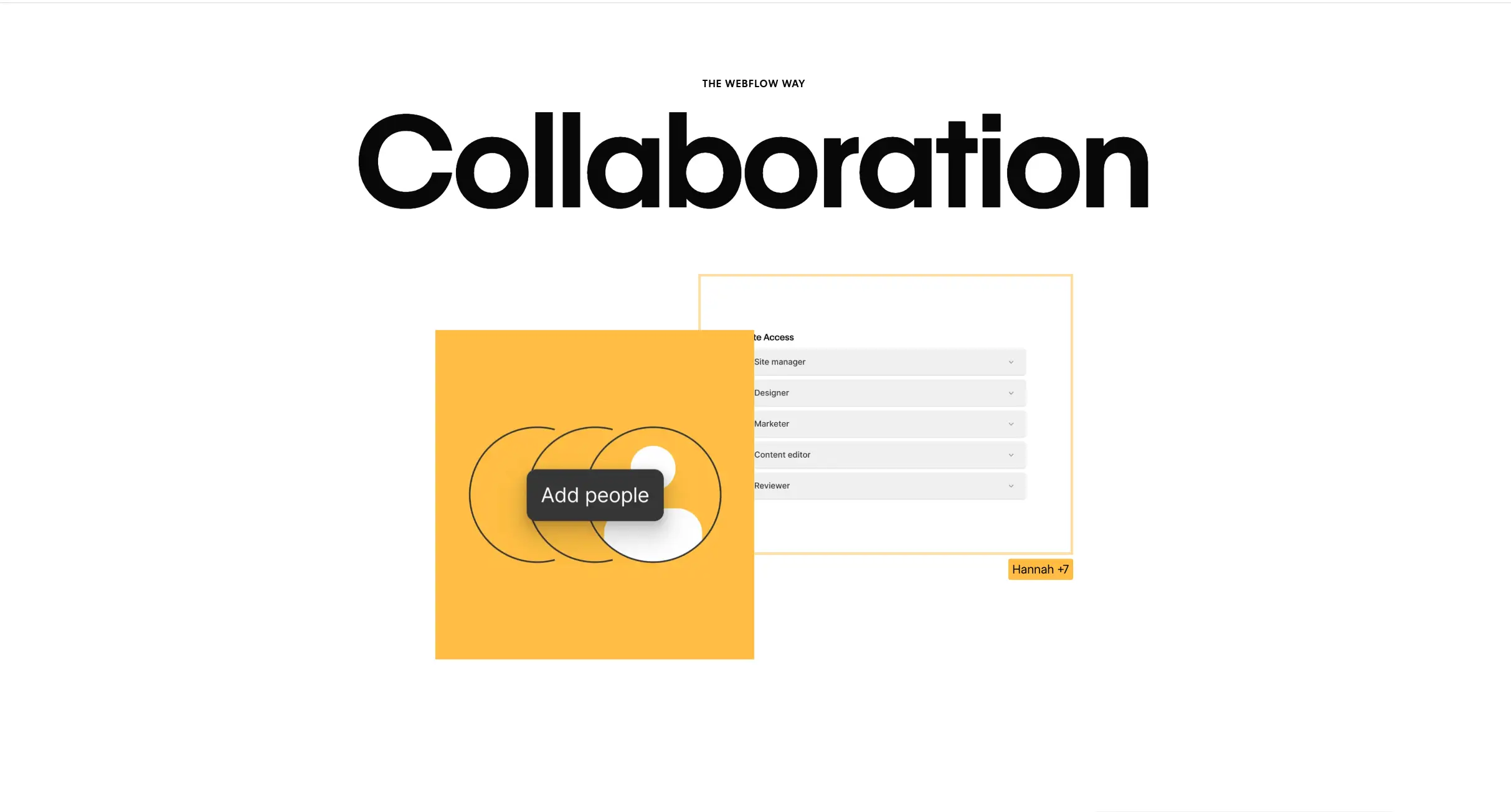
Real-time Collaboration Features
Both platforms support real-time collaboration. Framer offers experience that feels similar to how Figma works — multiple people editing simultaneously, seeing each other's cursors, commenting inline.
Webflow gives everyone the power to create on-brand landing pages quickly with designer-approved building blocks that reflect the brand identity. Teams working together can avoid accidental mistakes with advanced roles and permissions, publishing workflows, and design approvals.
Version Control and History
Webflow has a solid version history, allowing users to restore previous versions of the site. It provides automatic backups and save points that help mark progress and track changes.
Framer offers version history as well, but without the same history of multiple backup points. This feature lets users access previous versions and copy elements into their current canvas.
For regulated industries or businesses where rollback capability is critical, Webflow's track record is stronger.
Client Handoff and Sharing
In Webflow, clients can update text, swap images, and manage CMS content without any risk of breaking the site's design. This is a major reason agencies prefer the platform for client work.
Project transfers in Framer are seamless: moving a full site into another workspace takes no time. Once the site is ready, the client receives an email with instructions on how to accept the work. The designer can choose to keep the editor's role. The Pro Expert plan includes free client editing access, which is a convenient feature.
Pricing and Plans Comparison
Framer Pricing Tiers
Framer's pricing is simple and affordable at the entry level:
Free — basic features, limited pages, Framer subdomain.
Basic — $11,68/month (annual billing): free custom domain, connect your own domain, AI-powered design tools, fast and secure hosting, built-in SEO.
Pro — $35,05/month (annual billing): everything from Basic, plus staging and instant rollback, roles and permissions, relational CMS, site redirects, A/B testing (add-on), multiple locales (add-on).
Scale — $116,84 /month (only annual billing): everything from Pro, plus custom locale regions, events and funnels, priority support, premium CDN, flexible limits, advanced hosting (add-on).
Webflow Pricing Tiers
Webflow's pricing is more complex and segmented:
Basic — $14/month (annual billing): custom domain, 150 pages, no CMS features, Webflow AI, hosting, unlimited form submits, 10GB bandwidth, web app hosting, surge protection.
CMS — $23/month (annual billing): custom domain, 150 pages, 20 CMS Collections, 2,000 CMS items, Webflow AI, hosting, unlimited form submits, 50GB bandwidth, web app hosting, surge protection, additional features, 3 legacy Editor users, site search.
Business — $39/month (annual billing): custom domain, 300 pages, 40 CMS Collections, 10,000 CMS items, Webflow AI, hosting, unlimited form submits, 100GB
bandwidth, web app hosting, surge protection, additional features, 10 legacy Editor users, site search, form file upload.
There are also separate Workspace and Enterprise Plans for teams and agencies.
Value for Money Analysis
Framer looks more affordable at first glance, but if you need e-commerce, you'll likely need to add third-party tools (Shopify, LemonSqueezy) with their own fees. Webflow bundles everything together, which can actually make it more cost-effective for complex projects.
Use Cases: When to Choose Each Platform
Best for Landing Pages and Portfolios
If you're a designer building a portfolio site, a startup creating a launch page, or a creator building a personal brand site, Framer is simply faster and more enjoyable to work with. It has multiple free templates, the animations are easy to add and look great by default.
For marketing microsites — product launches, event pages, campaign landing pages — Framer is also the more practical choice for teams that need to move quickly without developer dependencies.
Best for Business and E-commerce Sites
If you're building a site that needs a blog with dozens or hundreds of posts, a product catalog, an online store, multi-language support, or deep integrations with tools like HubSpot or Google Analytics, Webflow handles all of this natively without stitching together third-party solutions.
For e-commerce specifically, the comparison isn't close. Webflow Commerce gives you full control over every aspect of the shopping experience. Framer requires external tools that add cost and reduce consistency.
Data-driven sites — directories, searchable catalogs, filterable databases — are also much more practical to build in Webflow thanks to its CMS architecture.
Best for Agencies and Teams
The combination of a client-friendly Editor mode, robust version control, role-based permissions, a large partner ecosystem, and Webflow University's training resources makes it the preferred platform for professionals delivering websites to clients.
That said, Framer's real-time collaboration is genuinely better for design-focused teams that want to iterate quickly. Some agencies are building in Framer for visually intensive projects where rapid design iteration matters more than long-term content management.
The honest answer for agencies: if your clients will need to update content regularly, choose Webflow. If you're building a high-impact design showcase that doesn't change much after launch, Framer is a strong alternative. If you need a simpler option, see what SpreadSimple can do.
Conclusion: Making the Right Choice
Summary of Key Differences
| Feature | Framer | Webflow |
|---|---|---|
| Learning curve | Easier, Figma-like | Steeper, development-oriented |
| Best use case | Portfolios, landing pages, MVPs | Business sites, blogs, e-commerce |
| Design freedom | Freeform canvas | Structured but precise |
| Animations | Easy and beautiful by default | More powerful, more complex to set up |
| CMS | Good for small-medium projects | Powerful for large content operations |
| E-commerce | Requires third-party tools | Fully native |
| Collaboration | Real-time multiplayer | Roles, permissions, Editor mode |
| Pricing | Simpler, more affordable entry | More complex, more expensive overall |
| SEO | Solid built-in tools | Slightly stronger for content-heavy sites |
| Code export | No | Yes (HTML/CSS/JS) |
Final Recommendation
Framer is the best choice for:
- Designers who want to build beautiful sites fast;
- Launching a portfolio, landing page, or startup MVP;
- Smooth, Figma-like design experience;
- Sites that don't doesn't need native e-commerce;
Webflow is the best choice for:
- Building a site that needs a serious CMS;
- Native e-commerce without stitching together third-party tools;
- Agencies delivering sites to clients who'll manage their own content;
- Exporting code and having full ownership of the output;
- Building something that needs to scale over time.
Both platforms are impressive no-code website builders that have made professional web design accessible to non-developers. The good news is that you can't go fundamentally wrong with either one. But the right choice depends entirely on what you're building — and hopefully, after reading this, that choice feels a lot clearer.