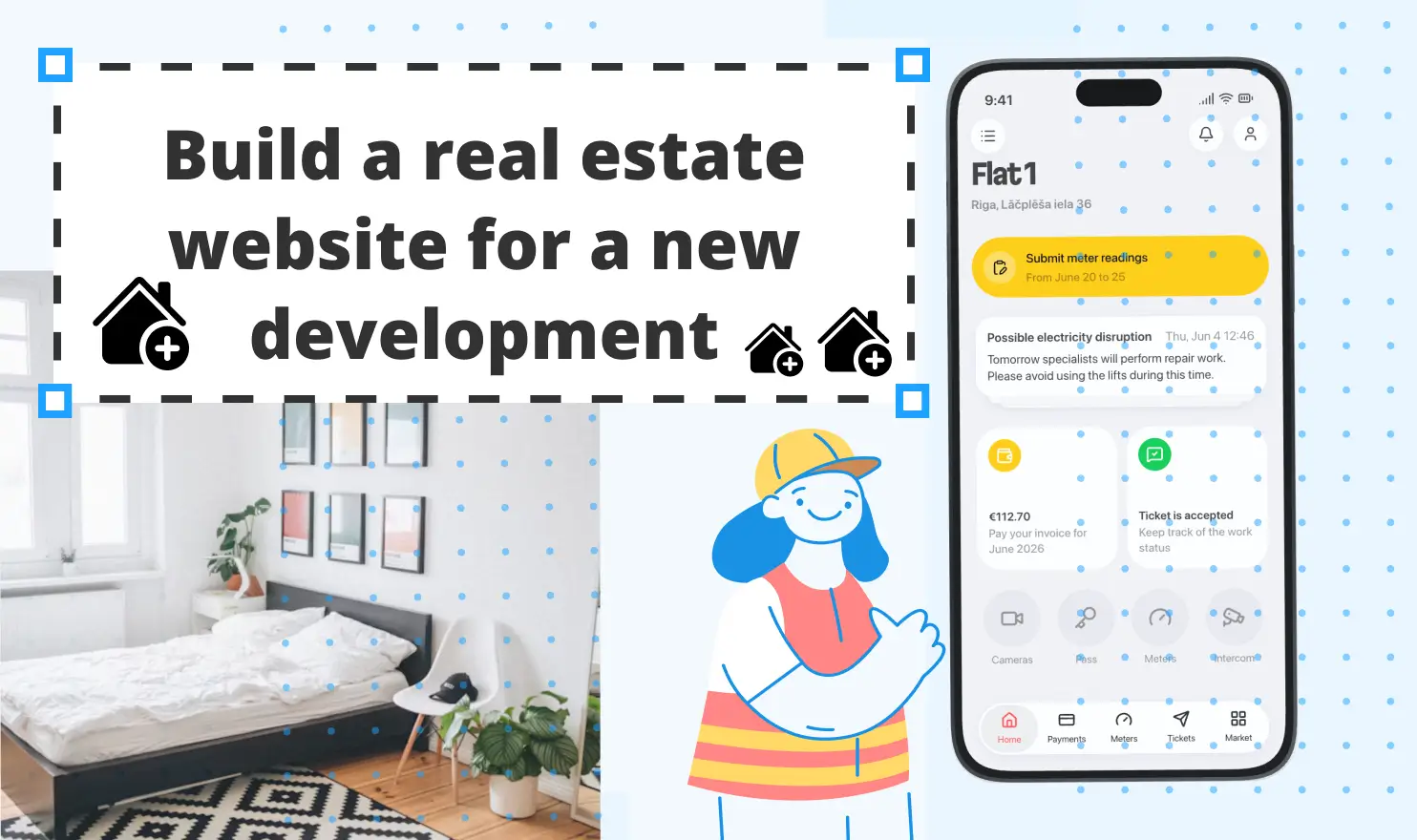
The early 2000s have completely changed the real estate industry by launching the first property listing websites. Fast-forward to present day when over 90% of homebuyers opt for digital convenience (opens new window) instead of traditional methods. This shift means that any new development is simply invisible without a digital platform: before handover, it needs a professional website with detailed property descriptions, available units, or investment opportunities, project statuses, etc. After handover, it needs a modern, efficient system that runs the building: bills, requests, keys, the intercom.
Entering the big game of real estate business is, without exaggeration, a monumental undertaking, with minimum requirements such as fundamental knowledge of markets, finance, a reliable network, quality monitoring at every level, and sizable investments. This guide makes this task slightly easier by showing you how to build a real estate website for a new development step by step, and how to connect it to the essential tools that take over once residents move in.
What a real estate website for a new development needs
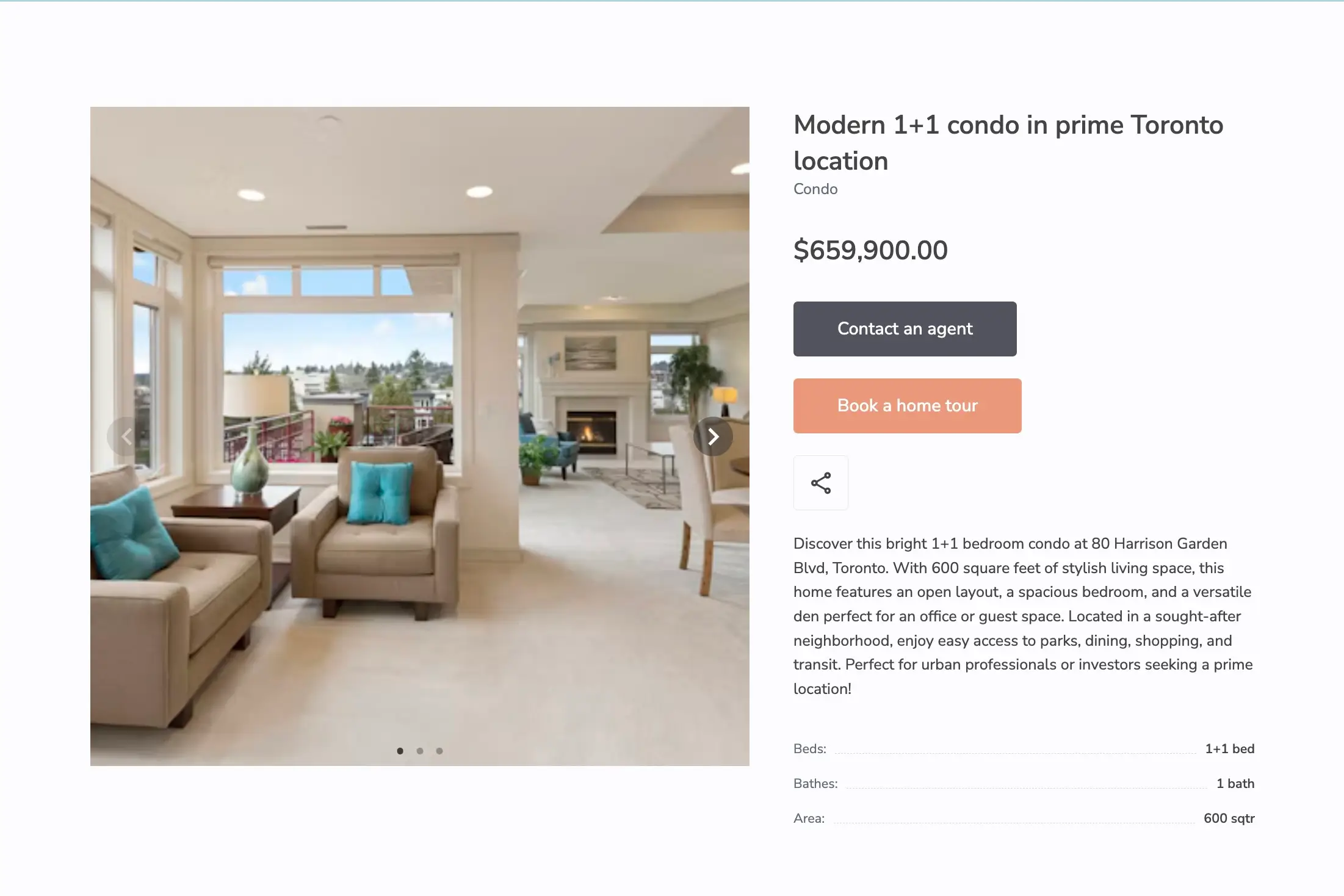
A new development project needs to convey a clear message: quality, trustworthiness, clear descriptions of each construction stage and its status, as well as appealing visuals showing the before and after progress. The website must have intuitive navigation, so that the potential buyers can browse the desired projects without friction, and find all the answers within a couple of clicks. At the same time, consider adding a page for potential investors, with an alluring ROI message and contact information with several ways to get in touch with you.
Before you build a real estate website, make sure it covers:
- An apartment catalog with filters by rooms, floor, area, and price
- A page for every unit, with its floor plan, photos, and price
- Availability status that's always up-to-date: available, reserved, sold
- Location: the building, transport, schools, and shops nearby
- Video: tours, the show apartment, construction progress
- An online form to book a viewing and a way to ask a quick question
- Leads that land in one place, so the sales team can follow up
But the digital presence doesn’t end after the keys are handed over. A reliable developer must provide comfortable living experience throughout the entire property exploitation period. This includes a hassle-free way for residents to pay bills, report problems, and even submit meter readings. Let’s get into the details, starting with a real estate website creation. Spoiler warning: it’s no-code and easy.
1. Build the apartment catalog from a Google Sheet with SpreadSimple
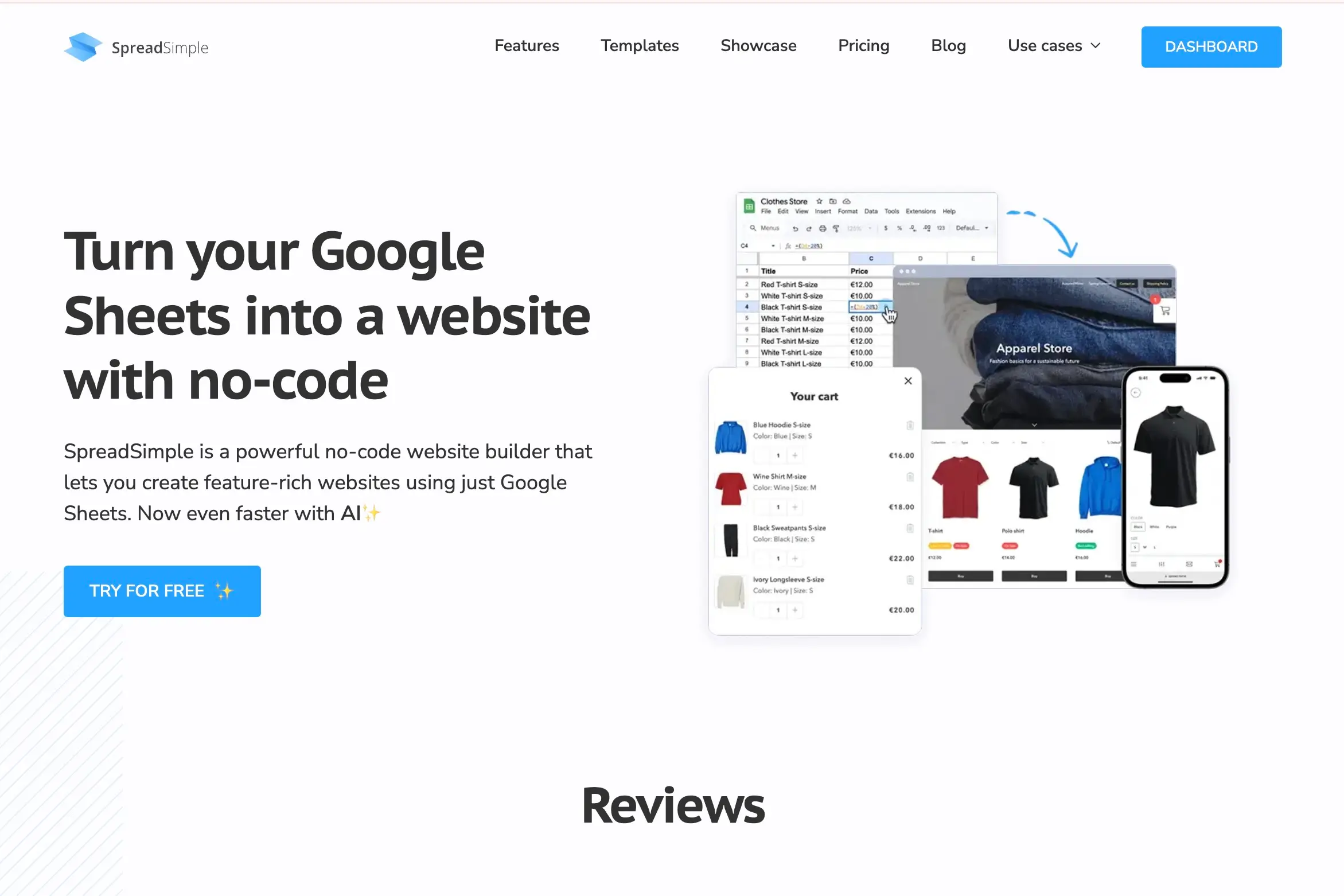
Many businesses use spreadsheets to track expenses, income, etc. While Microsoft Excel or Google Sheets have proven to be reliable tools for accounting teams, this kind of software has been lacking consistency and automation potential to be used as a fully functional database. This is where SpreadSimple helps build a bridge between a website and sheets and harness the full potential of the familiar tool.
SpreadSimple is a no-code builder that smartly utilizes the power of spreadsheets and turns them into a user-friendly database connected to a modern website, which doesn’t require an ounce of developer’s skill to create and manage. The Real Estate website template already includes a logical architecture with everything your development project needs: product grid, image gallery, Google Form with pre-filled links for orders, search bar, filters, sorting, pagination, map view with Google Maps add-on, URL aliases, Related items, Calendly add-on, and more. All you need to do is add your data to a template Google sheet or link your own spreadsheet, configure the settings and customize the design in the dashboard, connect your custom domain (available in paid plan), and publish.
Your real estate catalog built with SpreadSimple is a mobile-friendly, fast, and modern platform where buyers can:
- Narrow down search by filtering the entire catalog by rooms, floor, or price range
- Conveniently explore each apartment placed on a separate details page with images and descriptions
- Contact the sales team by quickly filling a short form
- Get instant updates: when a website manager changes "Available" to "Reserved" in the Sheet, the website updates itself in no time
That last point shouldn't be underestimated. Few things lose a buyer's trust faster than calling about an apartment that sold months ago.
2. Turn location into a powerful selling point
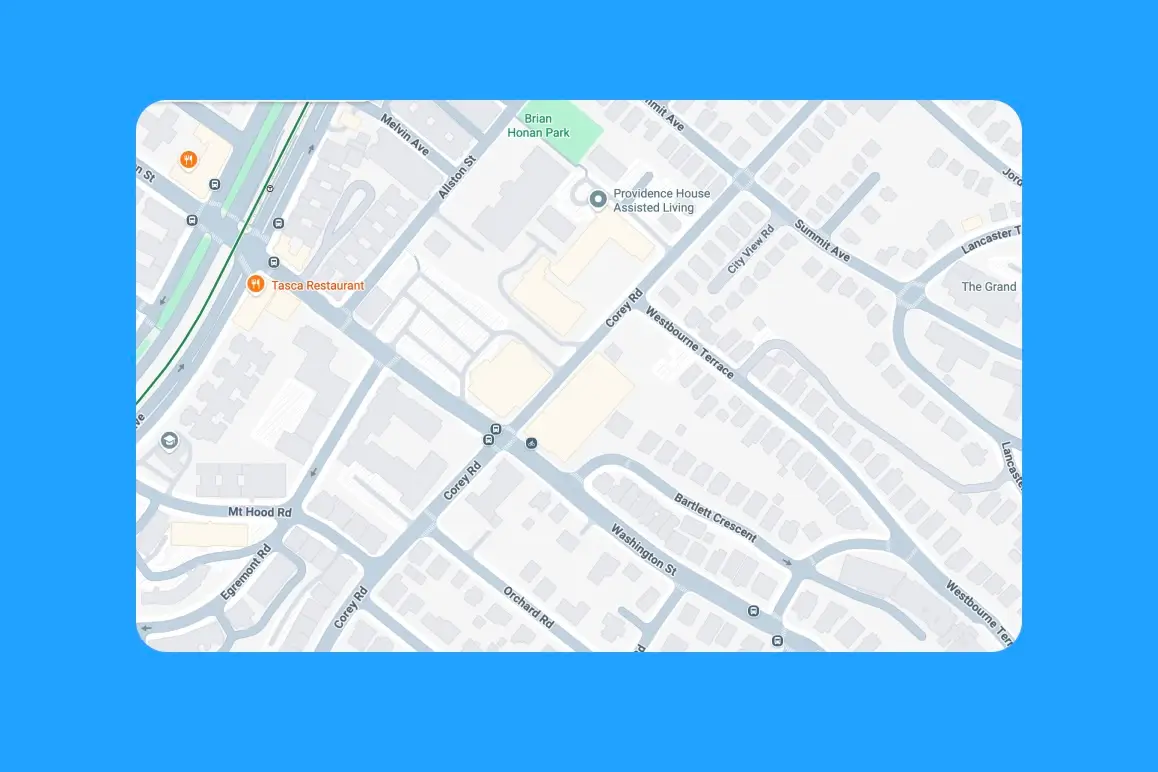
Square footage and unit layout are undeniable value drivers of a real estate project. Positioning the location as a key advantage creates an irresistible additional value proposition. SpreadSimple helps you highlight the development’s location in the most alluring way with these three features:
- Adding picturesque images
- Embedding videos
- Setting up Map View
The latter feature puts the building on Google Maps, and you can add markers for what matters most nearby: the metro station, schools, the park, supermarkets, etc. If you're selling several projects, they can all sit on one map. Our guide to map markers shows how to set them up.
Check out our Map View setup video:
3. Immersive buyer experience: Add video tours and construction progress
Integrating videos into your real estate site helps users get the unparalleled, dynamic experience when it comes to the visualization and conveying project information in a clear and appealing way. Upload videos to YouTube or Vimeo and embed them on the homepage and on individual apartment pages. Monthly visuals showing construction updates help build trust and show buyers that the project is going as scheduled.
4. Let buyers book a viewing with a couple of clicks
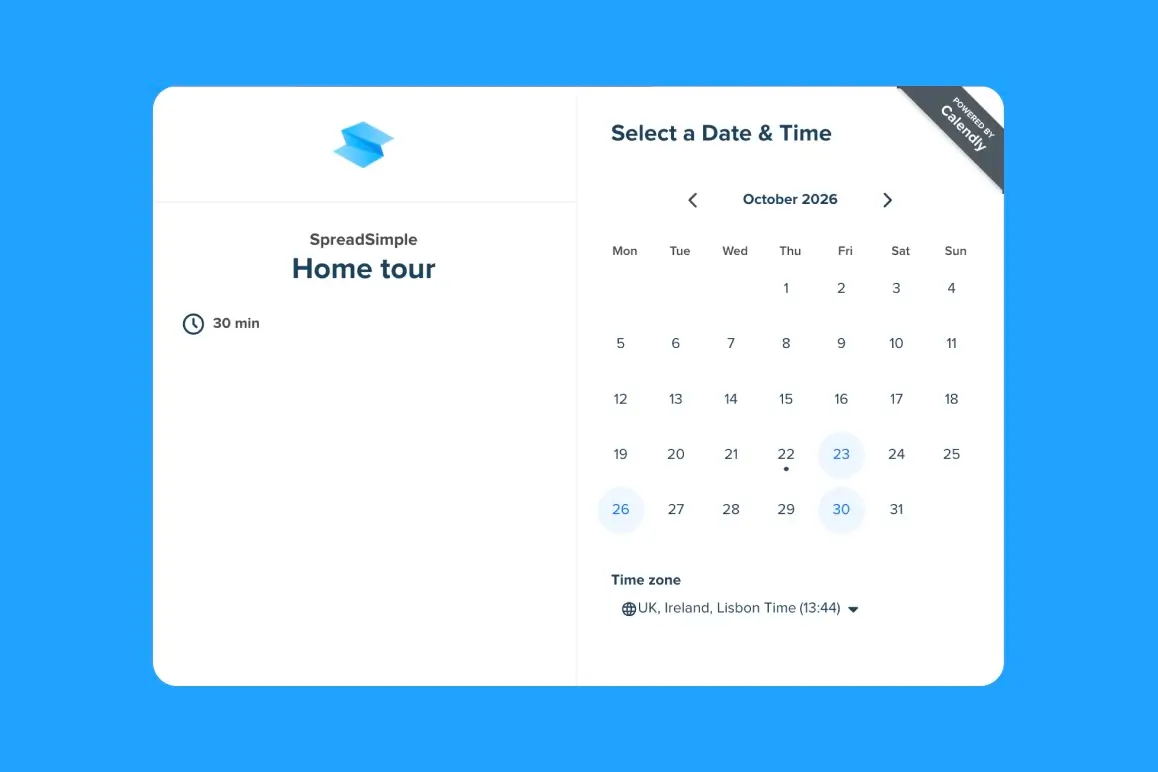
Add a "Book a home tour" button to each apartment page that opens your sales team's Calendly for transparent, friction-free communication. This feature subconsciously conveys a very important message — “We are here for you, ready to help.” — a marker of any market leader. It works especially well for show-apartment visits and site tours on fixed days.
5. Send every request to the sales pipeline
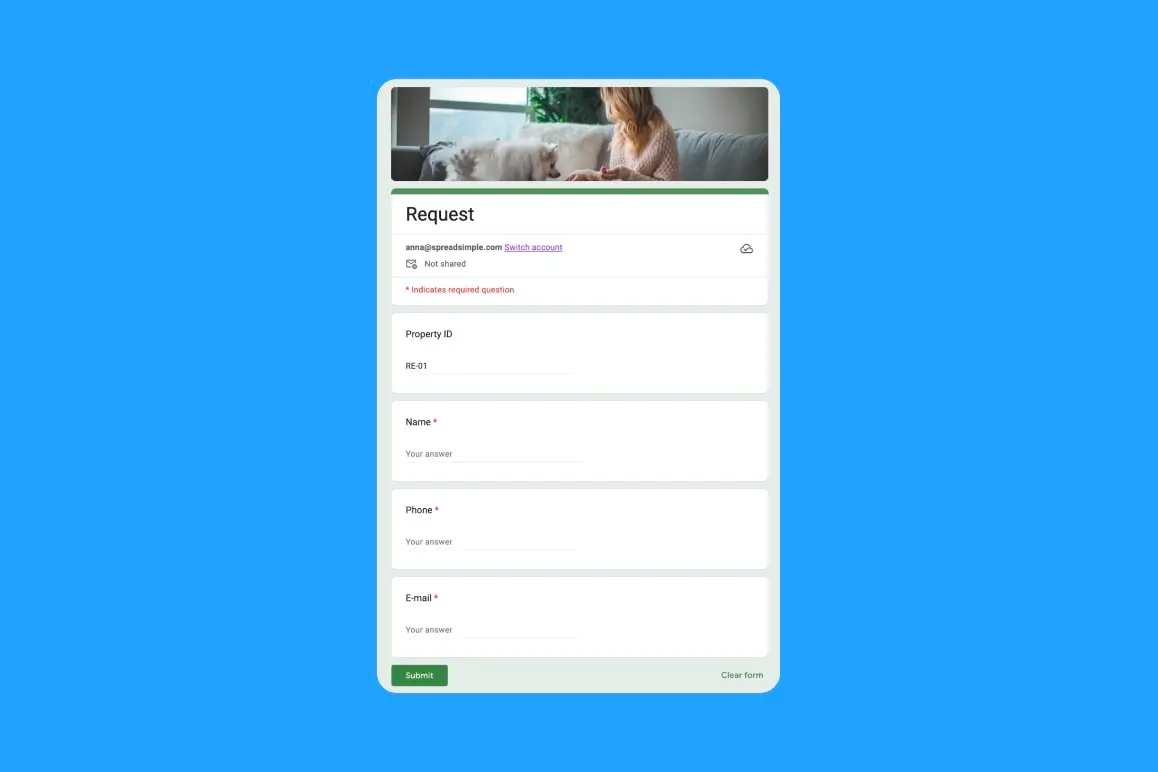
Before scheduling a viewing, many clients want to evaluate their buying capacity: is the desirable apartment something within their budget? Add a short Google Form to collect the inquiries and customers’ contact details. Even if the particular deal won’t go any further, you will build a client base for future projects.
When a buyer decides to purchase an asset, the deal itself happens offline: the contract is signed, and the money is paid. The website's job is to get the client to that point. Once the apartment is sold, don’t forget to change its status in the spreadsheet to avoid confusion among other potential buyers.
6. How to efficiently run a building after handover
Once construction is complete and residents begin moving in, most of the core functions of a real estate website have served their primary purpose. However, the construction company’s ongoing responsibilities vary depending on the legal requirements of the region:
- Defects liability period: Typically lasts for 6 to 12 months, when the company stays responsible for fixing various defects.
- Initial aftercare / support: The delivery team remains available on-site or on-call for 4 to 8 weeks to help fine-tune systems and assist the operations staff.
- Extended warranties: The company often maintains structural or equipment warranties for a defined window; they return to repair specific covered items.
- Ongoing facilities’ management: When the construction company has a separate, distinct contract or is part of a design-build-operate-maintain (DBOM) model, running the building: handling utilities, cleaning, security, and daily maintenance.
To manage the DBOM model efficiently, you need a well-integrated CRM system and an app designed not only to run smoothly but also to accommodate users with varying levels of technical proficiency. After all, you can’t expect every resident of a new building to be tech-savvy. Some residents, particularly older adults, need reliable, easy-to-understand software that makes their lives easier rather than leaving them with more questions.
Unitify is a resident app and property management platform (opens new window) built for this stage. It's used by management companies, owners' associations, and by developers who launch their own management company at handover.
Browse Reddit, Threads, or news articles highlighting the downsides of living in cities from Vancouver to Sydney, and you’ll find one recurring frustration: bureaucratic red tape, when fixing something as small as a water leakage becomes a Herculean task, taking weeks to solve. This is exactly the kind of challenge projects like Unitify aim to solve in the real estate sector.
Handover without the paperwork pile
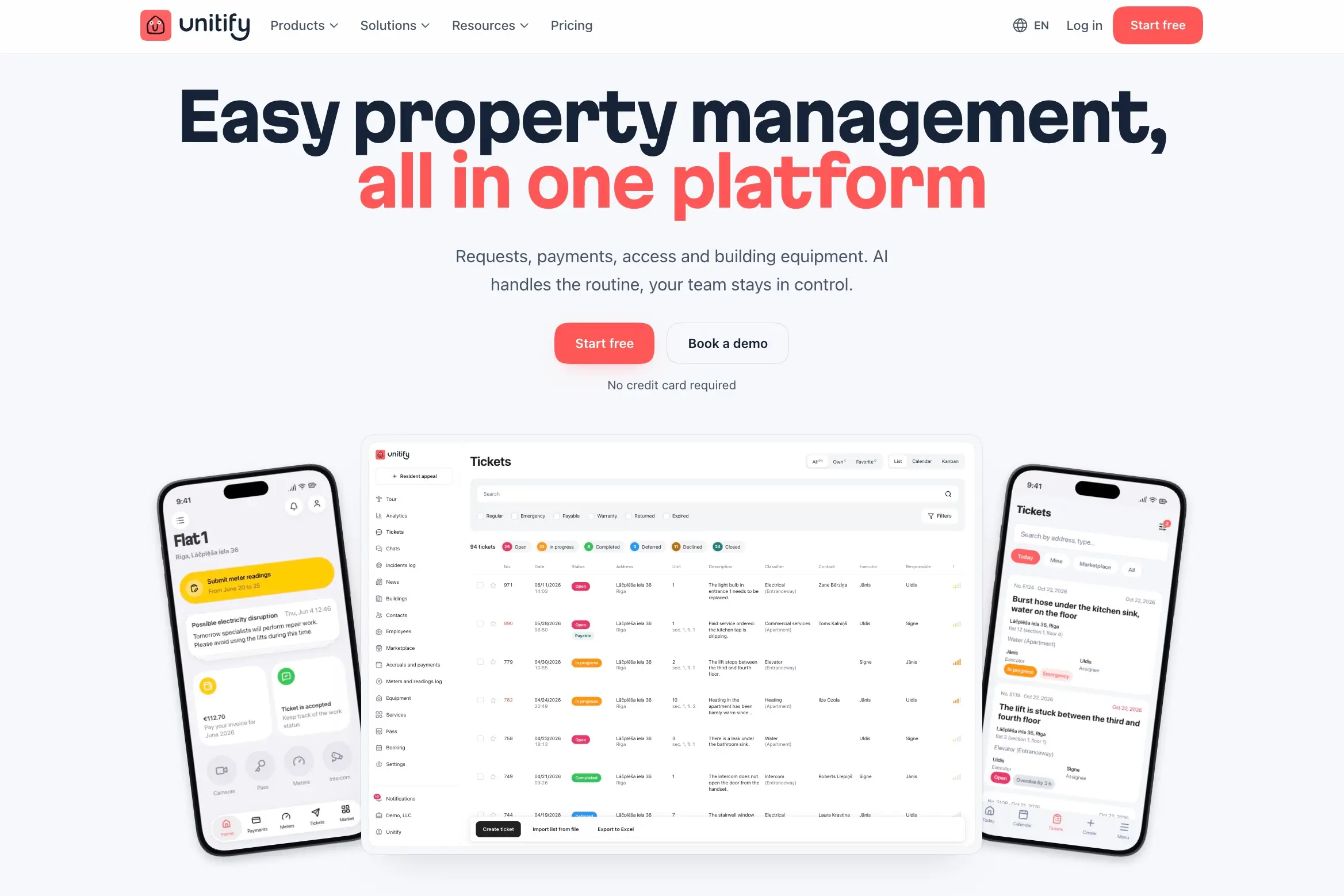
Unitify covers acceptance of the apartments, key handover, and warranty claims, so defects reported after move-in are tracked as requests instead of getting lost in email.
A resident app people that actually use
Residents use one app for everyday things:
- Bills and payments
- Meter readings
- Requests to the management company, such as a leaking tap or a broken lift
- Digital door keys and guest passes
- Booking shared spaces, such as a meeting room or a rooftop
Transparent billing and payments
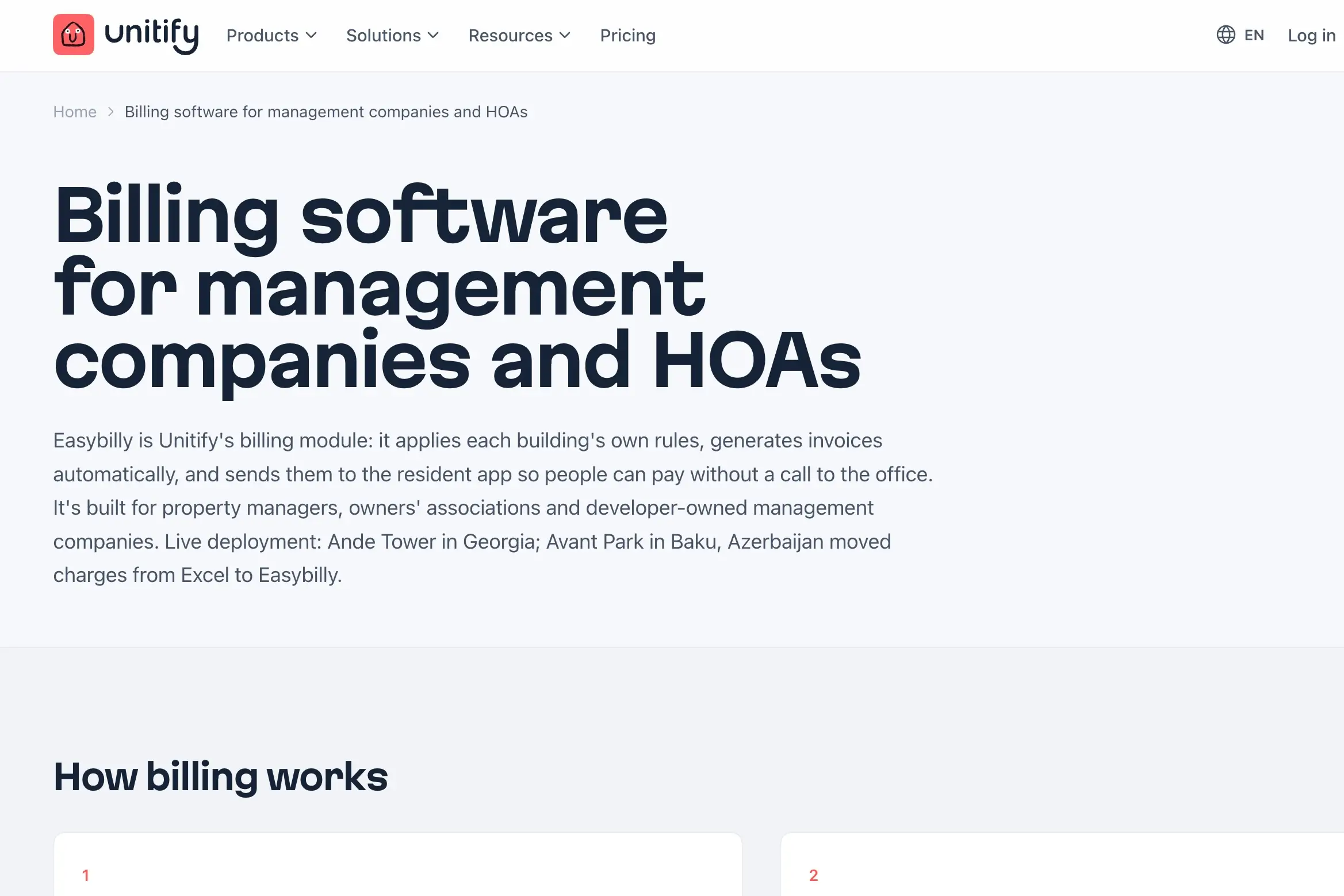
Unitify handles the money side of running a building: automatic charges, invoices, split bills, and reminders about debts. It processes the payment directly, delivers the bill into the network the resident pays through, or the device talks to Unitify directly. Most platforms leave out the hardware layer of equipment, such as intercoms, access control, cameras, meters, EV chargers, and other building systems, while Unitify helps manage everything in one app.
Your personal AI concierge
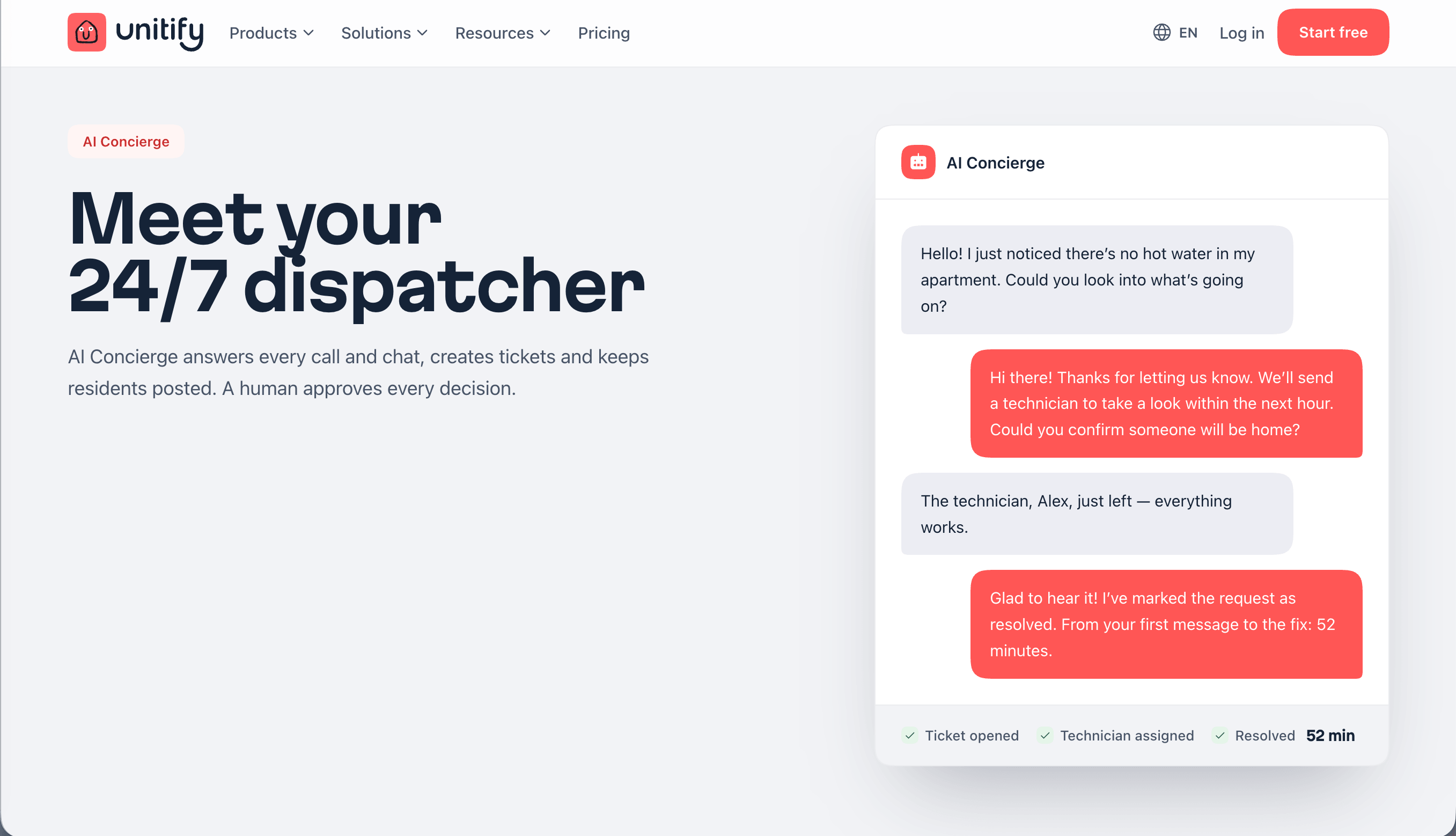
On advanced plans, you get an 24/7 dispatcher — your AI concierge answering calls and chats, creating requests, and keeping you updated. You still approve the decisions that matter, but routine questions no longer require any effort.
How to start for free
Unitify has a free plan with core features (no AI features), and signing up is a quick process that doesn’t require your card information or a call. You add your building, and share the building registry (apartments, owners, and opening balances) as an Excel file to Unitify for the setup. Next, residents add their own apartment in the app, and the management company verifies each one.
Selling the next building

The two stages — SpreadSimple real estate catalogue and property management with Unitify — meet again when you start another development project. You have an opportunity to back your new building with honest reviews from existing residents who already know your quality, and add Unitify convenience as a massive selling point.
Two halves of this setup meet again when you launch your next project. Unitify's developer showcase lets you, in their words, "sell your next building to people who already live in one of yours", reaching residents who already know your quality. Your SpreadSimple catalog for the new building is ready as soon as the new unit list exists in a Sheet.
Here’s a quick step-by-step breakdown of each stage and its function:
| Stage | Tool | What it does |
|---|---|---|
| Showcase | SpreadSimple no-code builder | Apartment catalog created from a Google Sheet without coding, informative unit pages, live availability updates |
| Showcase | Google Maps add-on | Location and what's nearby as a selling point |
| Showcase | Embedded YouTube or Vimeo | Video tours and construction progress for a dynamic, immersive experience |
| Leads | Calendly | Simple way to book a viewing |
| Leads | Forms | Quick requests into the sales pipeline |
| Support | Chat | Seamless, responsive communication |
| Handover and living | Unitify | Top customer service: Handover, property management app, billing and payments, building systems |
FAQ
How much does it cost to build a real estate website?
A complicated, custom-built development website with unique web design can cost thousands and take weeks. A no-code builder providing a simpler result in no time costs a monthly subscription, with a free plan to help you evaluate all the pros and cons before paying.
What is the best website builder for a real estate developer website?
It depends on what you sell. Agencies with large listing databases often need specialist property platforms. A developer selling one or a few buildings mostly needs an informative apartment catalog, unit pages and lead capture through contact forms, which a spreadsheet-based builder like SpreadSimple handles smoothly.
What is a resident app?
A resident app is apartment building management software that lets people living in a building pay bills, submit meter readings, report problems, open doors and book shared spaces, and receive news from the management company.
All these automation tips aren’t a magic pill making the real estate business effortless to manage. You will still have to work hard on your project, but with tools like SpreadSimple and Unitify (opens new window), you get modern and efficient software taking a significant burden off your shoulders.