
Best directory website builders for maintaining data after launch

Most directory guides focus on the initial stage: picking the right design, logo, and publishing your first listings. Nobody tells you what happens six weeks later, when a supplier changes their pricing, some listings go stale, a new category needs to be added, etc.
That's the moment a directory website builder either earns its keep or causes you regular stress. In this guide, we feature checklists to focus on the question that actually decides whether you'll still enjoy running your directory in six months: how easy is it to keep the data up to date?
Keep on reading, if you're about to import hundreds of listings and you're wondering which directory website builder will remain reliable and easy to maintain beyond the initial stage of site creation.
Why launch is the easy part — maintenance is the real decision

Launching a directory is a one-time event. Maintaining one is a recurring task, and it's where most digital tools reveal their limits. Before committing to a directory website builder, you should analyze exactly what kind of upkeep you're signing up for:
- Bulk edits — changing a price, a category label, or a status across dozens of listings at once, instead of clicking into each one.
- Taxonomy changes — renaming a category, splitting one filter into two, or adding a new location without breaking existing links.
- Submissions — letting businesses or users add their own listing, and reviewing it before it goes live.
- Moderation — catching duplicate, outdated, or low-quality entries before they hurt trust in your directory.
- Stale data — a process for finding and updating (or removing) listings nobody has touched in months.
These five tasks are what separate a directory website builder you'll still be using next year from one you'll quietly abandon.
How we tested these directory website builders
To keep the comparison honest, we ran the same maintenance tasks on every platform using an identical dataset: 50 sample listings spread across six categories and four locations, each with a name, description, price, contact link, and image.
On each tool, we timed four tasks: changing the category and price on ten listings at once, adding ten new listings, fixing three broken image links, and splitting one filter category into two without breaking existing listings.
Pricing, plan limits, and feature availability shift often, so treat the specifics below as a snapshot and check each provider's current pricing page before you commit.
Quick Comparison — Best directory website builders at a glance
Here's the short version. Details on why each tool lands where it does follow in the sections below.
| Tool | Best for | Bulk editing | Submissions | Filters | SEO | Maintenance verdict |
|---|---|---|---|---|---|---|
| SpreadSimple | Google Spreadsheet- backed catalogs | Edit the sheet, site updates | Basic form or add-on | Built-in filters | SEO-friendly and indexed by search engines | Fastest for bulk data changes |
| Webflow | Fully custom design | Update items through CSV upload, and selectively export collection items | Native form + CMS item | Built-in static filters, Finsweet Attributes, Jetboost | Strong, built-in SEO tools | Slower for bulk edits, best design freedom |
| WordPress + Directorist | Owners already on WordPress | Import bulk listings in CSV format using the import/export feature | Front-end and Back-end listing submission | Native search and filters | SEO-friendly listing creation with various useful features | Solid, but needs upkeep and hosting |
| Softr | Airtable-backed directories | Edit the Airtable base | Airtable or Softr forms | Built-in filters | Good, some limits on static pages | Good for teams already living in Airtable |
| Framer | Design-forward directories | CMS Studio plugin, Framer Agents | Native Framer Forms builder | Native dynamic filters | Optimizes webpages for excellent SEO by default | Works well for small directories |
SpreadSimple — Best when your directory already lives in Google Sheets

If your listings already exist in a spreadsheet, SpreadSimple turns that sheet directly into a live, filterable directory website. That is what makes SpreadSimple the fastest option in our maintenance tests. Bulk price changes, category renames, and adding ten new rows all happened at spreadsheet speed — select the cells, edit, and the published site reflects the change within moments.
When it fits
- Curated directories where you (or a small team) control what gets published, rather than open, unmoderated public submissions.
- Catalogs that change often — pricing updates, seasonal listings, inventory-style data — where bulk-editing a sheet beats clicking through a CMS.
- Teams who are comfortable in Google Sheets and want one source of information instead of syncing data between a spreadsheet and a separate database.
When it doesn't
- Multi-vendor marketplaces where each vendor needs their own login and self-service dashboard.
For a sheet-backed catalog that a small team maintains directly, SpreadSimple removes an entire layer of admin overhead most directory builders leave in place.
Webflow — best for fully custom design control
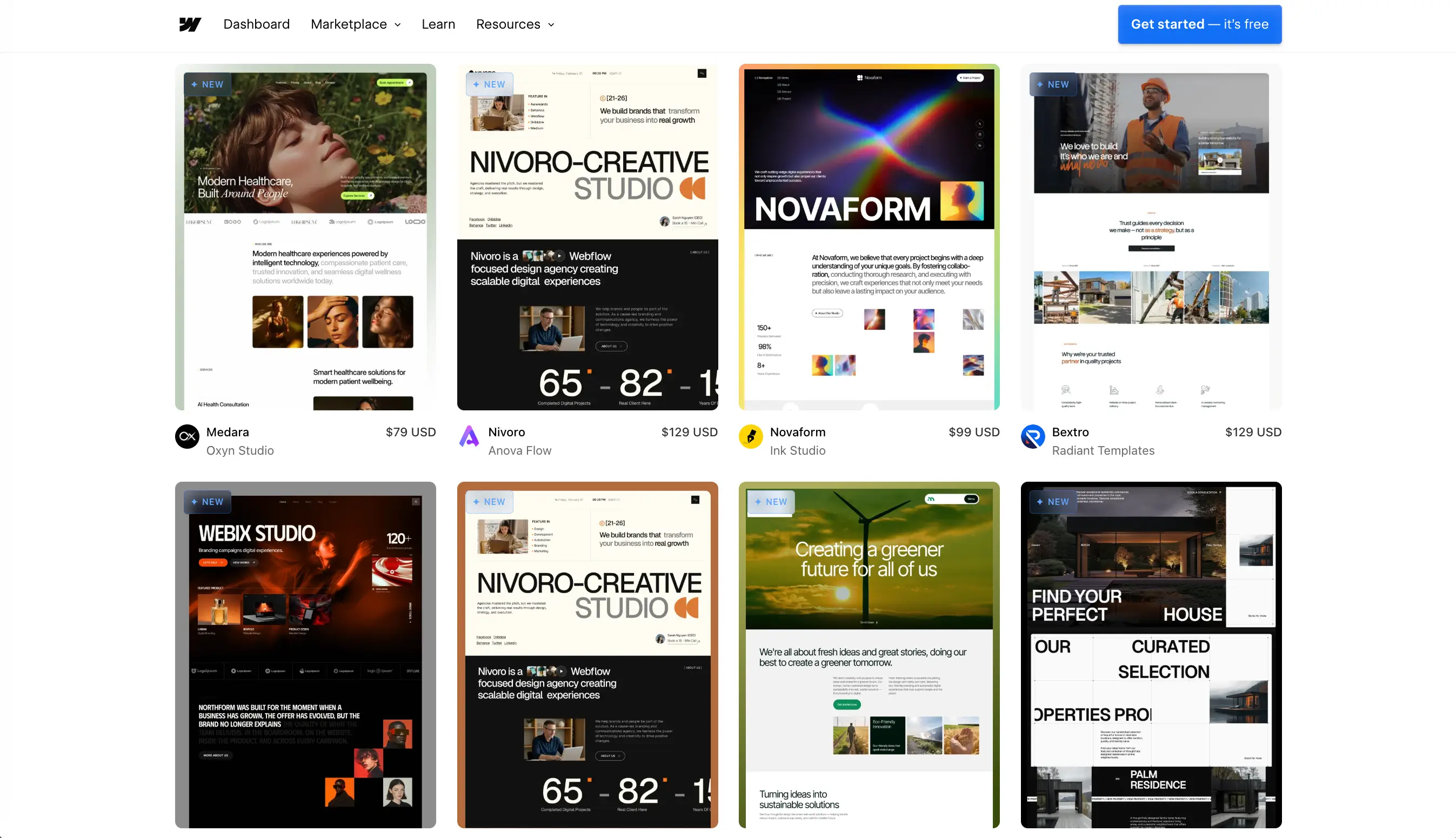
Webflow's CMS Collections (opens new window) can power a modern directory, and if design flexibility is your top priority, nothing else on this list gives you the same freedom over layout, animation, and branding.
The tradeoff shows up in maintenance. Webflow's CMS editor is built around editing one collection item at a time; bulk field updates typically mean either exporting to CSV, editing outside Webflow, and re-importing, or using a third-party bulk-edit tool. Adding filters that go beyond a single field usually means bringing in an add-on like Finsweet CMS Filter.
When it fits
- Directories where visual design is a core differentiator and a manageable number of listings changes infrequently.
- Teams with a designer or developer on hand who is comfortable in Webflow's CMS and, if needed, its API for bulk changes.
When it doesn't
- Directories with frequent, large batch updates and no developer to script around the CMS editor's one-at-a-time default.
WordPress + Directorist — Best for businesses already using WordPress
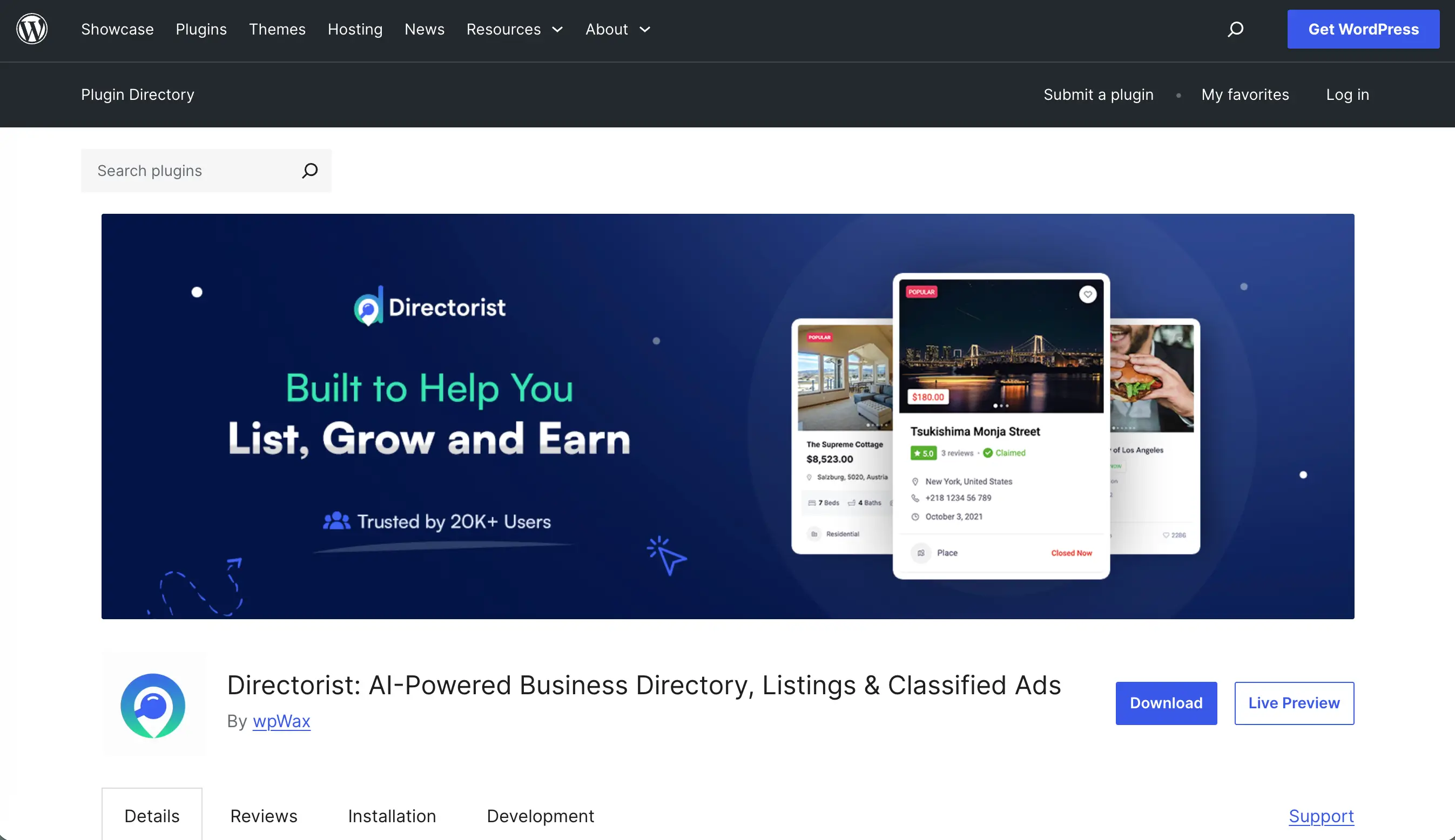
If you already run a WordPress (opens new window) site, a directory plugin such as Directorist adds listing types, front-end submission forms, search filters, and a bulk-edit screen without leaving the familiar platform.
The bulk-edit and CSV import tools cover the core maintenance tasks reasonably well, and the plugin ecosystem means most workflow gaps — reviews, booking, payments — have an add-on. The cost is upkeep of a different kind: plugin updates, hosting, and the general maintenance overhead of a self-hosted WordPress site.
When it fits
- Users who already maintain a WordPress site and want the directory to live alongside existing content.
- Directories that need open, front-end submissions from businesses or users as a core feature from day one.
When it doesn't
- Anyone who wants to avoid hosting, plugin updates, and the general technical upkeep a self-hosted site carries.
Softr — Best for Airtable-backed directories with light workflow
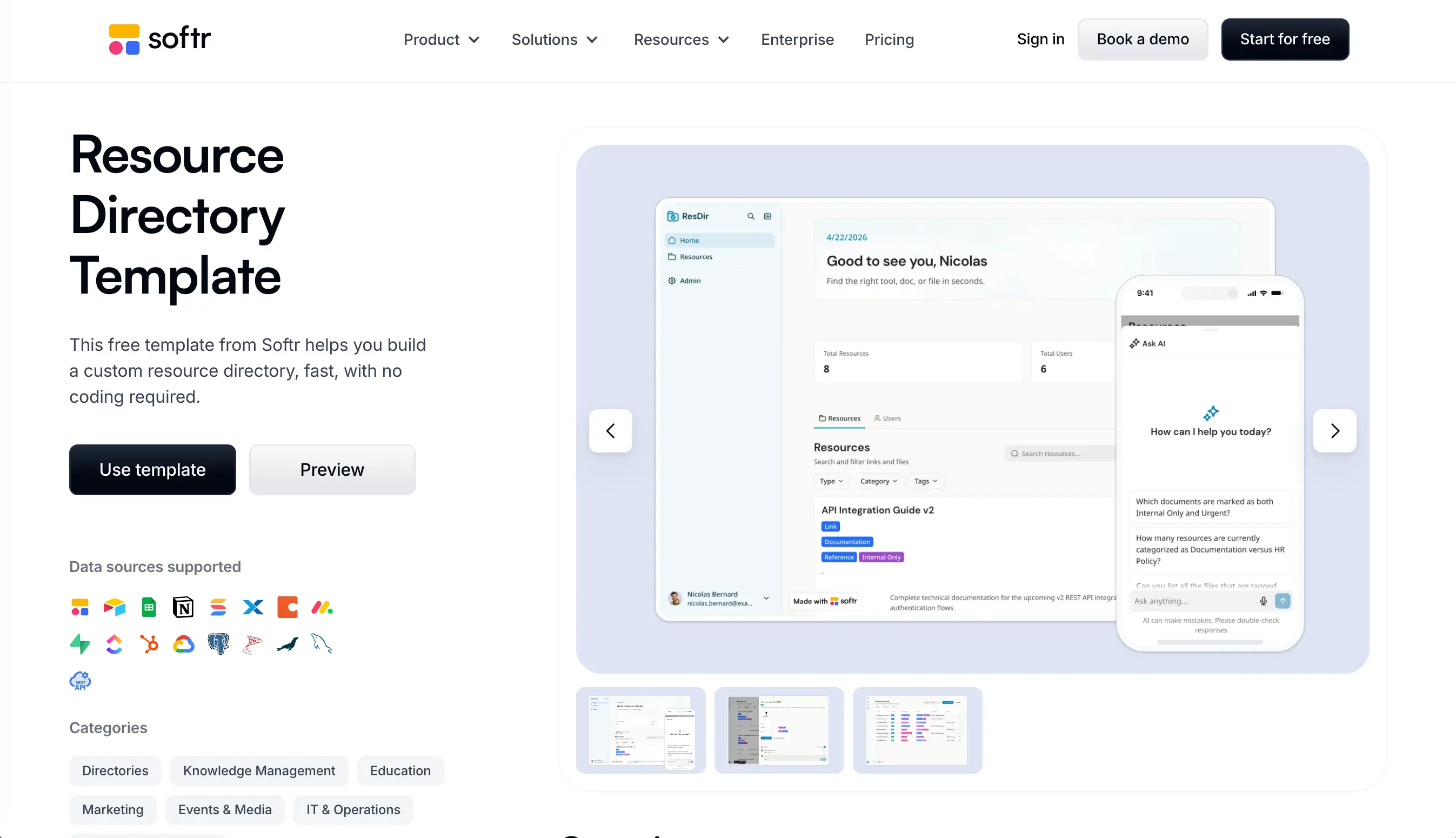
Softr (opens new window) turns an Airtable base into a website, which makes it a natural fit if your listings, categories, and submissions already live in Airtable's linked-record structure. Editing the base updates the published directory, and Airtable's own bulk-edit and filtering tools carry over directly.
When it fits
- Teams already managing listings, relationships, and submissions inside Airtable who want a public front end without rebuilding the data model.
When it doesn't
- Directories where deep, page-by-page SEO customization matters more than workflow convenience.
Framer — Best for design-first platforms with small-scale collections
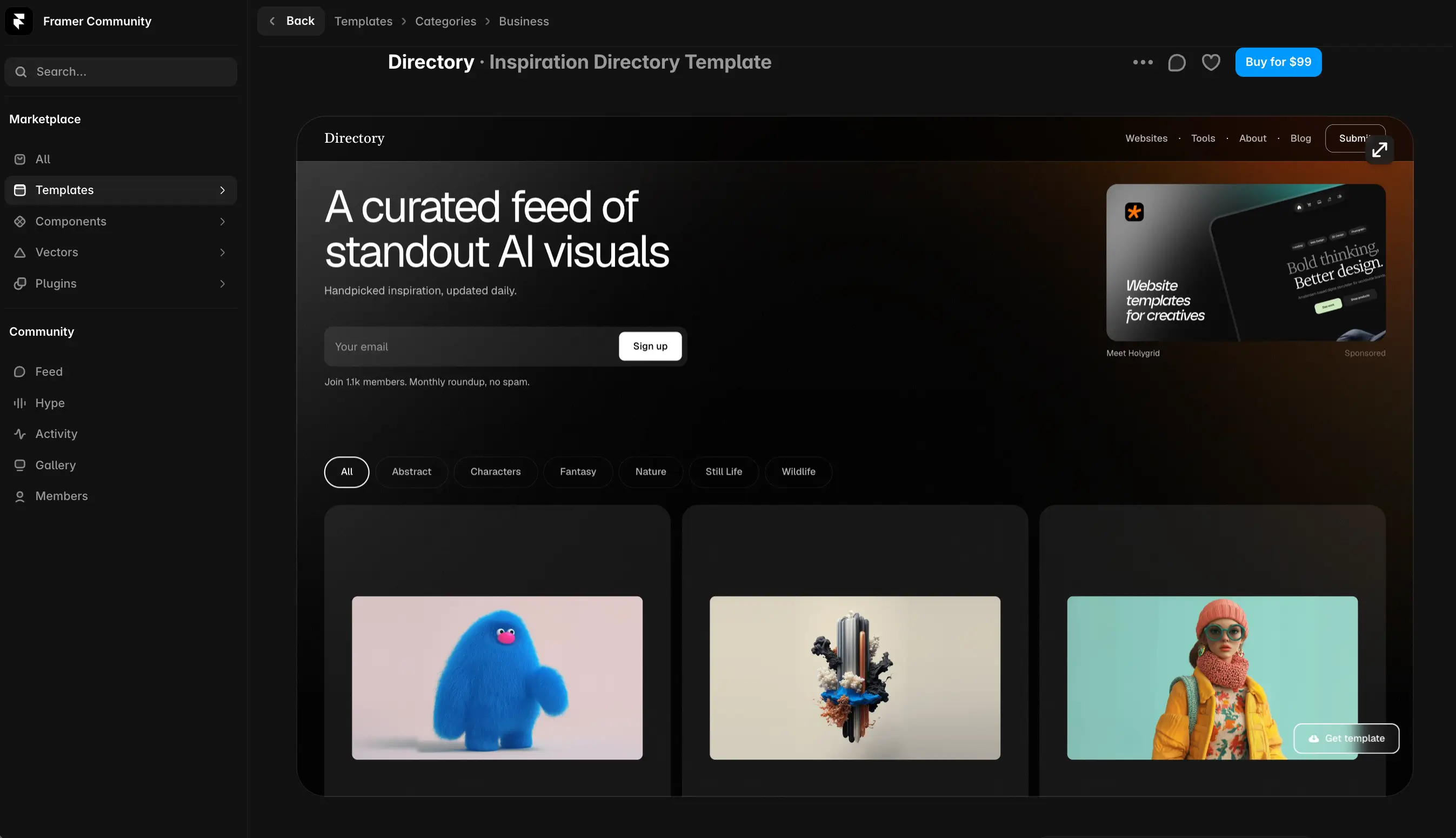
Framer’s built-in CMS (opens new window) delivers appealing design flexibility, intuitive visual layout controls, and effortless component interactions. If visual appeal and brand positioning are your top priorities, Framer allows you to build a stunning experience without touching code.
The downside becomes evident after the launch. There's no native find-and-replace across collections, nor can you multi-select cells to update multiple rows in one click. Bulk field updates usually require using third-party marketplace plugins.
When it fits
- High-design curated directories where layout, animation, and visual polish are core differentiators.
- Small to mid-sized collections where updates are occasional rather than constant daily batch edits.
- Designers and creative teams who want complete, code-free visual control over how directory cards, filters, and detail pages look.
When it doesn't
- Directories with tens of thousands of listings.
Free directory website builders — What you gain and what breaks later
A free directory website builder is a reasonable way to test an idea before you invest real time in structuring listings and categories. Most free plans from the tools above let you publish a working directory with a handful of listings and a platform-branded URL.
What typically breaks as you grow is not the free listing itself, but essential nuances around it:
- Custom domains are usually a paid feature, which matters the moment you want the directory to look like a real business rather than a demo.
- Listing limits on free plans are often small enough that a real directory outgrows them within the first month.
- Data export can be restricted on some free tiers, which is worth checking before you invest hours structuring your dataset.
- Submission and moderation tools are frequently locked to paid plans, since they support an actively growing directory rather than a demo.
Treat free plans as a way to validate the concept and test how a tool feels to maintain, not as a long-term home for a directory you intend to grow.
How to choose the right directory builder for your operating model
The right directory website builder depends less on features and more on how your directory actually operates day to day. Here are some crucial moments every entrepreneur should consider:
- Curated, sheet-backed catalog easy to control: a tool built around editing a spreadsheet, like SpreadSimple, will save the most time.
- Open to public submissions from businesses: the platform should handle front-end submissions natively.
FAQ
What is the best directory website builder for a local business directory?
For a local business directory maintained by a small team, a sheet-backed builder like SpreadSimple tends to be fastest to update, since adding or editing dozens of local listings happens at spreadsheet speed rather than one form at a time.
Can I build a directory without code?
Yes. SpreadSimple, Softr, and Webflow are all no-code, and WordPress with a directory plugin needs no custom coding for standard listing, filter, and submission features.
Which directory builder is easiest to update after launch?
In our tests, spreadsheet-backed tools were consistently fastest for bulk edits, since changing many listings at once is a matter of editing cells rather than opening each listing individually.
How much does a directory website builder cost?
Most tools on this list offer a free plan for testing, with paid plans starting in the range of a basic website subscription and scaling up with listing volume, custom domains, and submission or payment features. Check each provider's current pricing page, since plans change.
Next step — Launch the directory, then monetize It
The fastest way to find out whether a directory website builder fits your operating model is to load your real data into it and try the maintenance tasks above yourself, not just publish a demo. Once you've settled on how the directory will run day to day, the next decision is how it will make money. Our guide to monetizing a directory website walks through freemium listings, paid placements, lead fees, and membership models once your builder is in place.
For more information, check out these guides:
Create a job board with SpreadSimple website builder
15 Free Online Advertising Platforms to Promote Your Website (2026 update)
Recruitment Website: Build, Design & Optimize for SEO