
If you own an online business, then you know that the success of your organization is directly related to your visitor data and its proper analysis. Millions of online enterprises, from small entrepreneurs to major conglomerates, employ effective web analytics tools to enhance their website performance and know which parts need improvement. You can make the best decisions about your company and marketing campaigns only when you have the right data and proper analysis. So let us explore the top web analytics tools for effective traffic analysis to help you take your business to the next level.
What Is Website Traffic Analysis?
Before we jump into the different platforms out there, let us understand what website traffic analysis is. It is the process of collecting and interpreting key data points about visitors who visit your website and their actions upon reaching there. This information is ideal for marketers and entrepreneurs to implement effective tactics that optimize traffic volumes and help improve conversion rates.
While the general rule is the higher the traffic the better it is for your business, big visitor numbers do not always mean increased sales or conversions. Since the amount of users is no longer the only metric used to verify an organization’s success, you need to use comprehensive website analytic tools to help make accurate assessments.
Web traffic analysis breaks down data using specific metrics to organize the information and help you answer questions like:
- Who’s visiting your website?
- How long were they on your website?
- What were they doing while on your website?
- And why did they leave your website?
When you are equipped with accurate and immediate traffic data, it is possible to develop pattern models that identify potential weak points in your web design and help you make better ongoing development decisions.
How Do Website Traffic Analysis Tools Work?
Web analytics tools are primarily platforms and software to help gather visitor data on your website. Depending on the software, they arrange information in a way that helps you make the right growth-focused business decisions. These tools look at important statistics and show the areas where your website is productive and where you need to make improvements. Web analytics tools work by scrutinizing user behaviors and showing calculated details about important key performance indicators (KPIs). Some of these KPIs are as below:
Traffic Sources
Have you wondered where your visitors come from, or how are they finding your website? The answer to these questions lies in understanding the different traffic sources. While the total number of visitors offers a general picture of the success of your platform, tracing and knowing the different sources helps identify specific successes and highlight potential problems. Traffic sources are a part of acquisition metrics, and they measure the channels that drive visitors to your website. Some examples of traffic are
- Direct: Visitors who type in your URL and directly land on your web page.
- Organic: Users that originated organically from search engines as a result of your SEO strategy.
- Email: Audiences you received from your email campaigns or other email marketing efforts.
- Social: Audiences from social media platforms such as Facebook, Twitter, LinkedIn, etc.
- Referral: Visitors who are referred by backlinks to your platform, such as blogs, review websites, etc.
By monitoring this KPI for your website, you can know which sources are working well for you and invest more in those channels to grow your audience base. For more information on different audience sources please refer to our article on the 6 types of website traffic you need to know.
Page Views
As the name suggests, page views show the total number of times different audiences have visited a specific web page on your website. This KPI helps to identify your most popular pages and allows you to use them as a template to optimize your underperforming web pages.
Visits
Visits is a metric that showcases the total number of customers who have visited your website. It accounts for both new and repeat visitors. This is a good metric for showing total growth over time. But it is not the best indicator of sales conversion or lead generation, as it counts every visit from every source, regardless of what action they take (or don’t) on your website.
Unique Visits
Unique visits are a better indicator of the success of your website as they count only the first visit by any user. A unique website visitor is an individual who has never seen your website or somebody who hasn’t been to your web page within a given time. This KPI helps you to separate your brand loyalties from prospective customers and gives insights into how well your online content and overall website are performing. If you have a high number of unique visitors, it means that you are reaching out to a lot of new people. By observing this parameter a business can find out:
- How popular is their website?
- Where are the issues that are hindering their platform’s performance?
- What is the size of their target audience?
- How do users engage with the website, and what are their habits?
- What is the ranking of their online store in search results?
Some of the top ways to increase this KPI are:
- Creating more content with targeted relevant keywords.
- Monitoring your website’s loading speed and looking for ways to optimize it.
- Running paid traffic advertisements.
- Utilizing influencer marketing strategies.
- Improving your on-page and off-page SEO elements.
Bounce Rate
Bounce rate is the percentage of visitors who bounced off your website immediately after entering or without taking any action. In other words, it means that your advertisement and marketing efforts got your potential customers, but they were not engaged enough to stay. It is a very important metric as it shows you if your sales funnel has serious flaws that need to be addressed. Tracking your bounce rates can help you learn how your users interact with specific web pages on your website. A typical bounce rate should be between 40-50%, but lower is always better. A high bounce rate can mean that your website is not user-friendly and that you need to correlate your keywords to your content better.
Average Time On-Page
As you would have guessed from the name, average time-on-page shows you how long users spend on any given web page of your website. It is one of the best indicators of your website’s engagement with its audience. This metric helps a business understand how engaged their potential customers are with their web pages. To effectively use this metric, you should pair it with user source identification. Analyzing average time-on-page in combination with source traffic can help streamline your marketing spend.
Conversion Rate
Conversion rate refers to the number of users that convert into consumers before leaving your website. This KPI is critical for tracking your business’s ability to grow revenue. The higher the percentage of your conversion rate, the more qualified leads and increased sales you have. But it is also important to consider the cost per sale. If a business is spending a lot of money on advertising yet most users are leaving your website quickly, even positive conversion rate trends may not be enough to offset your total spend.
Exit Pages
Exist pages refer to the specific web page from where your visitors are leaving your online platform. If this is a “thank you” web page after completing a purchase or something similar you have made for your consumer, then you have nothing to worry about. But if your analytics show that your landing or product page is your top exit location, then you need to identify the problem and optimize your overall website.
Session Duration
Session duration is the average time a user spends on your website during a single session. A session is the period a user is actively engaged with your online platform and represents a set of activities the visitor performs on your web pages during a certain period.
It is a very useful indicator of your organization’s engagement with its audience. For instance, if a person spends most of their time on your product web page, then you know that they are likely interested in the goods you are selling. In the same way, if a client is spending time reading your blogs, then you know that they are searching for information to better educate themselves about your industry. But if there is a mixed bag of product and content web pages engaged during a session, then such a customer is likely trying to know your brand and is easier to convert into a consumer.
Visitor Location
Visitor location is quite self-explanatory, as it refers to the place or approximate destination of your website visitors. It is an important metric as it tells you which country, city, or locality your audiences are from. Based on your business model, it can be beneficial to have this data to help you make more informed optimization decisions and streamline your marketing efforts for the best results.
Device Type
Device-type metrics can help you improve the client experience for your visitors. This KPI helps you know whether your audience is using a mobile phone, tablet, desktop computer, Mac, or PC. This data can give you a clearer picture of your users' wants and needs, as well as assist you to refine your buyer persona and make your website design engaging. Device type metrics can impact conversion, buyer journey flow, and many more important factors.
New vs. Returning Users
New users, or unique visitors, are an audience who is entering your website for the first time, while a returning user is a person who has previously engaged with your online platform. By using this metric and segregating your customers, you can get a deeper understanding of your website’s performance. For instance, if you have more returning users then it is a great sign that your content is working and you are well on your way to loyalty. Ideally, most companies try to keep this metric at a 50-50 ratio, but this differs based on the type of business, products offered, and many more factors.
Event Tracking
Event tracking is an analytics metric that pertains to monitoring the events a user undertakes while on a website. By using this KPI, businesses can identify visitor behavior, allowing for the accurate measurement of traffic flow for specific goals. It can help discover what your customers are interested in or ignoring on your website, where they are getting stuck or abandoning the customer journey, and what they want or care about that is persuading them to convert.
Goal Conversions
Goal conversion is primarily task completions that you want your target audience to finish, such as signing up for a newsletter or making a purchase. It is a KPI that counts the number of users who fulfill a specified objective or series of goals on your website. They are similar to conversion rate and serve the same purpose of tracking when users perform actions that are crucial to your company. But there is a difference between the two – conversion rate pertains to desired actions that need to be completed by a customer, while goal completion is the total number of visitors who have completed all elements defined for a particular goal. The distinction between the two is: that the first is for all objectives combined, while the second is clearly for the accomplishment of a single goal.
What Do Website Traffic Analysis Tools Measure?
Website traffic analysis tools help a business measure the performance of its platform using the above-mentioned metrics. The vital information they gather allows them to compare their performance to their competitors and make sure they are on the right track. Doing a detailed user analysis regularly can help an organization stay up to date with current trends and have an optimal-performing website. By tracking your cookies, you will know where your platform currently stands and what you can do to improve.
These tools are not just useful for your business platform, but also beneficial to analyze your competitor’s website. Monitoring your competitor's data can reveal a lot of helpful information, such as:
- The web pages and posts bring your competitors the most audiences.
- Which keywords your competitors are ranking for?
- The channels that are driving them the most traffic.
All of this information can be used to improve your content marketing strategy, link building, keyword research process, and more. You can also target the same keywords as your competition to generate more traffic for your website.
Benefits of Website Traffic Analysis
Website traffic analysis plays a vital role in helping you personalize your business strategy and align it with your customer’s needs while learning more about your industry rivals. It also provides visibility into current and emerging patterns and metrics that directly impact your website's success. Here are the top benefits of employing these tools and doing user analysis.
Target Market Development
The first benefit of website traffic analysis is that it helps with the development of your target market. It finds market segments with the highest conversion and lowest bounce rate for your business and helps them focus on it. They also aid with answering questions such as:
- Who makes up your target market?
- Which people spend the most money on your website
- Who is most loyal to your brand?
Spend-to-Sales Ratios
Every business be it online or offline, requires spending of money to help generate revenue. Whether it is website design, email, social content, or marketing campaigns, requires the spending of money to have a higher conversion rate. By using accurate traffic analysis tools, you can identify areas where your finances are being wasted and not giving you the maximum value. It can help you optimize your expenses in areas that give you maximum benefits.
Lead Generation Success
Is your website getting high-quality leads from your marketing campaigns, newsletter signups, inbound content, and registration forms? The answer to this question can be easily acquired with web traffic analysis. These tools help you connect the dots and determine if your lead generation strategy is a success or if it requires an adjustment.
In-Depth Insight Into Website Traffic
Web traffic analysis reveals the different sources of visitors, allowing you to determine which marketing model produces the most positive outcomes. You can also track the progress of both organic and paid traffic in real time and make a quicker cost-effective decision that will benefit you in the long run
Improving User Experience
For every online business, their target audience is their source of income. So organizations need to develop a good understanding of their intended clients to market their products or services successfully. Web traffic analysis tools help companies identify the types of users that visit their websites, understand their interests, and know every action they take on their web pages. By knowing this data, businesses can improve their overall user experience and get a clearer picture of how well their website is performing. These analysis tools also help organizations discover whether they are using a trusted web host that will not negatively impact the availability or load times of their web pages, which can destroy their brand identity.
Boost SEO Rankings
The biggest benefit of website traffic analysis tools is that they help with search engine optimization (SEO) which enhances your website’s ranking on search engines. These tools help you see how keywords are affecting your SERP ranking and even how much traffic you are receiving from social media platforms. With the aid of this analysis, you can make precise modifications to improve your SEO strategy and get listed on Google’s first web pages.
Best 30 Website Analytics Tools — Free & Paid
There are many free and paid analytics tools in the market that you can use. Each software possesses unique features and gives you desired insights into the functioning of your website. Most experts believe that the use of multiple tools to check website traffic is better than relying on just one tool. By using various tools, you will be able to get more accurate data statistics and help you make more informed business decisions. So here is a list of the best web analytics tools to use for growing your business.
1. Google Analytics
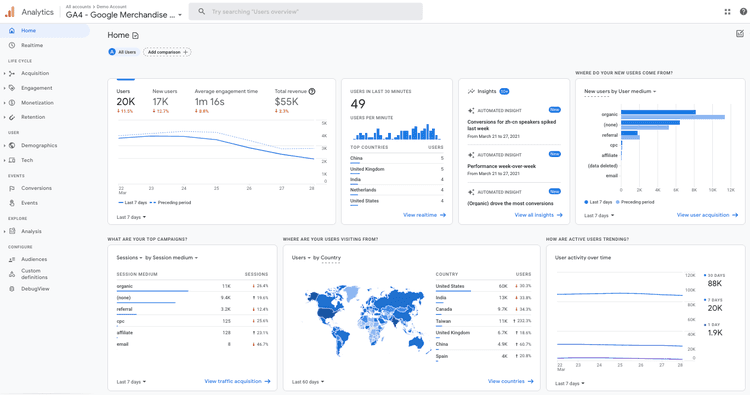
Google Analytics is one of the most popular and powerful web analytics tools in the market today. It is a software favored by millions of users and is used for analyzing cookie activity and audience engagement. You can track new and returning users, visitor engagement, revenues, client retention, customer demographics, conversion rate, and events using it. It helps you build a complete picture of visitor preferences while connecting key insights to traffic results.
Pros
- It shows user insights in detail.
- It can analyze your content and product performance.
- Gives you demographic details of visitors that can be used for improving your platform.
- It is a free tool that is pretty much compatible with every website and other Google tools.
Cons
- Google Analytics is not GDPR compliant.
- Since it is free software there are constant updates that make it confusing to use.
- Its user interface can be complicated for beginners.
Pricing
Google Analytics is free software for all users, with a premium version available for large corporations, called Analytics 360.
2. Google Search Console
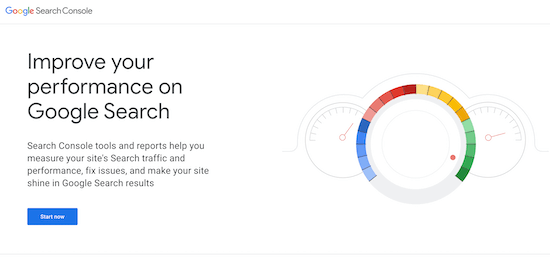
Google Search Console is an excellent free web analytics tool that assists site proprietors in observing and sustaining their web page’s visibility on SERPs. It provides valuable insights into how your online platform performs on Google Search, allowing you to identify potential issues and optimize your online platform for better visibility.
Pros
- It gives you access to data-driven insights about your website’s performance on Google search.
- It lets you view essential metrics such as clicks, impressions, click-through rate (CTR), and average position for specific keywords or web pages.
- It provides crawl error detection and notifies you about broken links or server issues.
- Offers easy integration with other Google essential services.
Cons
- It has a complicated UI and users require a basic understanding of technical SEO concepts and terminology.
- It lacks features that allow users to analyze competitor’s websites in comparison to theirs.
- It offers no integration with other marketing tools such as email marketing platforms, social media management tools, or CRM systems.
- It has a complicated UI and users require a basic understanding of technical SEO concepts and terminology.
Pricing
Google Search Console is a free tool for all users.
3. Ahrefs
Ahrefs is a powerful SEO and website traffic analysis platform that provides accurate user data and organic search insights along with backlink checks and competitor analytics. It is one of the most popular SEO tools in the market, trusted by brands like Netflix, Uber, and Facebook. It also helps users see how much traffic their competitors are getting and why they are ranking so high.
Pros
- It possesses a simple and user-friendly interface.
- It offers in-depth SERP ranking insights and data.
- It provides technical SEO audits, keyword tracking, content, and competitor analysis.
Cons
- There is a lack of historical data for certain metrics.
- The platform shows fake alerts for links acquired by competitors.
- The price point is very high compared to the features offered.
Pricing
Ahrefs is available in four plans – Lite, Standard, Advanced, and Enterprise, with monthly prices ranging from $99 to $999.
4. Semrush
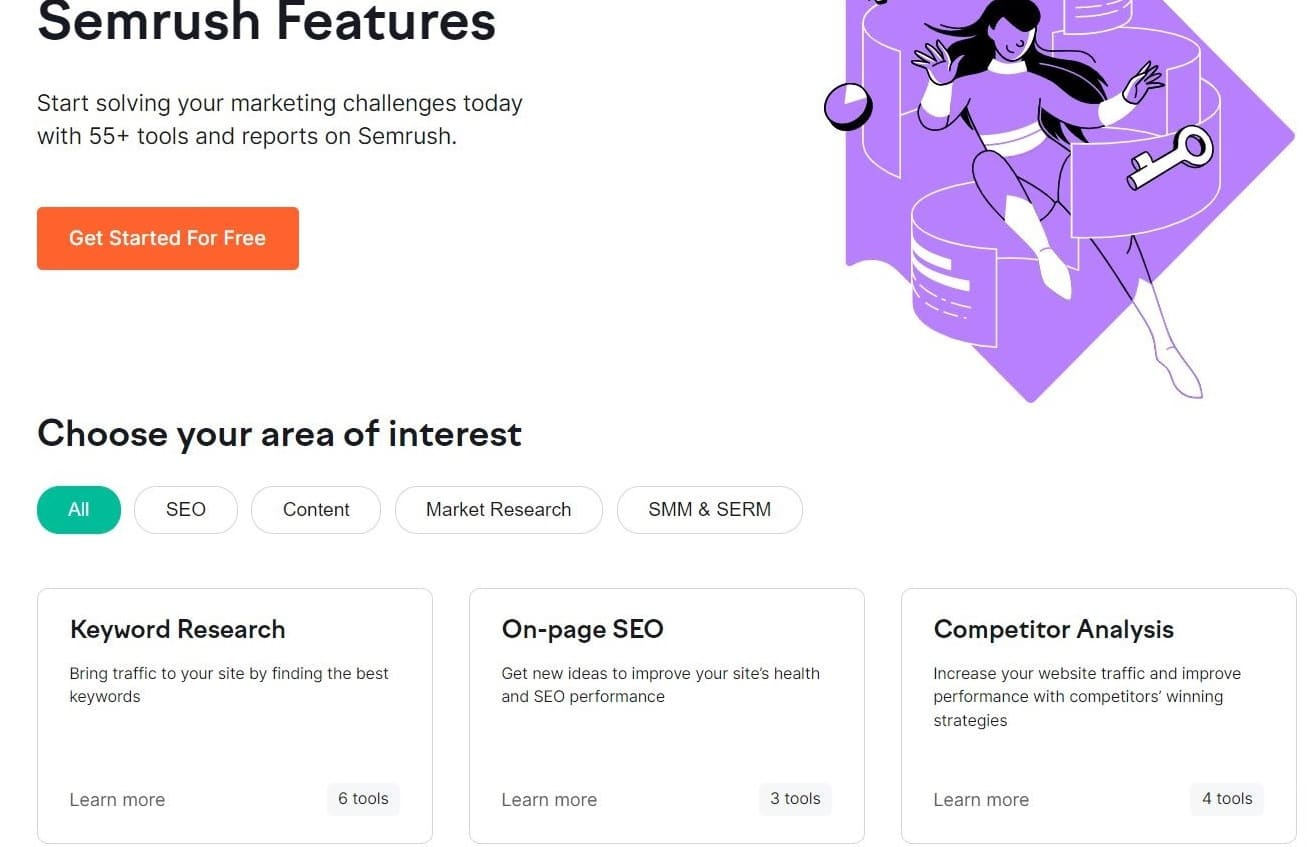
Semrush is an all-in-one traffic analysis and competition research tool. It is one of the best tools for monitoring audiences for any competitor’s website. Using Semtush, you can track important metrics like the volume of monthly visitors, user distribution by country, keyword research and rankings, and content that brings the most customers. By entering a competitor’s URL, you will get a detailed breakdown of their total traffic and keyword information.
Pros
- It gives detailed SEO reports and daily Google SERP alerts* .
- Offers organic investigation of competitor* s.
- Provides great templated keyword research tools for users who are new to SEO.
Cons
- The Top Stories tracking feature needs improvement.
- The data provided is sometimes delayed by a day.
- Their keyword magic report is difficult to use and understand.
Pricing
Semrush offers three different payment plans starting from $129.95 per month to $499.95 per month.
5. MyKinsta Analytics
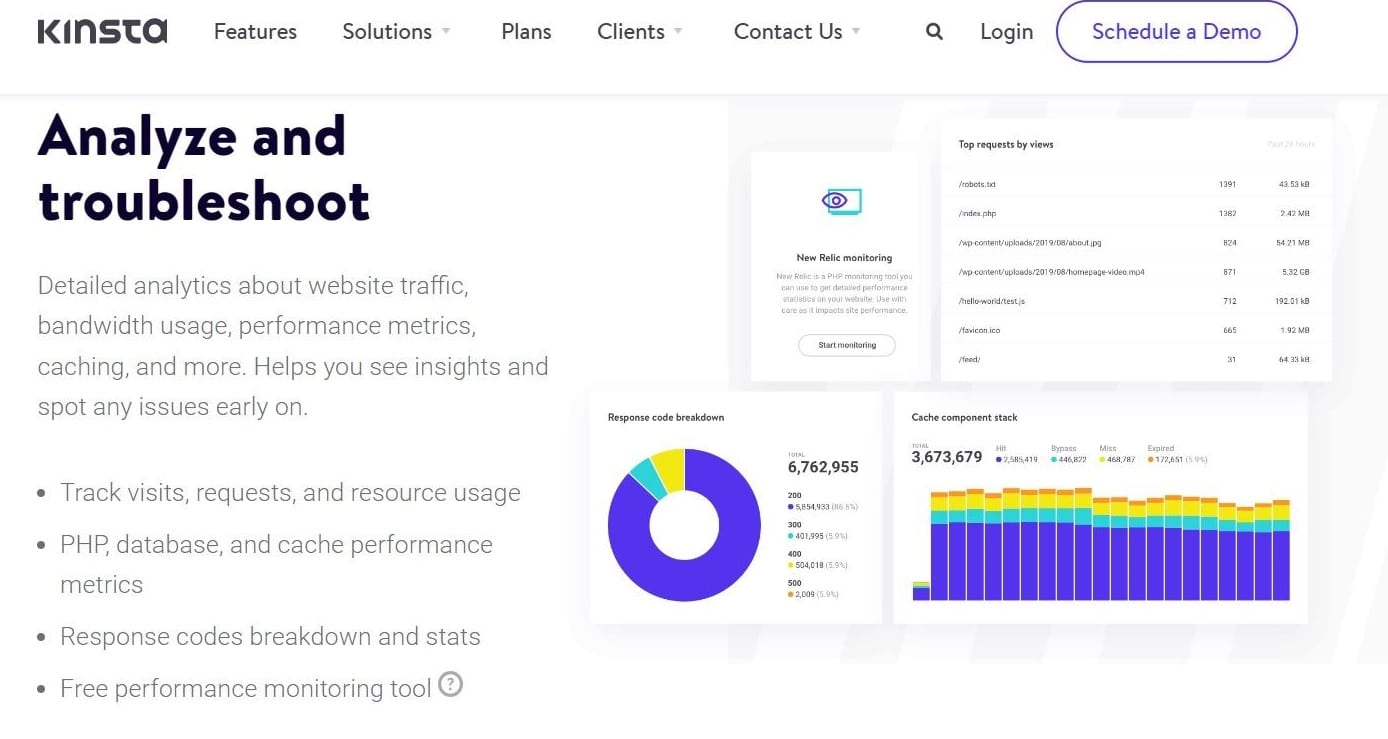
MyKinsta Analytics is a managed WordPress host powered by the Google Cloud Platform. It is used to deploy, host, and manage applications, databases, and static sites. Its features include one-click staging, automatic backups, website uptime monitoring, and a free APM tool.
Pros
- It has an impressive uptime performance with a guarantee of a 99.9% success rate.
- Offers daily backups to restore your website up to a point.
- It provides free migrations with a temporary domain and an intuitive dashboard.
Cons
- It does not provide domain registrations.
- It provides no integrated email hosting and requires a plugin for the same.
- It cannot support other CMS other than WordPress.
Pricing
MyKinsta Analytics offers a variety of pricing options, the smallest bundle has a monthly cost of $35, and the most expensive is $1,650.
6. Similarweb
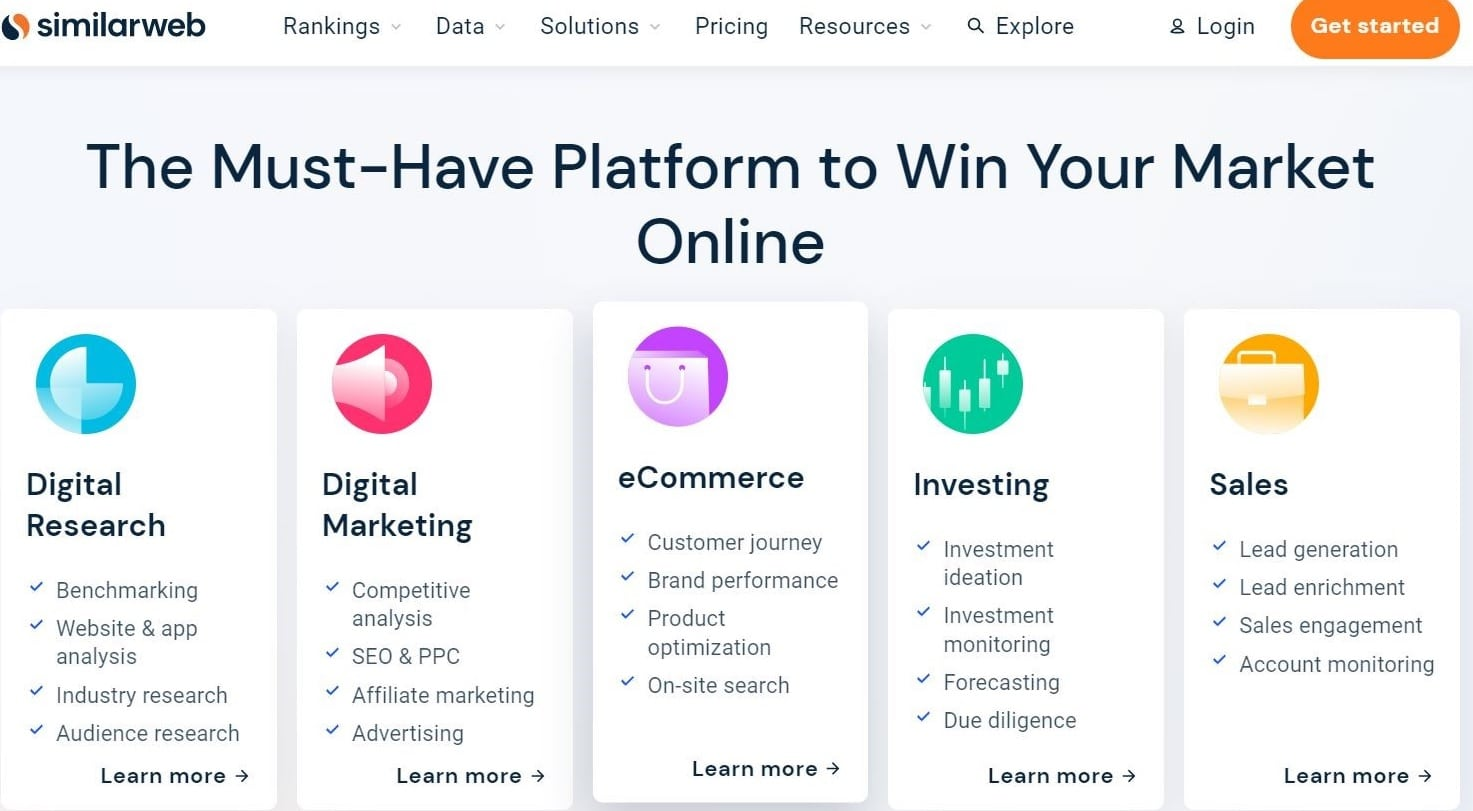
Similarweb is a powerful analytical tool for monitoring market trends and analyzing traffic in real time. It is the ideal tool for growing businesses and large enterprises as they can check their competitor's statistics and decide how to optimize their website as per their target audience. Some of the popular brands that use this software are eBay, Booking.com, The Economist, PepsiCo, and Walmart.
Pros
- It possesses a user-friendly and customizable dashboard.
- It allows users to monitor their competitors' statistics as well.
- It provides organic keywords, paid searches, and increases or decreases in numbers.
Cons
- You need a basic understanding of technical SEO concepts and terminology to understand the UI.
- It offers no integration with other marketing tools.
- It lacks features that allow users to analyze competitor’s websites in comparison to theirs.
Pricing
Similarweb offers a free trial and two plans for start-ups and individuals: a starter pack at $125 per month and a professional pack at $333 per month.
7. Sitechecker
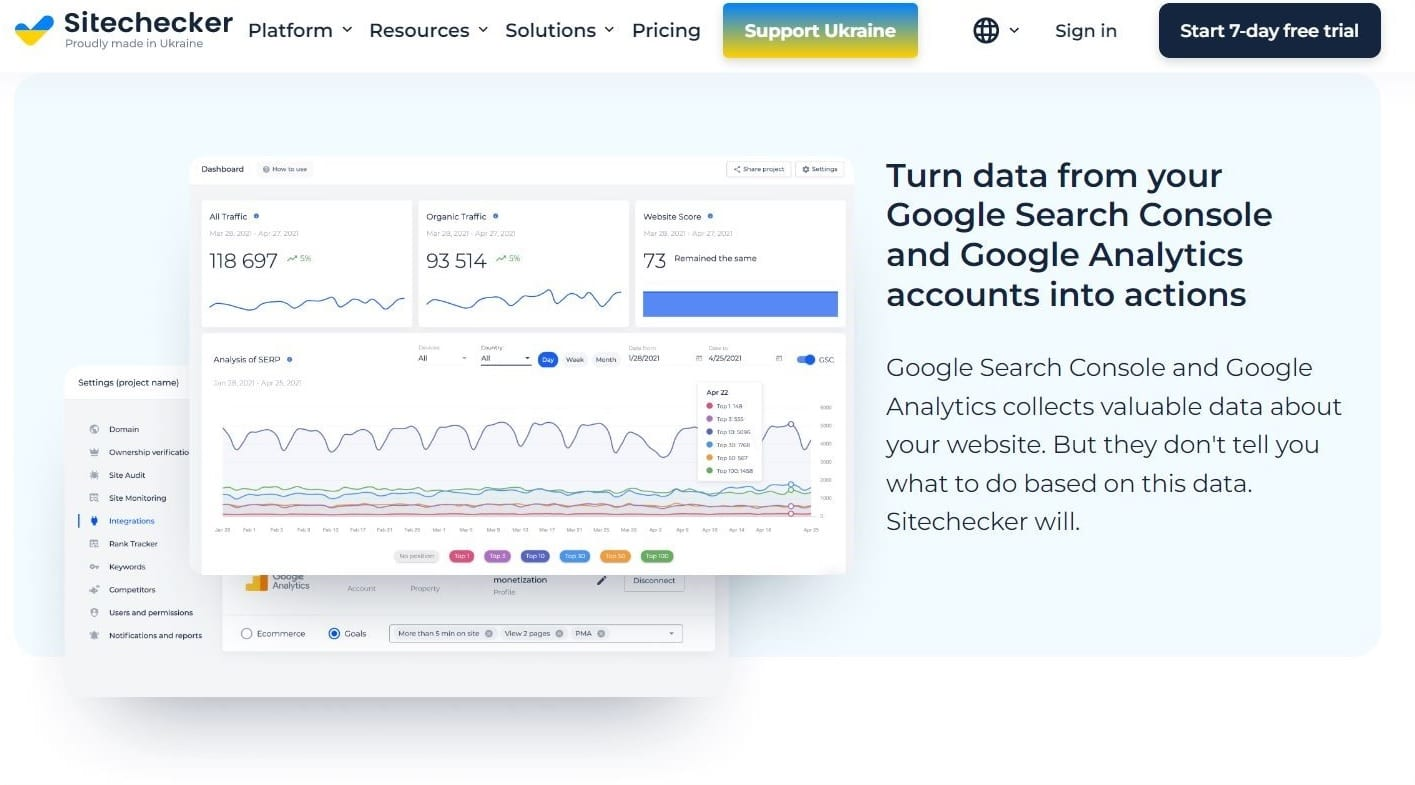
Sitechecker is a multipurpose SEO analytics tool that enables users to swiftly and effectively track the success of their web resource marketing strategy and progressively enhance their performance. It mainly focuses on SEO optimization, but also includes a website traffic analysis checker feature that shows comprehensive statistics for various channels and timescales.
Pros
- It possesses an Intuitive and user-friendly interface.
- It provides unlimited traffic, rank, and on-page SEO checkers.
- It is one of the most affordable in the market for SEO analytics.
Cons
- The backlink tools are hard to grasp for beginners.
- It does not provide detailed information about issues and errors.
- It requires a little advanced knowledge of SEO to operate efficiently.
Pricing
Sitechecker offers three payment plans: Basic, Standard, and Premium, priced at $39, $149, and $249 per month, respectively.
8. Hotjar
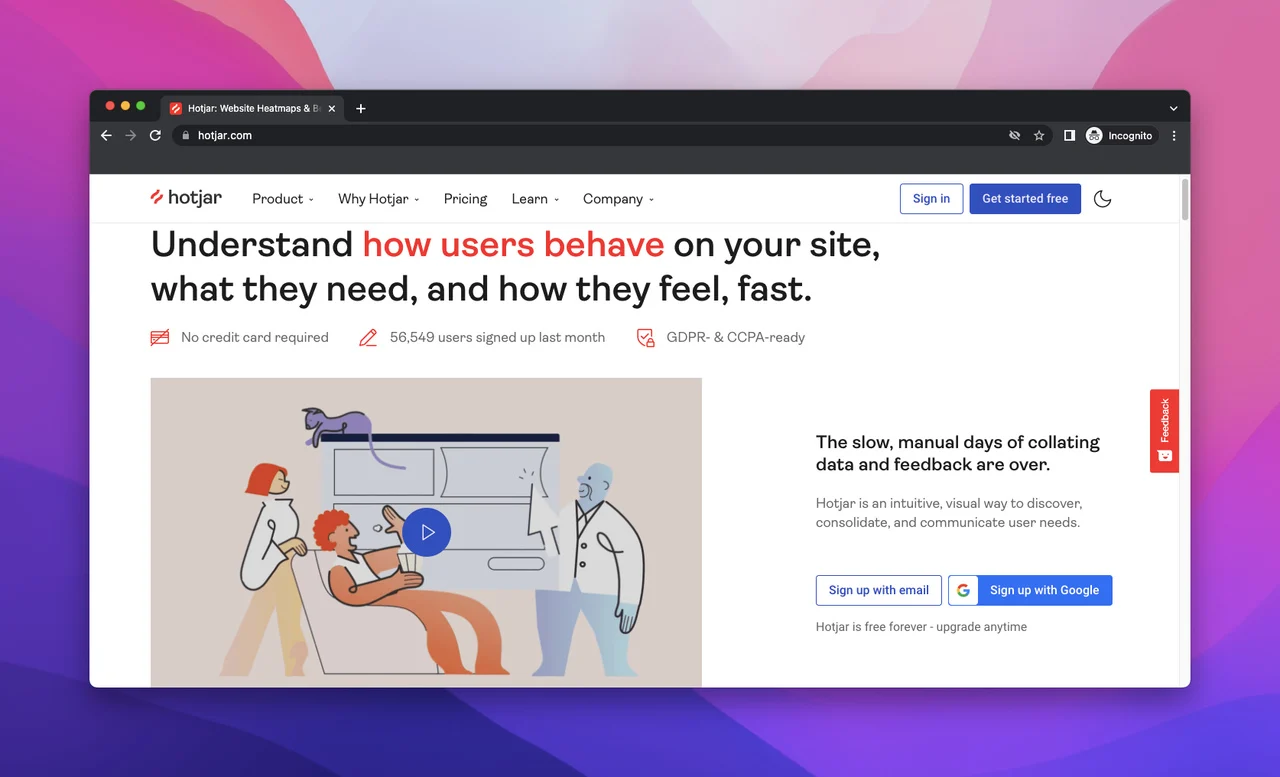
Hotjar is a digital experience insights platform that helps users connect the dots between what customers do and why. This helps you create and optimize your user experience and aid in conversions. It provides comprehensive reporting with heat maps and data segmentation, as well as user behavior insights with click tracking and mouse movement details.
Pros
- It allows users to see where their visitors click, scroll, and move.
- Helps to analyze the effects of content and CTA phrases.
- Provides multi-device support.
- 0ffers a reporting feature equipped with detailed session replays and data segmentation features.
Cons
- Their heatmap feature needs improvement.
- The monitoring of data history is complex and limited.
Pricing
Hotjar provides a free plan with limited features and three paid plans. The plus, business, and scale plans are priced at €32, €80, and €171 respectively.
9. Serpstat
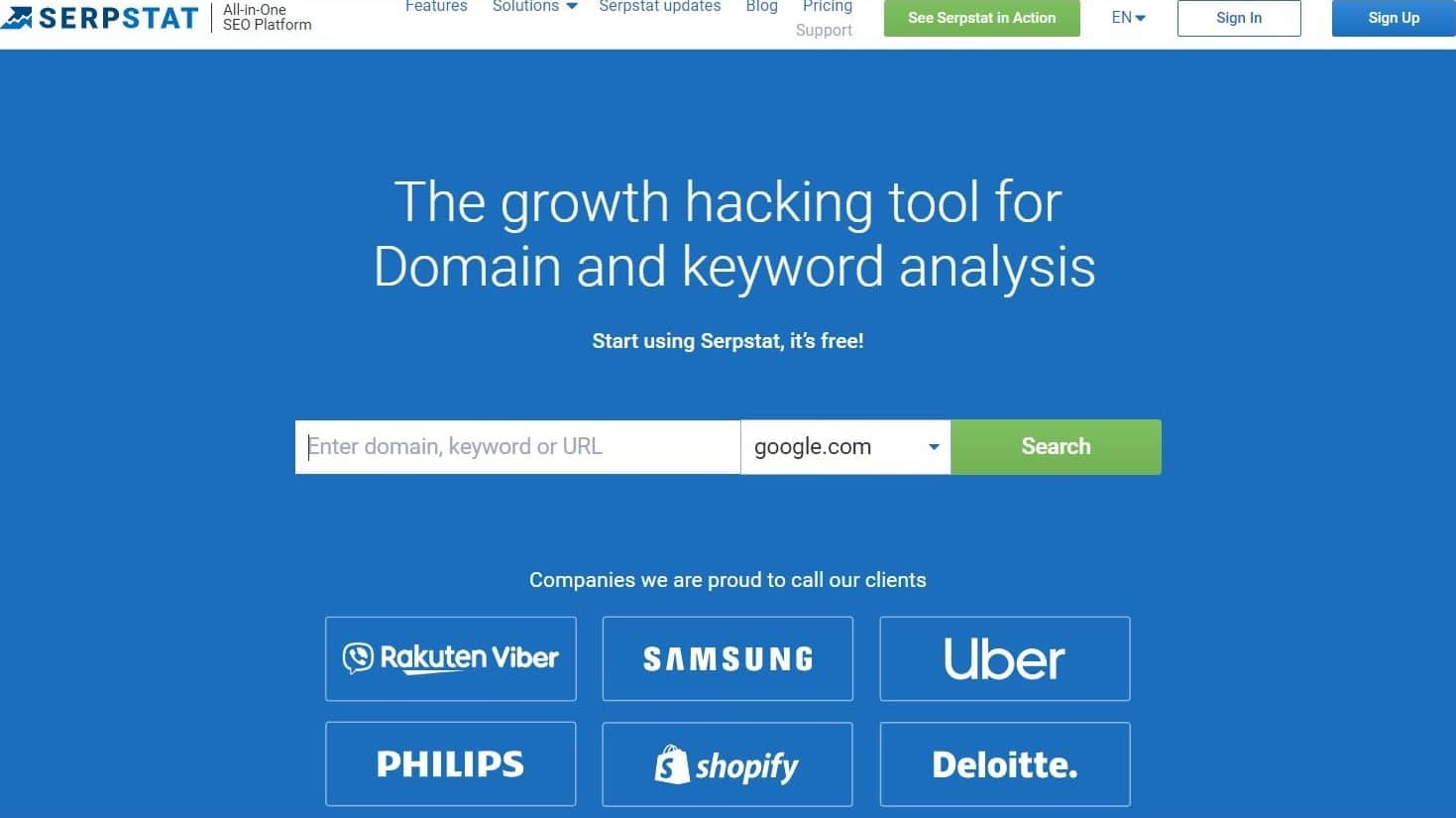
Similar to Semrush and Ahrefs, Serpstat is an all-in-one SEO analytics platform that offers a set of professional tools to let you perform tasks such as domain and URL analysis, keyword research, SEO and PPC research, competitor analysis, rank tracking, on-page audits, and backlink analysis. It also has a bunch of new tools in the beta stage like a custom report, database storm, and keyword clustering.
Pros
- It is a great tool for SEO and SEM specialists, as well as content managers and digital marketers.
- It lets you gather a ton of useful data about any domain or URL in a few minutes.
- It has a very clear and simple UI with lots of explanations, so even beginner SEOs will have no problems using it.
Cons
- Their keyword research needs improvement.
- Because of the many graphs and reports, first-time users can find it overwhelming.
Pricing
Serstat provides a free 7-day trial with their three payment plans – Individual, Team, and Agency. Their plans are priced at $59, $119, and $479 per month, respectively.
10. Ubersuggest
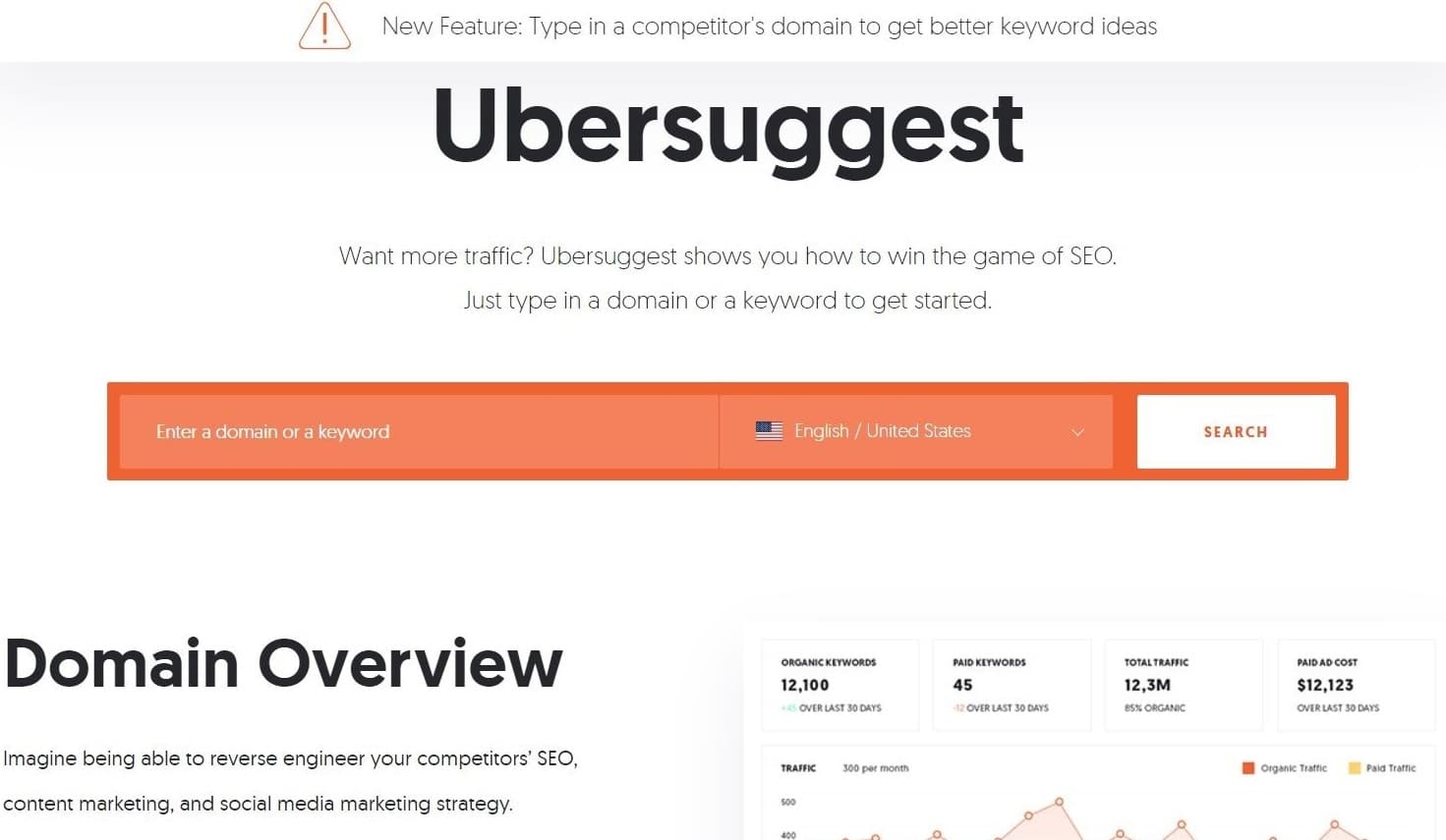
Ubersuggest is a great analytical tool for anyone looking to get more organic traffic to their website or blog. It works by taking a keyword that you enter and then generating a list of related phrases that people are searching for. It also helps by providing search volume, difficulty, and CPC data to help you prioritize your research efforts.
Pros
- It provides an intuitive and user-friendly interface.
- It has an easy onboarding process to get started.
- It offers a clear and concise SEO Analysis, as well as keyword suggestions with monthly volumes.
Cons
- Their customer service support can be better.
- The relationship between keywords, keywords list, and tracking is a bit confusing.
Pricing
Ubersuggest has three payment plans – Individual at $29 per month, Professional at $49 per month, and Enterprise at $99 per month.
11. Tiny Analytics
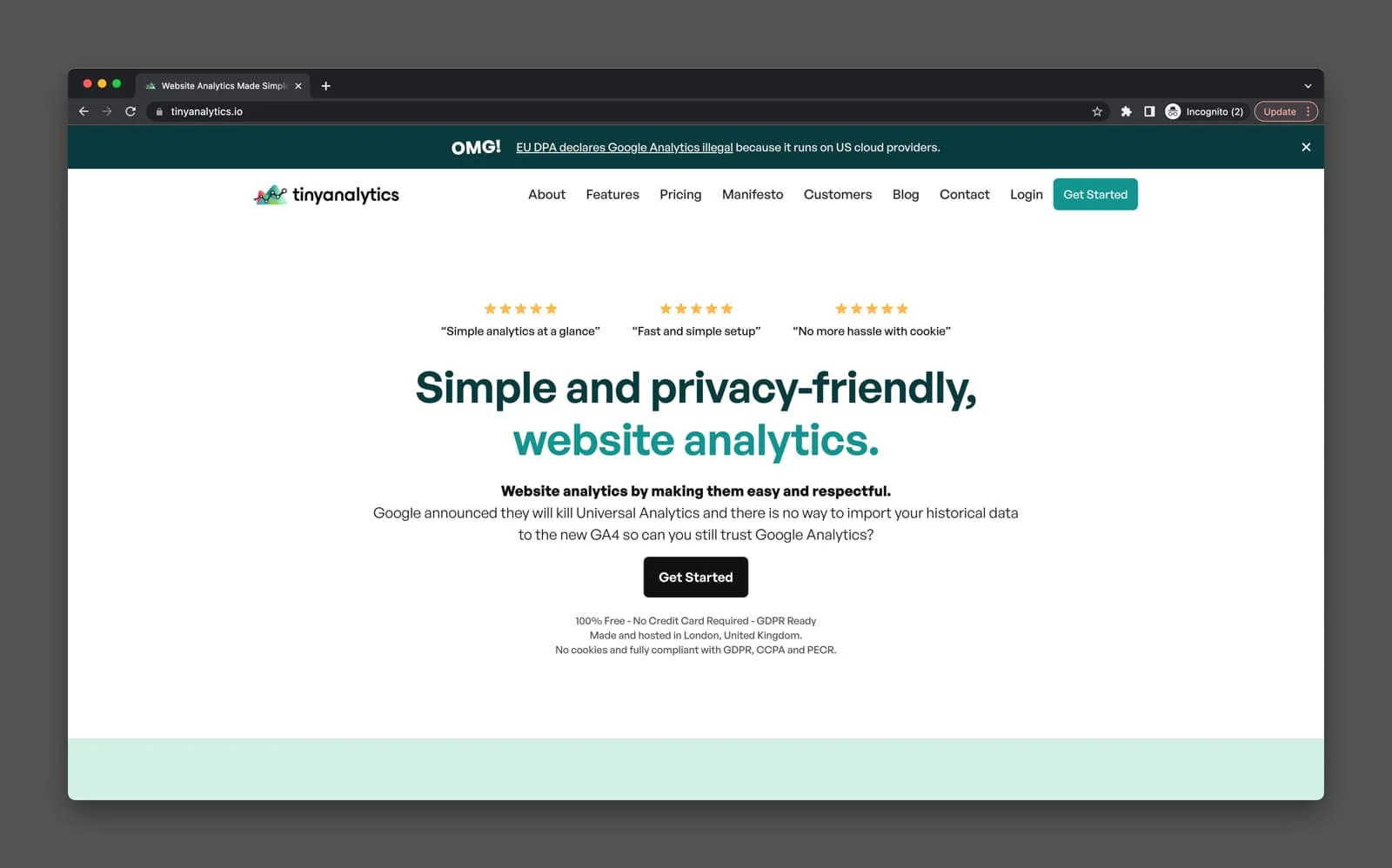
Tiny Analytics is an analytics tool that helps you to improve your site with its analysis. The heat mapping feature allows you to display where your visitors are and their activities.
Pros
- It has an A/B testing feature.
- Heat mapping is straightforward to set up and analyze for beginners or new users.
- It offers a mobile device analysis feature that helps learn about the mobile experience of your site.
Cons
- The heat mapping has limited visualizations.
Pricing
Tiny Analytics offers 3 plans: A free plan with up to 50,000 monthly page views, a Basic plan at £49 with up to 250.000 monthly page views, and an Advanced plan at £129 with up to 1.000.000 monthly page views.
12. Adobe Analytics
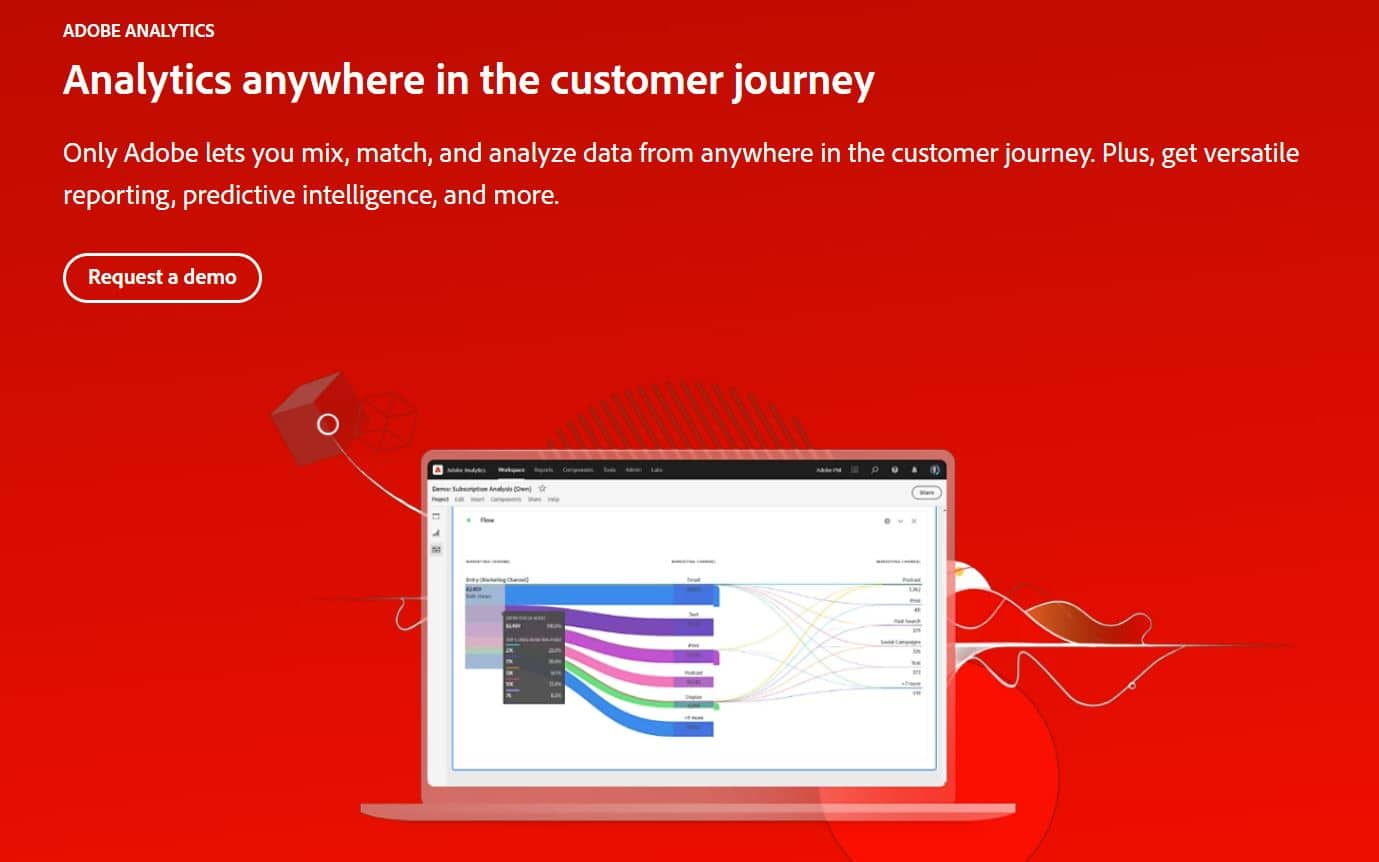
Adobe Analytics is a traffic analytics and multichannel data collection tool designed for advanced users and large enterprises. It gives business owners real-time reports to analyze data and improve their platform and marketing. It can track business intelligence (BI) and traffic data from sites, emails, and apps, including pageviews, unique visitors, purchases, order attribution, segmentation, and customer journey analytics.
For those pursuing data analyst career, mastering Adobe Analytics can provide a significant advantage in analyzing and interpreting complex data sets.
Pros
- It helps you track your marketing campaigns' details and impact to better optimize your website.
- It is easily customizable to suit your needs and focus on specific data.
- It provides lots of flexibility in the integration process.
- It has a good and trusted brand name.
Cons
- It is complicated and challenging to set up for beginners.
- Their customer support and documentation need improvement.
- Due to its high pricing, it is not suitable for small businesses.
Pricing
Adobe Analytics provides three different plans: Select, Prime, and Ultimate. For exact pricing, you will have to contact their support team.
13. Statcounter
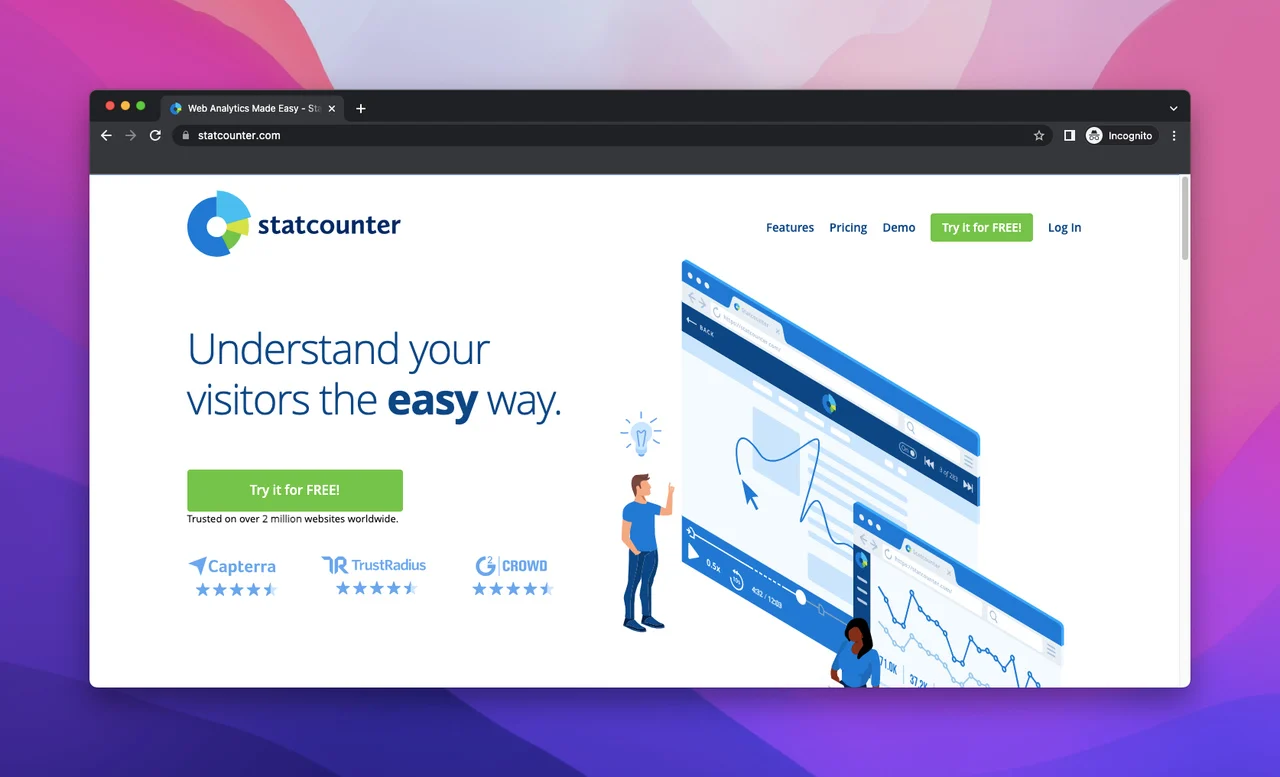
Statcounter is a free online visitor statistics tool that offers real-time website analytics and cookie reports. It gives valuable data on the servers and operating systems visitors are coming from, how many times they looked at information on the website, and how long they stayed. It also helps to analyze users’ sessions and behaviors.
Pros
- It gives customized reports with detailed information.
- The UI is practical and easy to use for beginners.
- It provides elaborate user data.
Cons
- The free plan is very limited.
- It does not have a lot of integration options.
- Some information may not be accurate.
Pricing
Statcounter’s basic plan is free for all users. It also offers a premium plan at €16 per month and a premium plus at €28 per month.
14. Woopra
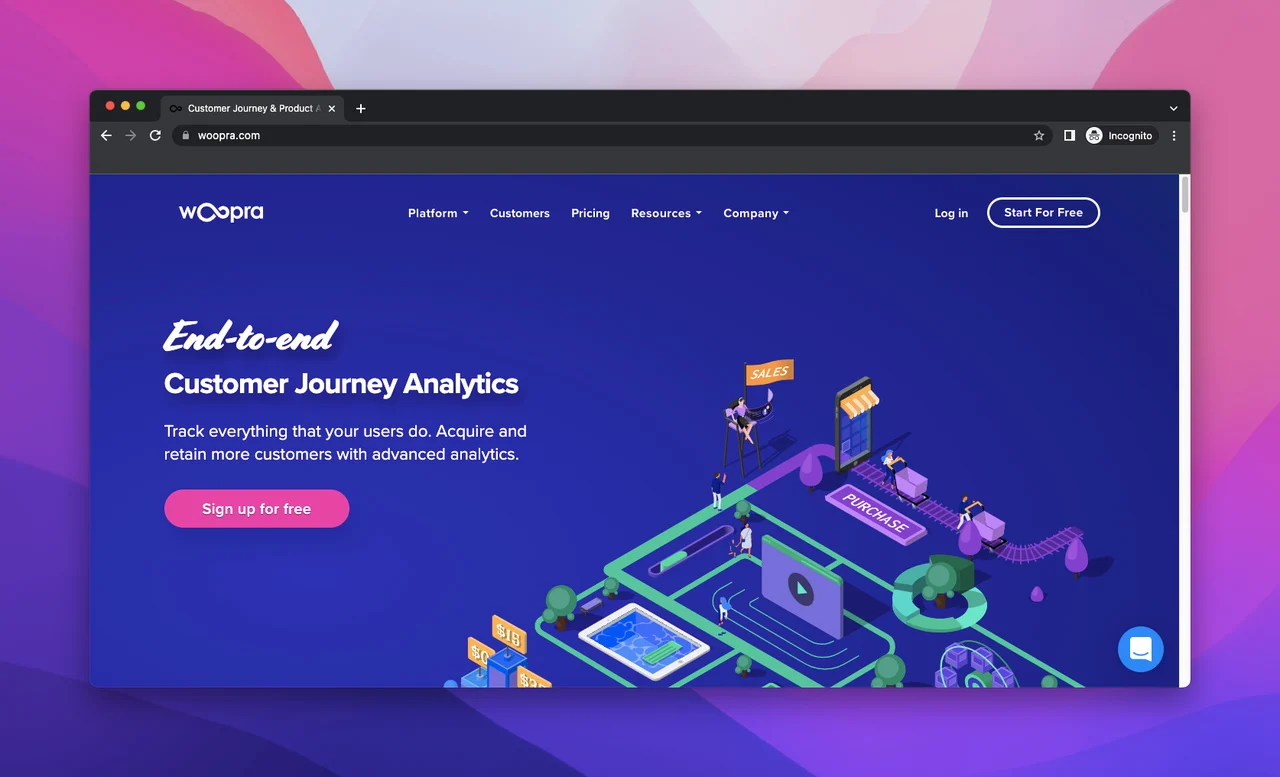
Woopra is a web, marketing, and product analytics tool aimed at analyzing your visitors' journey on your website. It offers a comprehensive set of tracking tools that you can use to examine the effectiveness of your marketing campaign, know which content gets the most views, and understand your visitor’s behaviors.
Pros
- It provides real-time reporting data.
- With the help of detailed retention reports, you can see whether or not your users return after using your product or services.
- It shows trend reports and gives you insights on which growth path to take.
Cons
- It is hard to use for beginners and it takes time to set it up.
- Pricing is very high.
Pricing
Woopra has a free program with limited features and a Pro plan at $999 per month, along with a 14-day free trial.
15. Amplitude
Amplitude is a real-time data analytics software for both web and mobile users. It is a great tool to help you understand your visitors’ behavior by tracking and analyzing their engagement. You can improve and optimize your website for your target audience and grow your company using conversion and retention metrics.
Pros
It can help you explore behavioral data by analyzing your most-used features and customer profile.
It gives real-time analytics with cross-platform tracking.
Offers funnel, user-level, and account-level analysis features.
Cons
The onboarding process is complicated and needs improvement.
The software is complex for new users and documentation is deficient.
Pricing
Amplitude has a free starter pack for trial. Its payment plans start from $49 per month.
16. HubSpot
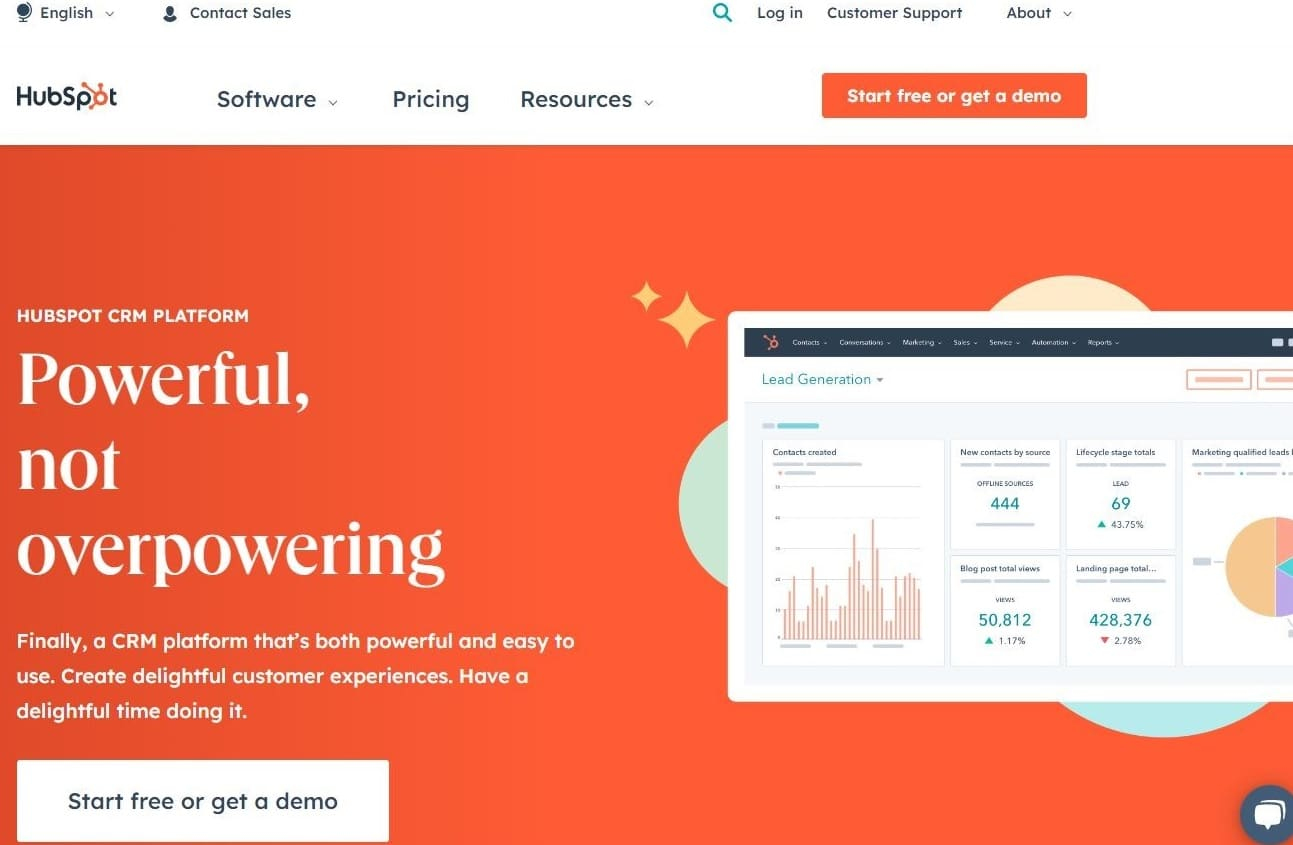
HubSpot is an all-inclusive site management and marketing platform that can help businesses grow. Its CMS provides robust solutions for traffic analysis tools, such as metrics, marketing, SEO, and management, with easy configurations. With its Marketing Hub, you can get analytics, email marketing live chat, landing pages, and much more.
Pros
- It provides a detailed built-in CRM.
- It offers SEO recommendations on your home screen and a comprehensive traffic analysis tool.
- It has a great 24/7 phone support.
Cons
- It has a limited ability to scale, so it is good for small enterprises only.
- It does not support e-commerce.
Pricing
HubSpot offers multiple plans starting from €20 per month to €792 per month.
17. SE Ranking

SE Ranking is an all-in-one agency-tailored SEO analytical tool. It allows users to perform essential tasks such as keyword research, competitor analysis, rank tracking, website audits, and backlink checks. This platform can be customized to suit SEO professionals, entrepreneurs, agencies, and many more users.
Pros
- It provides detailed SEO software progress reports.
- Offers competitive research features and on-page SEO checkers to give you a complete picture of your competitors’ marketing strategies.
- It is easy to set up and has a user-friendly interface.
Cons
- It has limited integration options and social media tracking.
- It does not provide 24/7 customer support.
Pricing
SE Ranking has three payment plans – Essential, Pro, and Business, priced at $44, $87.20, and $191.20 per month respectively. It also offers custom plans as per your business requirements.
18. Kissmetrics
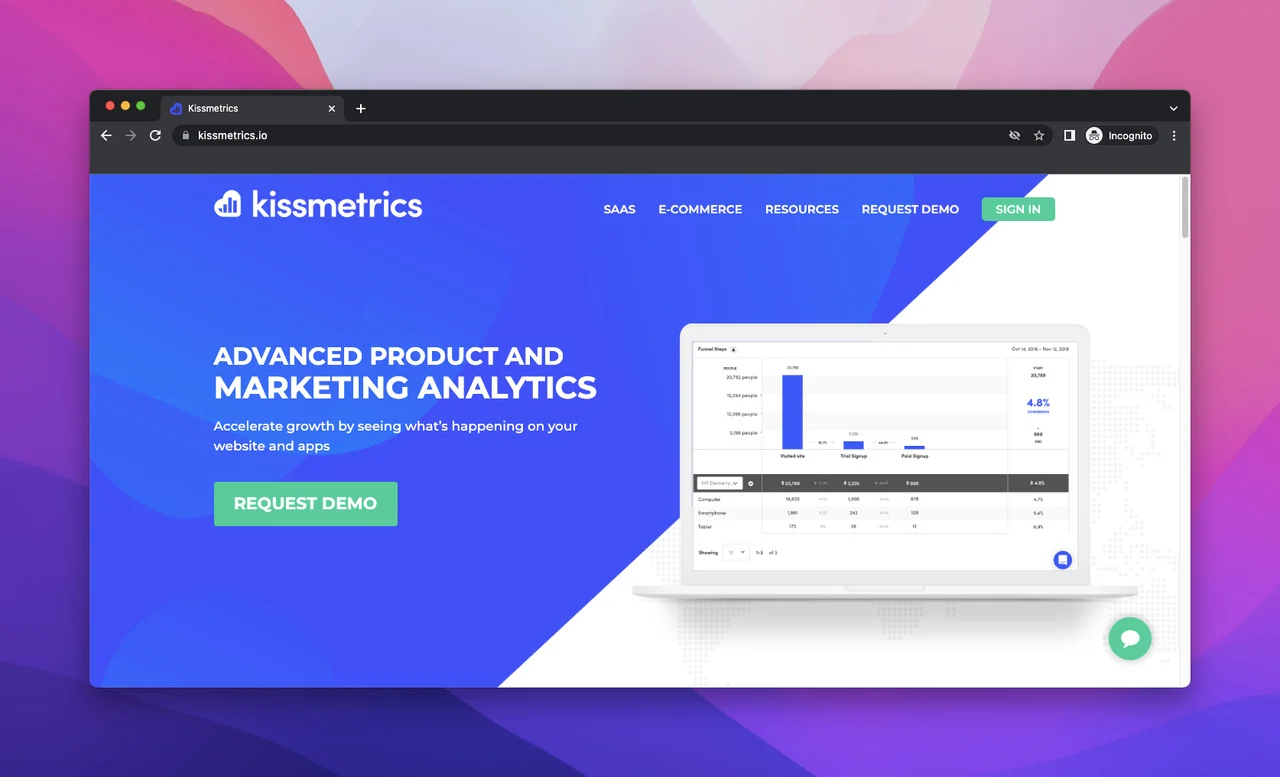
Kissmetrics is a product and marketing analytics software used for SaaS and e-commerce marketing. It helps businesses optimize their platforms and track metrics like sign-ups, churn, MRR, sales, revenue, and cart-to-purchase conversion rate. Besides its analytics feature, Kissmetrics has email campaign automation and segmentation features as well.
Pros
- Offers easy integrations with e-commerce platforms.
- It gives real-time reporting to its users.
- It lets you see the checkout funnel and lifetime value by category.
Cons
- It is hard for users new to web analytical tools.
- The documentation is difficult to understand and the UI needs improvement.
Pricing
Kissmetrics has a build-your-own payment plan that starts from $25.99 per month to $4976.99 per month.
19. WebCEO
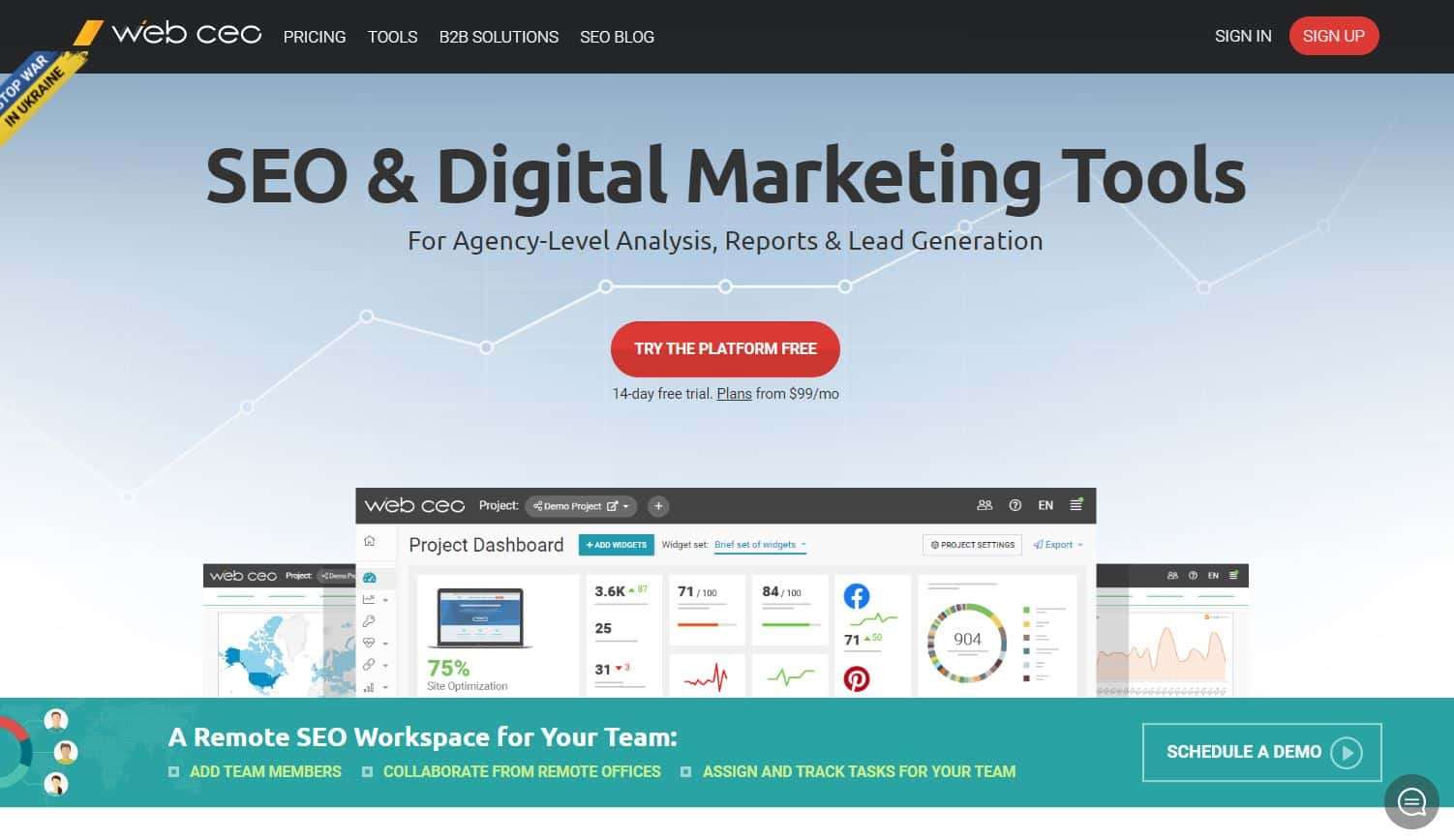
WebCEO is an easy-to-use SEO tool that gives individuals and SMEs everything they need to manage their search performance. It offers numerous tools including rank tracking, keyword research, technical audit, SEO analysis, internal links, sitemap generation, and user analysis.
Pros
- The on-page optimizations and page scores are very detailed and precise.
- It has very easy-to-understand visuals which can help to drill down into more specific metrics.
- It has one of the best support teams in the market.
Cons
- It has a complicated reporting setting.
- The dashboard can be overwhelming for new users due to lots of metrics being displayed.
Pricing
WebCEO offers two payment plans – one at $99 per month for startups and small agencies, and $299 for corporate enterprises.
20. Mouseflow
Mouseflow is a behavior analytics tool used for optimizing site experiences. It allows you to track the exact movements of your visitor throughout your site and even replay their navigation path so you will know exactly where you can implement improvements to boost conversions. It is a great tool for WX professionals, digital marketers, startups, SMEs, and product managers.
Pros
- It offers a heatmap tool that shows what visitors are doing on your web pages and how they are engaging with your content.
- It provides reporting for your contact forms.
- Has a wonderful and responsive customer service team.
Cons
- The feedback module does not work as intended with trigger behavior.
- It needs to be optimized for a better view on mobile devices.
- The tracking pixel needs improvements.
Pricing
Mouseflow provides a variety of pricing plans starting from €31 per month to €399 per month.
21. Mixpanel
Similar to Google Analytics, Mixpanel is a tool that provides reports and insights on user behavior to better assist business owners in getting a broader understanding of their audiences. The software is built for product teams who need detailed data on how users interact with a given site or mobile application. By using Mixpanel you can analyze how people behave on your website as it gives real-time cookie data.
Pros
- It provides custom event and standard event tracking options.
- It offers real-time reporting which can be evaluated as instant feedback to make necessary improvements.
- It has a modern and easy-to-use UI.
Cons
- It has a user-based pricing system which is not ideal.
Pricing
Mixpanel offers a free plan with limited features and a flexible user-based pricing plan starting from $28 per month.
22. SpyFu
As you would have guessed from its name, SpyFu is an analytics tool for spying on your competitors. It specializes in domain and keyword analysis, but it can also work favorably as a backlink analysis solution. The tool is a great option for small businesses that want to concentrate on their benchmarks for getting a first-page ranking on Google search results.
Pros
- It is a great tool for tracking Google ads and keywords that your competitors are using.
- Allows you to download detailed reports in PDF format for later reference.
- Offers a very good value for money.
Cons
- The backlink analysis is not very intuitive.
- Its rank tracking needs improvement to match up to its competitors.
- The data provided is not always accurate.
Pricing
Spyfu has three payment plans: Basic, Professional, and Team, billed at $16, $36, and $149 per month, respectively, if charged annually.
23. Chartbeat
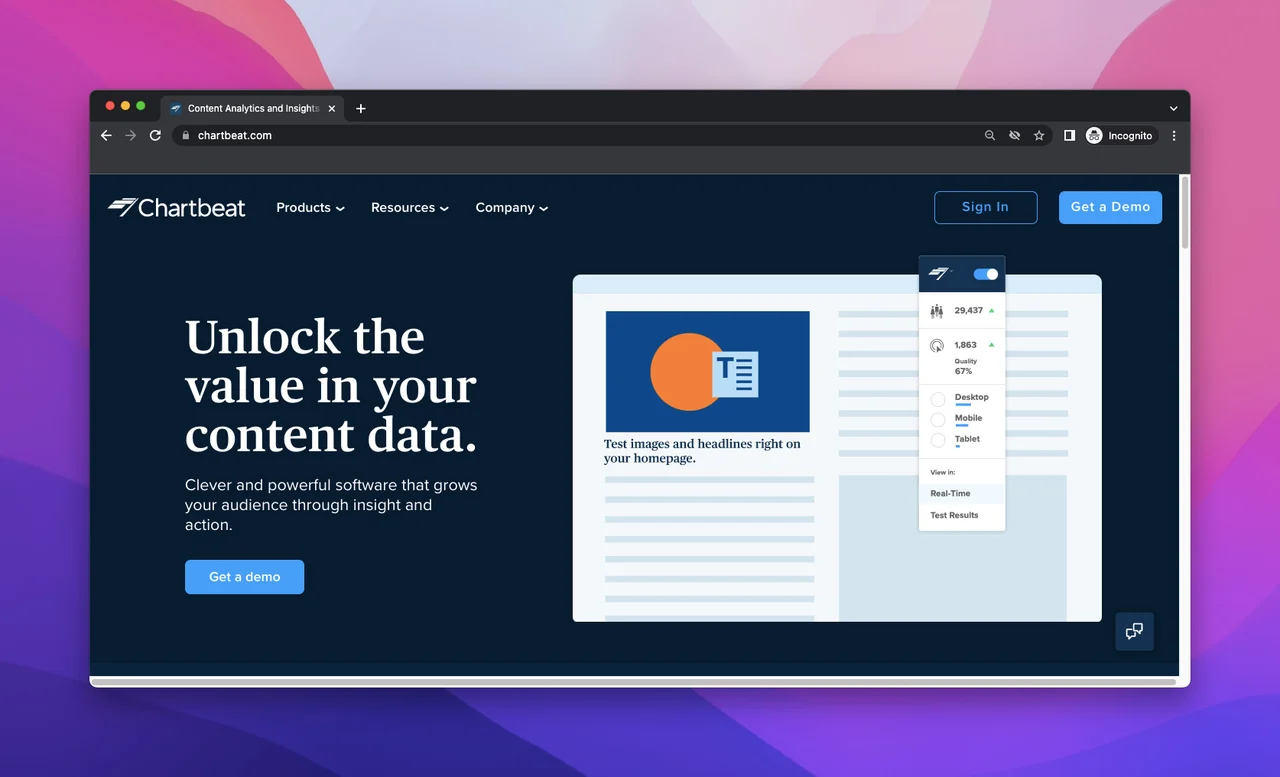
Chartbeat is a content intelligence tool that is great for publishers as it gives comprehensive analysis and cookie reports of content on a website. It empowers media companies to build loyal audiences with real-time time and historical editorial analysis across desktop, social, and mobile platforms. By using this tool, you can track where audiences are coming from and help maximize engagement.
Pros
- It can help you measure the impacts of headlines.
- It shows what clients are looking for on your site.
- Offers great headline testing abilities.
Cons
- It is hard for beginners to use.
- The documentation and guides need improvement.
- Has limited historical statistics.
Pricing
Chartbeat has customizable pricing plans, so please contact their sales team for pricing information.
24. Indicative
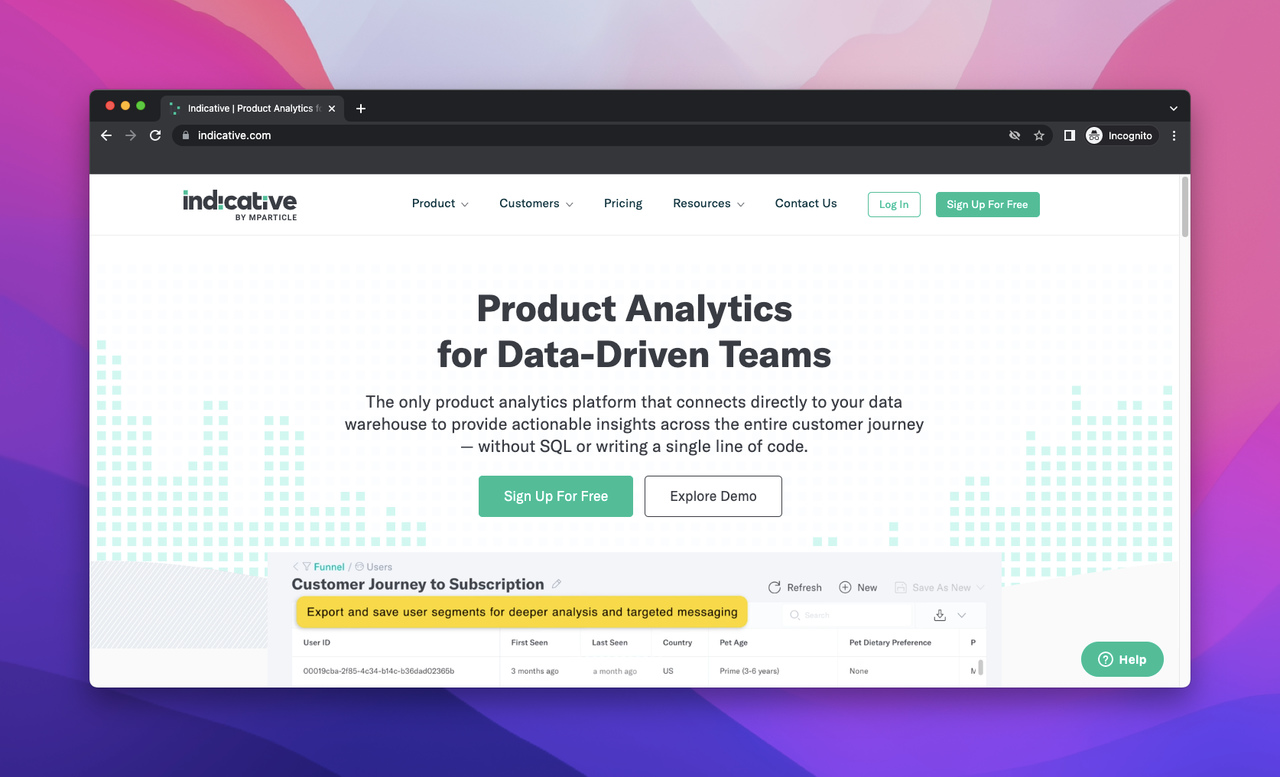
Indicative is a product analytics platform that provides growth and cohort data, along with people insights to optimize customer engagement, increase conversion, and improve retention. It also provides segmentation that personalizes each visitor's experience and betters your website’s elements.
Pros
- It helps you better understand your customers' journey by looking at behaviors.
- It integrates with other platforms properly.
- Provides multi-product analytics and user-level insights.
Cons
- The font size is small and makes parts of the data hard to read.
- The user segmentation and customization options need improvement.
Pricing
Indicative has a free trial for 14 days to test their software and then a payment plan of $199 per month.
25. Heap
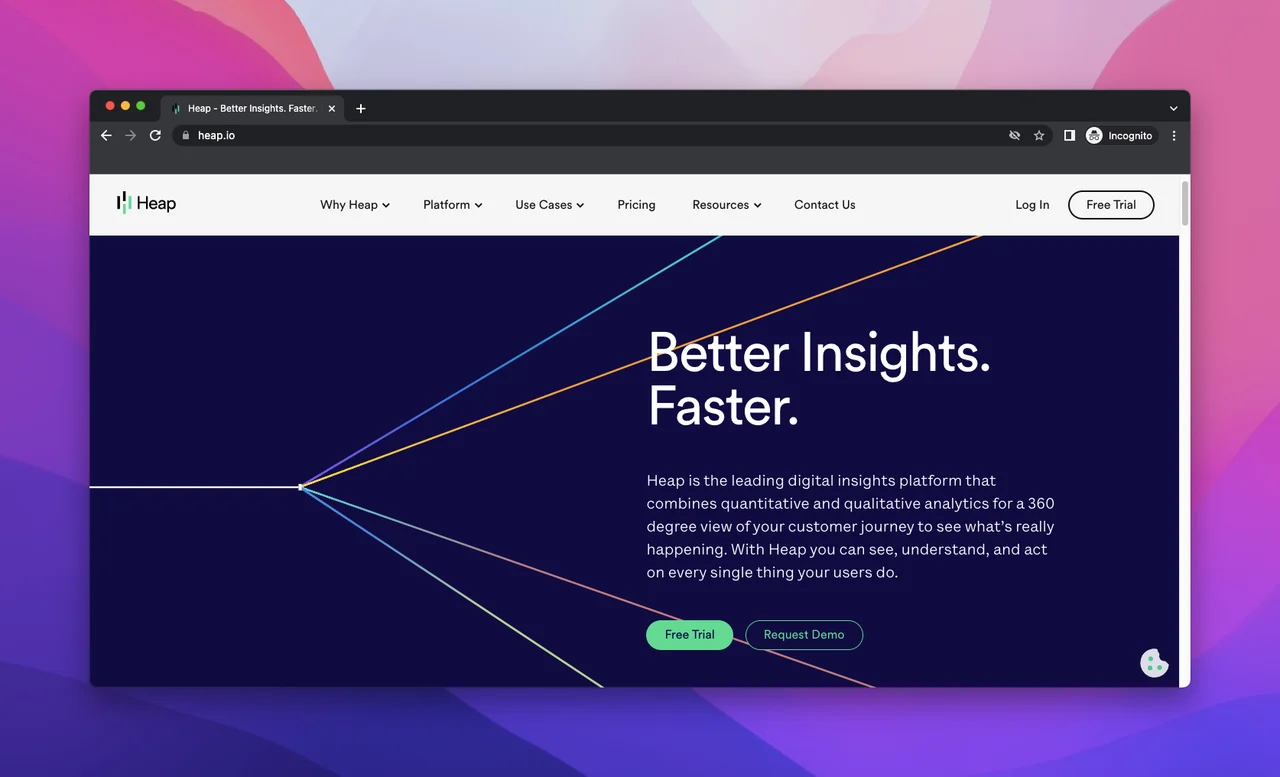
Heap is a digital insights platform that gives a complete understanding of your customer’s online journey. It helps you see your audience’s struggles, so you can quickly make improvements to increase conversions, retention, and consumer delight. It empowers users to gather, analyze, and visualize their audiences' behavior data and gain insights.
Pros
- Has an easy-to-use UI with a simple setup.
- It provides real-time data with in-depth information.
- It makes it possible to measure your A/B test's effectiveness on your visitors' experience.
Cons
- It has very limited customizations on the dashboard.
- It is time-consuming to set up specific events and segments.
Pricing
Heap offers a free plan with limited access. For pricing or other plan information, please contact their support team.
26. Matomo
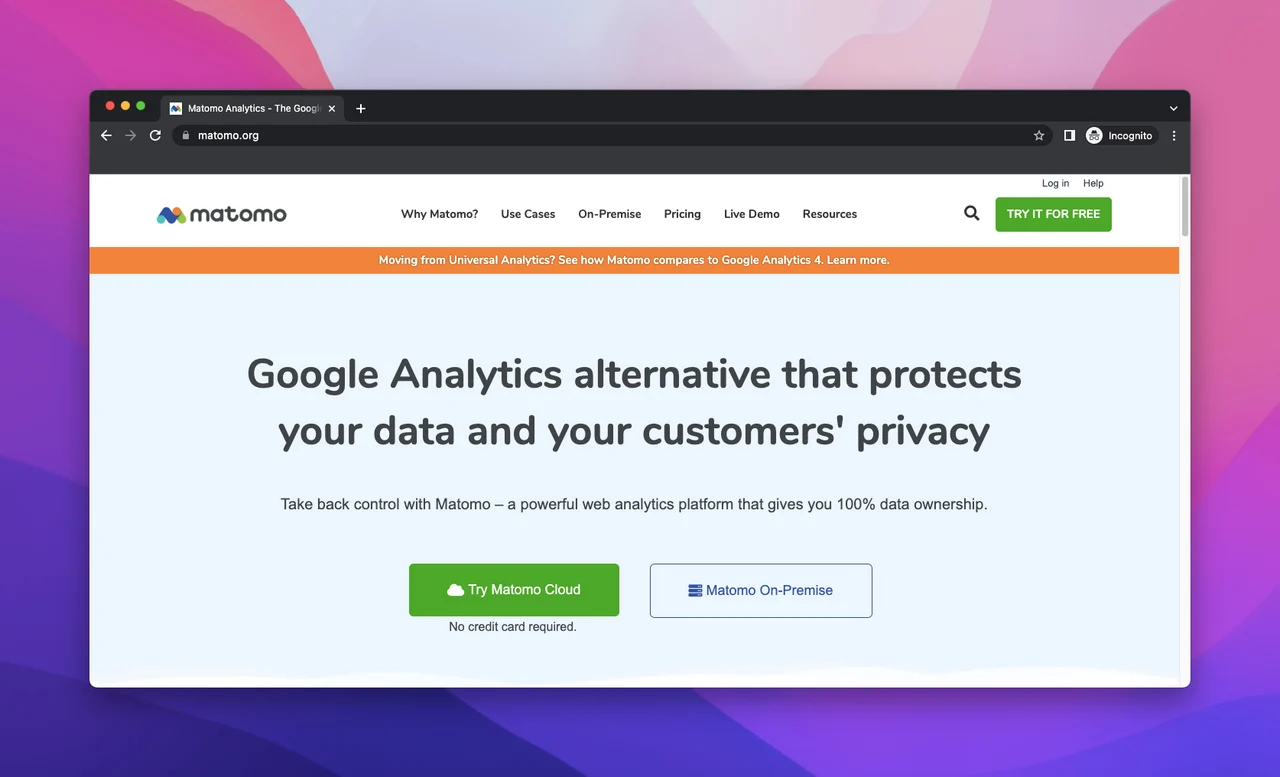
Matomo is an open-source website traffic analytics tool that gives importance to users’ privacy and protects the customers' privacy while analyzing their behavior. It can help you track unsampled customer metrics, e-commerce and event tracking, custom dimensions, goals, and segments.
Pros
- It highly values privacy protection.
- Provides 100% data ownership to its users.
- The cloud and on-premise hosting options give its users lots of flexibility.
- Gives real-time updates and activities, which are crucial for analyzing the behavior of visitors.
Cons
- Matomo UI can be complex for new and first-time users of website analytics tools.
- Some of the past events you looked for, might not be deleted and can give you wrong insights.
Pricing
Matomo offers an on-premise and cloud plan to its users with monthly traffic of 50.000 hits. The on-premise plan is free and needs to be self-hosted, while the cloud plan is €19.
27. Clicky
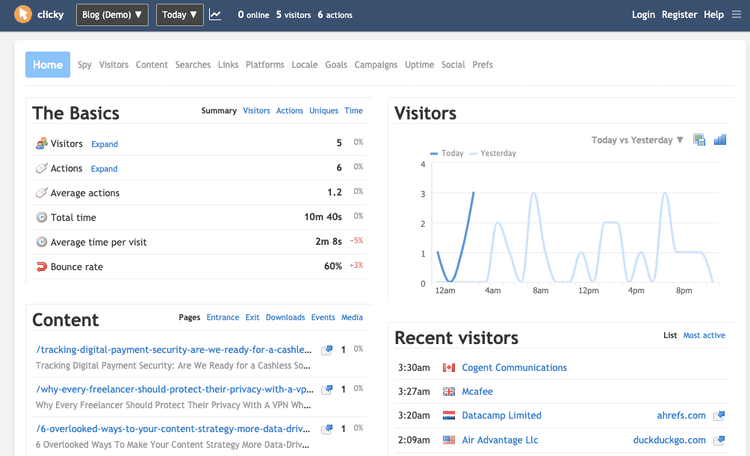
Clicky is a real-time cloud-based web traffic analytics solution designed to help enterprises track, evaluate, and report on their website visitors. Its features include heatmaps, data export, action tracking, customer segmentations, engagement analytics, and split testing. It also offers multiple integrations with third-party applications.
Pros
- It is a very versatile tool that is great for real-time traffic analysis.
- It possesses an easy-to-use UI that is convenient.
- It offers a great e-mail tracking feature.
Cons
- The clicky UI is slightly outdated and needs improvement.
- Some of the reports are only available for a limited period.
Pricing
Clicky features three paid subscriptions and a custom plan as per your enterprise's requirements. The three plans are priced at $9.99, $14.99, and $19.99 per month.
28. Fathom
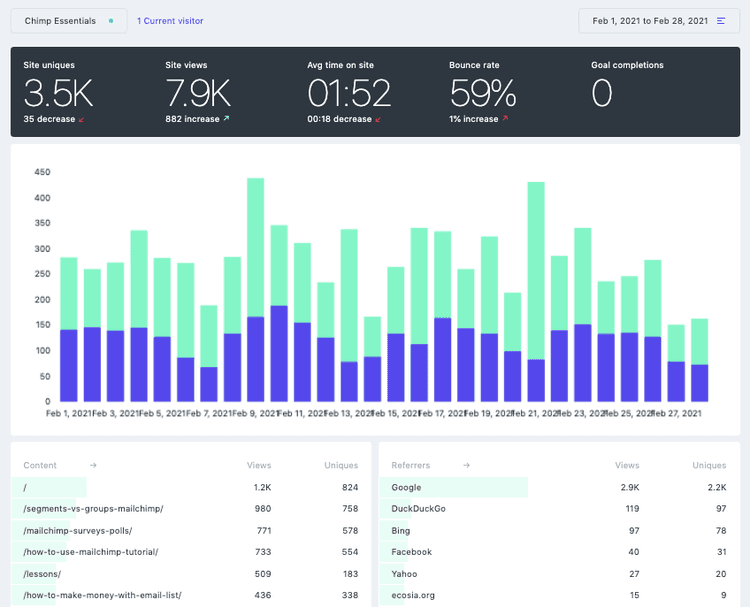
Fathom is a privacy-focused analytics tool perfect for those users who care about their client's privacy and the speed of their websites. Unlike traditional platforms like Google Analytics, Fathom refrains from the practice of using cookies or tracking personal data. It can track website views, unique views, average time on site, bounce rate, goal completions, user device, and browser type.
Pros
- It aligns with the ethics of data privacy and GDPR compliance.
- It offers a straightforward, easy-to-understand analytics interface that tracks only essential metrics.
- It ensures your website remains responsive and fast.
Cons
- To compare the traffic difference each web page has to be monitored separately and recorded.
- There are some hurdles to setting up your own calculated formulas.
Pricing
Fathom has a free starter pack for a 30-day trial to test out their software. Their paid plans start from $14 per month to $44 per month based on the monthly page views.
29. Visual Website Optimizer (VWO)
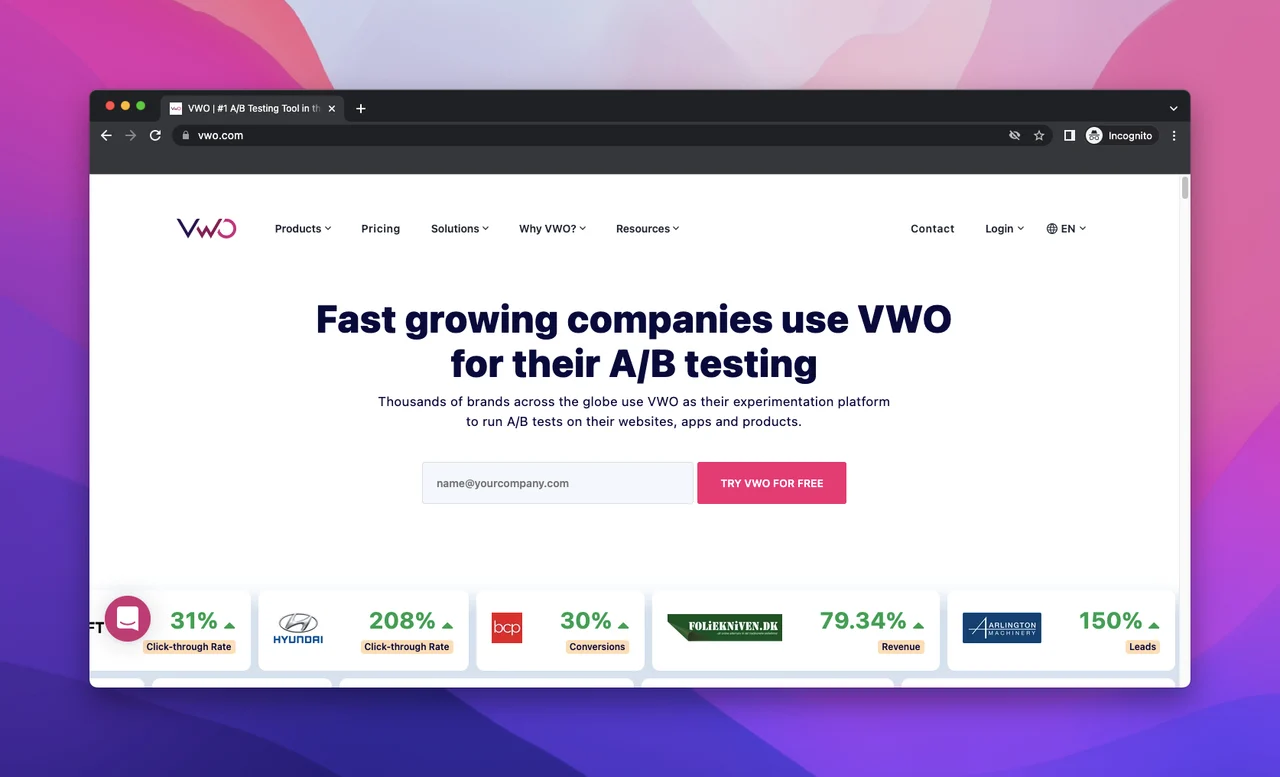
Visual website optimizer, or VWO, is an industry-leading A/B testing and experimentation tool used by thousands of people worldwide. It is a conversion optimization service that helps users see their visitors' activities. It also works as a robust tool to test multiple elements on their website, applications, and products, fostering data-driven decision-making along with an increase in conversion rate.
Pros
- It is very easy to do your site's A/B testing.
- Offers the option to run multiple tests at the same time.
- Provides flexibility on different functional tasks.
Cons
- It is a little slow when loading your website.
- Some of the tests are hard to use and need advanced implementation.
Pricing
VWO has a free starter pack to test out their software. Their paid plans start from $219 per month to $1,173 per month based on the size of your business and requirements.
30. MonsterInsights
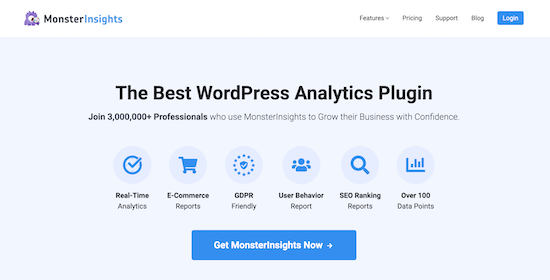
MonsterInsights is a WordPress plugin that simplifies the process of connecting your website to Google Analytics. It allows users to easily view all the data that matters in their WordPress dashboard directly. It is designed to make it easy to track your website’s performance and make data-driven decisions to grow your online business.
Pros
- It offers enhanced e-commerce tracking.
- It gives detailed reports on your WordPress dashboard directly.
- It offers contextual insights and helps you share your analytical reports.
Cons
- It is highly dependent on Google Analytics for its performance.
- It has a challenging learning curve, especially for new users.
Pricing
MonsterInsights offers three plans: Plus, Pro, and Agency, priced at $79.60, $159.60, and $319.60, per year, respectively.
Conclusion
There are lots of tools in the market you can use to check your traffic analytics and competitor information. The more insights you have about your site’s analytics, the more effective and impactful your marketing will be. By checking your competitor's user data you can get information on your market and what you can do to increase your traffic and conversions. By using a combination of the right website analytics tools, you can identify your top web pages, track and monitor visitor trends, increase your conversion rates, and ensure your marketing spend is efficient and results in more sales.
Frequently asked questions
Why use web analytics tools?
Web analytics tools are a great way to get information about your visitors. These analytics show where your visitors came from and how much time they spent on specific web pages on your website. Thanks to this information, you can understand which content is popular. They also give you ideas about which parts should be changed and improved to optimize your site.
Do I need to check my competitor's website traffic?
Yes. Monitoring and understanding competitor website traffic is essential for enhancing your SEO tactics, advertising campaigns, and overall online visibility. The competitor data gives you valuable insights into the types of traffic they receive, how they fare in search engines, and the successful strategies they apply.
What is behavior tracking?
Behavior tracking is a way of gaining information about users’ browsing habits. This data is collected from their internet and social media searches and helps enterprises process information more efficiently and create effective campaigns. Gaining more information about new customers, repeat customers, potential clients, etc., could lead to more targeted ads and better advertising campaigns.
How to track clicks on a website?
To track clicks on a website you can set up a heatmap with a tool like Hotjar. A click map displays the most and least popular areas on which users click on desktop or tap on mobile and tablet.
How to track user activity on a website or in an application?
Businesses can track user activity on single-page applications (SPAs) with popular tracking tools such as Google Analytics and Hotjar. Some other tracking platforms, such as MixPanel and Adobe Analytics, can also track user activity on Android or iOS mobile applications.
Most web analytics tools can tell you what information about the user.
Traditional web analytics platforms like Google Analytics help users understand the people who visit their websites and what interactions are taking place. For instance, they collect data like traffic, time on the page, bounce rate, etc.
But in the modern changing world relying on only traditional information is not enough to get a clear picture of your website's performance. Users need to use a combination of tools to get an accurate read of their website’s performance. Take into consideration data such as the number of visitors, unique visitors, page views, bounce rate, time on site, and conversion rate. With the help of some additional platforms, it is also great to have advanced user tracking features such as heatmaps, visitor journeys, and session recordings, which give a detailed picture of how audiences interact with the website.
How to improve web analytics setup?
To improve your website analytics setup, you should start by running an analytics audit to identify your company needs, verify data accuracy, and review your privacy and security. Based on the audit report, you will be able to identify and create a web analytics strategy that is best suited to your needs.
What should you pay attention to when choosing a web analytics tool?
There are a host of steps that you need to take before choosing a web analytics tool. Some of the things you should do before selecting your ideal tool are:
- Make a list of mandatory features your company needs.
- Identify what metrics you want to track and monitor.
- Figure out your technical requirements.
- Understand the amount of strategic, technical, and customer support you will need.
- Request demos and use the free trial to test the platforms.
- Get testimonials from existing customers.
- Check their market reliability and level of security.
- Read their data ownership policy.
If you tick off most of the above points, you will be in a better position to make informed conscious business decisions that will benefit your business in the long run.